
Vercel Connect lets your apps and agents access external services like Slack, GitHub, Salesforce, and your own custom APIs without storing a long-lived provider secret in your environment. You register a connector once, and your code requests scoped, short-lived tokens at runtime, only when it needs them.
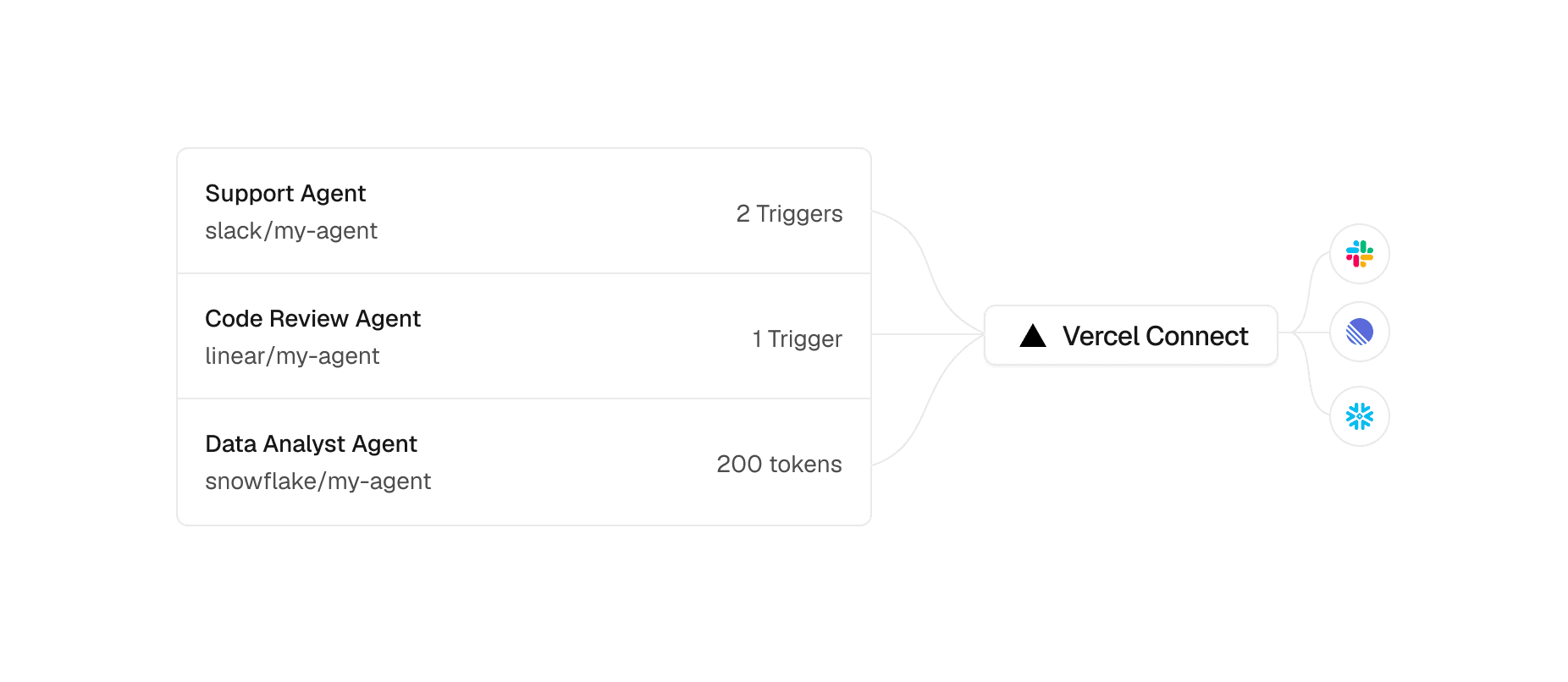
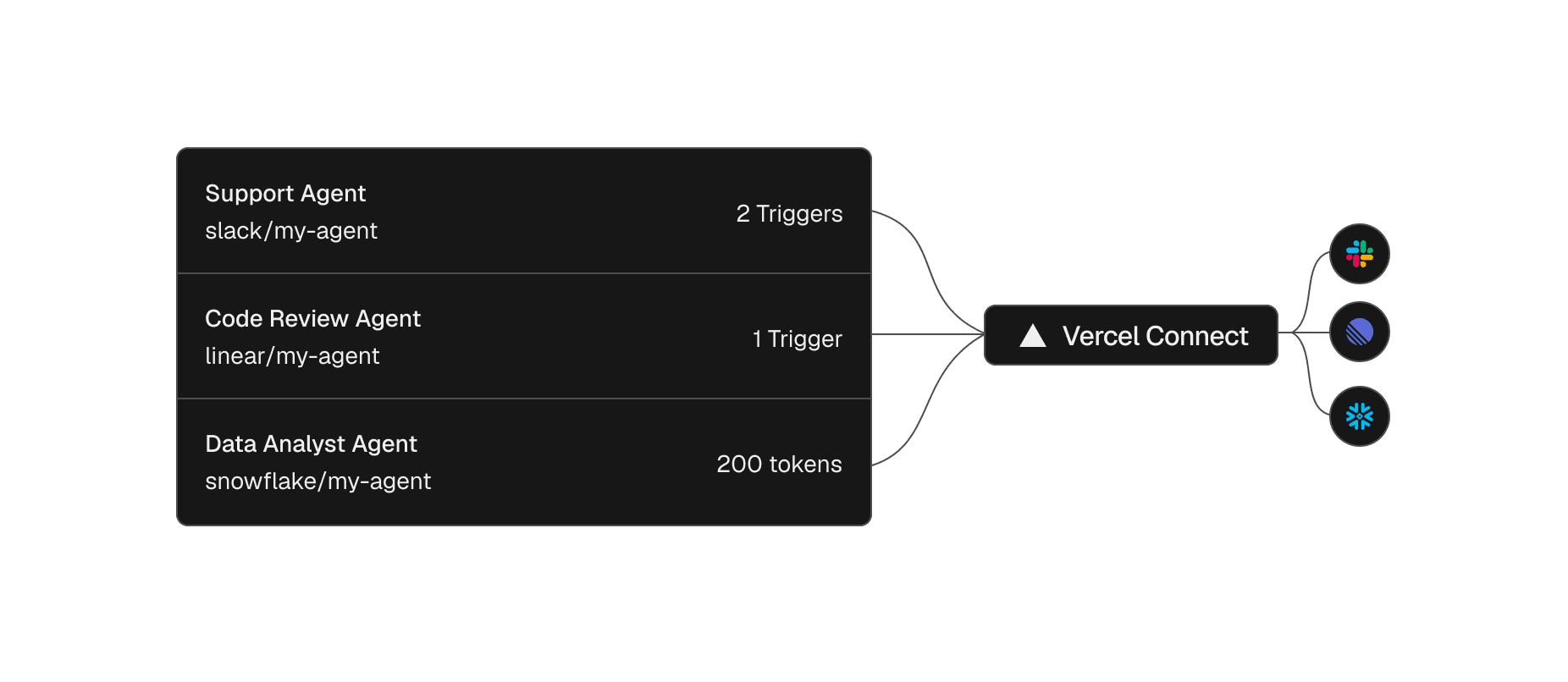
You can create a connector from your dashboard or the Vercel CLI:
vercel connect create slack --name mybot
Create a Slack connector
Your agent can then request a token from it at runtime, only when it needs it. The SDK fetches and refreshes that token automatically, so there is no secret for you to store or rotate by hand:
import { getToken } from '@vercel/connect';
const token = await getToken('slack/mybot', {
subject: { type: 'app' },
});
Request a token at runtime
Copy link to headingScoped tokens
Each token is scoped to the task in front of it, with granularity that depends on the provider. A GitHub token can be limited to a single repository and read-only, instead of your whole organization. An agent gets exactly the access a task needs, never broad standing access to everything.
const token = await getToken('github/mybot', {
subject: { type: 'app' },
authorizationDetails: [{
type: 'github_app_installation',
repositories: ['myorg/repo1'],
permissions: ['contents:read']
}],
});
Scope a token to one repository, read-only
A token can also be tied to a specific user instead of the app. It then acts with that user's identity and inherits their permissions, so the agent can do only what that user is allowed to do:
vercel connect token slack/mybot --subject user
Request a token for a specific user
Copy link to headingIsolation and revocation
A connector only works in the environments you attach it to, so you can run separate connectors for development, preview, and production. This means if a token leaks in development, it cannot be used against production:
vercel connect attach slack/mybot --project my-app --environment production
Attach a connector to a single environment
Because access is issued as tokens, you can revoke it with a single command, either your own or every token a connector has issued across all users and installations:
vercel connect revoke-tokens slack/mybot --all-tokens
Revoke every token a connector has issued
Copy link to headingTriggers
Events can also flow from a provider to your app. With triggers enabled on a connector, Vercel Connect verifies the provider's incoming webhooks and forwards them to the projects you choose, so a new Slack message can reach an agent that acts on it. Triggers support Slack, GitHub, and Linear in Beta, and a connector can forward to up to three projects:
vercel connect attach slack/mybot --triggers
Forward verified Slack webhooks to a project
Copy link to headingConnectors and adapters
Dedicated connectors for Slack, GitHub, Linear, Discord, Notion, Salesforce, Figma, and Snowflake are available from the dashboard, along with generic OAuth and API key connectors, and you can create connectors for other services from the CLI, including MCP servers like mcp.linear.app. Vercel Connect also ships adapters for Better Auth, Auth.js, eve, the AI SDK, and MCP clients, so it works with the auth library and agent tooling you already use.
Copy link to headingGet started
Pricing is based on token requests. Hobby includes 5,000 per month at no additional cost, and Pro and Enterprise are billed at $3 per 10,000.
Vercel Connect is now available in Public Beta. Read the documentation, or have your coding agent set it up by installing the vercel-connect skill with npx skills add vercel/vercel-plugin --skill vercel-connect.
0 Comments
Log in to join the conversation.No comments yet. Be the first to share your thoughts.