

xAI's audio models are now live on AI Gateway. Realtime voice, text to speech, and speech to text are all available through the AI SDK with the same routing, observability, and spend controls as your other models.
These capabilities are available on the AI SDK 7 release.
npm install ai @ai-sdk/react @ai-sdk/gateway
Copy link to headingAvailable models
Copy link to headingRealtime
A voice agent has two pieces: a server route that mints a short-lived token, so your API key never reaches the client, and a browser component that connects with it.
Add the token route: this example sets model to xai/grok-voice-think-fast-1.0:
app/api/realtime/token/route.ts
import { gateway } from '@ai-sdk/gateway';
export async function POST() {
const { token, url } = await gateway.experimental_realtime.getToken({
model: 'xai/grok-voice-think-fast-1.0',
});
return Response.json({ token, url, tools: [] });
}
Then connect from the browser. The useRealtimehook from @ai-sdk/react fetches that route and manages the WebSocket connection, microphone capture, and audio playback:
'use client';
import { experimental_useRealtime as useRealtime } from '@ai-sdk/react';
import { gateway } from '@ai-sdk/gateway';
// Inside a client component:
const { status, connect, startAudioCapture } = useRealtime({
model: gateway.experimental_realtime('xai/grok-voice-think-fast-1.0'),
api: { token: '/api/realtime/token' },
sessionConfig: { turnDetection: { type: 'server-vad' } },
});
// Call connect(), then startAudioCapture(stream) to start talking.
Copy link to headingText to speech
Generate spoken audio from text with generateSpeech. Pass a voice and an output format, then write the result to a file with xai/grok-tts:
import { generateSpeech } from 'ai';
import { writeFile } from 'node:fs/promises';
const result = await generateSpeech({
model: 'xai/grok-tts',
text: 'Thanks for trying out AI Gateway.',
voice: 'eve',
outputFormat: 'mp3',
});
await writeFile('speech.mp3', result.audio.uint8Array);
Copy link to headingSpeech to text
Transcribe recordings into text with transcribe. This example uses xai/grok-stt:
import { transcribe } from 'ai';
import { readFile } from 'node:fs/promises';
const result = await transcribe({
model: 'xai/grok-stt',
audio: await readFile('audio.mp3'),
});
console.log(result.text);
Copy link to headingPlayground
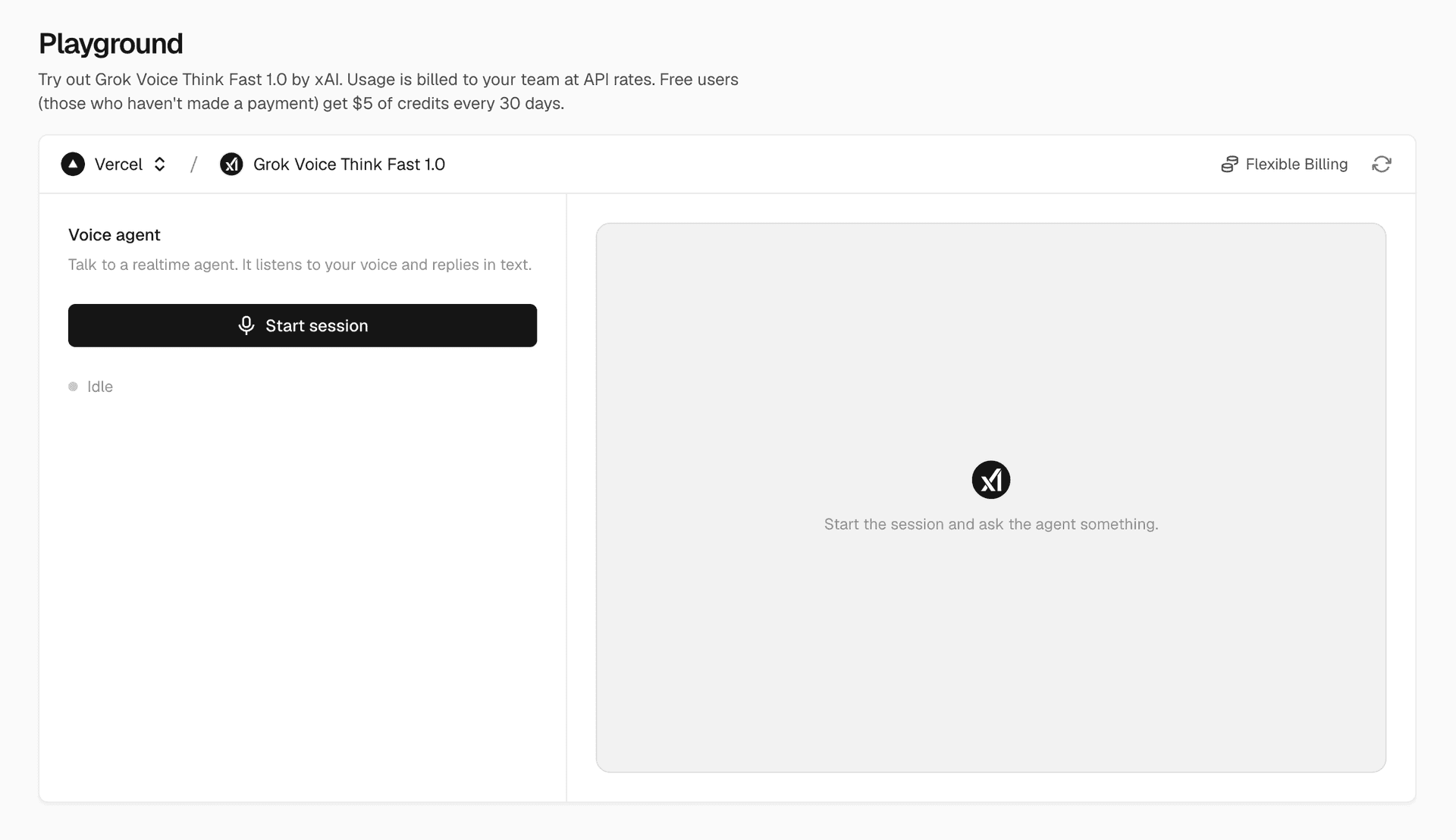
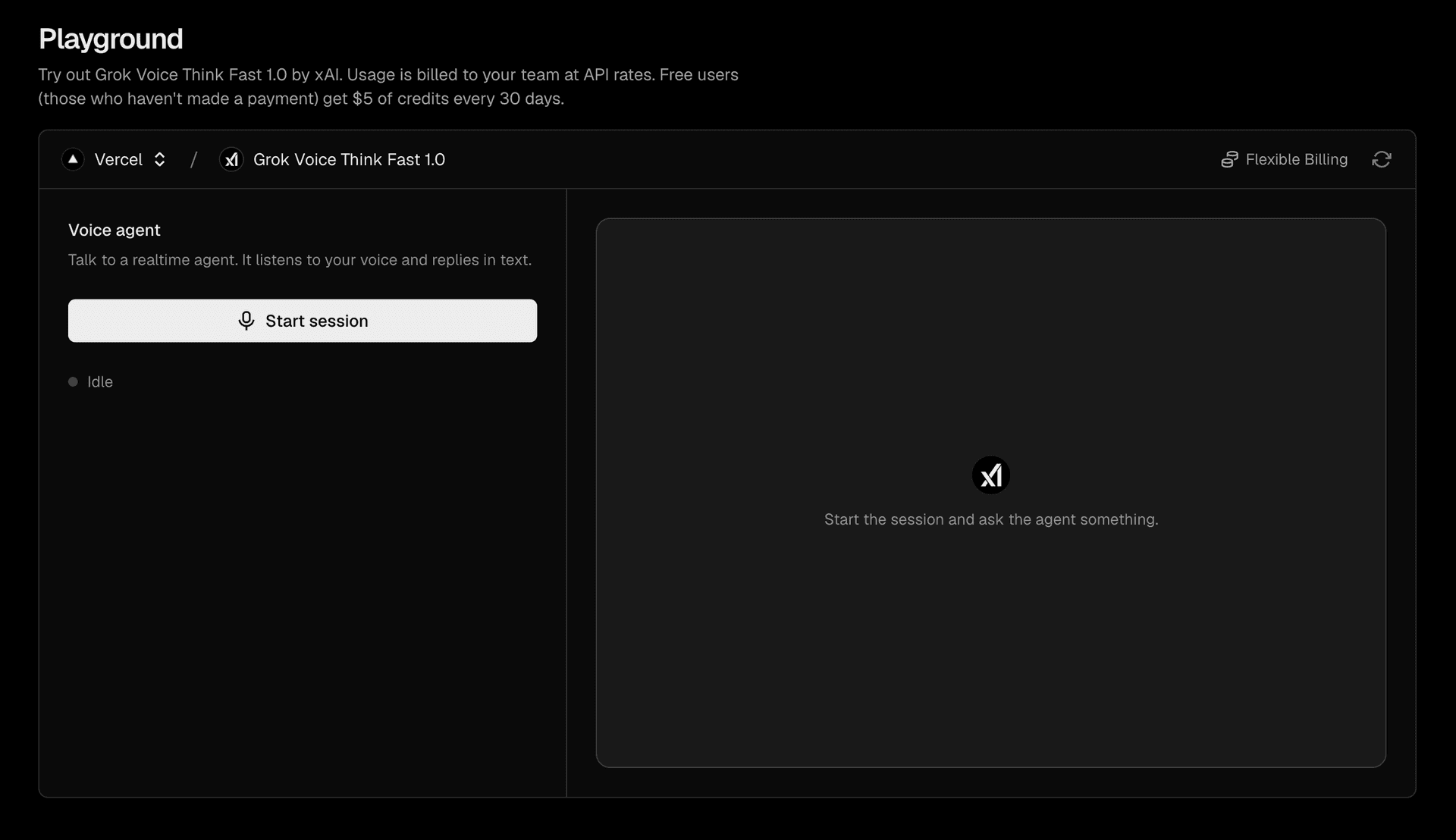
You can also try the xAI audio models directly in the AI Gateway playground. Open the models list and click into any of the models to use them directly in the browser. The xai/grok-voice-think-fast-1.0 playground here allows you to talk to the agent and see responses instantly:
0 Comments
Log in to join the conversation.No comments yet. Be the first to share your thoughts.