
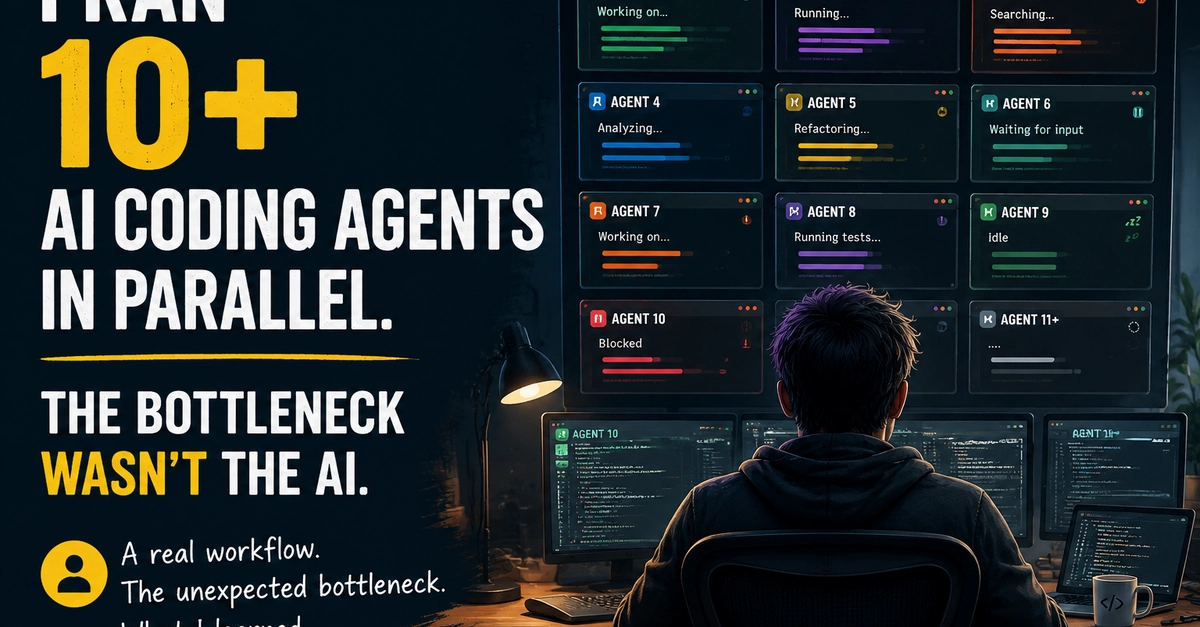


AI coding agents changed the way I work.
When I started using them, the workflow was simple:
Give an agent a task → wait → review the result → continue.
Running one agent was easy enough.
Then I started running multiple agents in parallel.
At first, it felt like a huge productivity boost. Different agents could handle different tasks at the same time:
- 1. one agent implementing a feature
- 2. another fixing bugs
- 3. another exploring a technical approach
- 4. another reviewing code
- 5. another handling repetitive tasks
The limiting factor no longer seemed to be how fast I could write code.
Then something unexpected happened.
The bottleneck became me.
My current setup
My workflow usually involves more than 10 agents running at the same time.
They are not all the same type of agent:
- 1. Claude Code
- 2. Codex
- 3. Kimi
- 4. other task-specific agents
More than half of them are coding assistants, which means they consume a significant amount of CPU and memory.
Running everything on one machine is not practical, so I spread them across multiple machines and manage them remotely through terminal sessions.
On paper, this sounds like a good setup.
In reality, it creates a different problem.
The problem is not running agents. It is knowing what is happening.
When you have many agents running, the first question is no longer:
"Can this agent finish the task?"
The question becomes:
"What is every agent doing right now?"
I started noticing that I was spending more and more time checking sessions instead of making decisions.
Questions like:
- 1. Is this agent still working?
- 2. Did it finish already?
- 3. Is it waiting for my input?
- 4. Did it get stuck?
- 5. Is this session still relevant?
The agents were running, but my visibility was getting worse.
Context switching becomes the real cost
The biggest mental overhead comes from switching between sessions.
Every time I open another terminal tab, I need to reconstruct the context:
- 1. What was this agent working on?
- 2. Why did I start this task?
- 3. What decisions were already made?
- 4. What should happen next?
This is manageable with one or two agents.
With ten or more, it becomes exhausting.
The problem is not that the agents are not capable.
The problem is that humans are still limited by attention.
Multiple machines make it harder
Because coding agents are resource-heavy, many people cannot simply open 10 agents on one laptop.
My workflow requires multiple machines.
Remote terminal tools work well for connecting to those machines, but they mostly show the terminal itself.
They don't tell me:
- 1. which sessions are active
- 2. which ones are waiting
- 3. which ones finished
- 4. which ones need attention
So the only way to know is manually checking each tab.
Ten agents means ten context switches.
tmux solves a different problem
I have tried tmux and other terminal multiplexers.
They are excellent tools.
They solve an important problem:
How do I keep my sessions alive and organized?
But managing multiple AI agents introduces another problem:
How do I manage my attention across many autonomous processes?
Keeping everything visible is not always better.
A screen full of active sessions can become another source of distraction.
More information does not always mean more clarity.
I think we are entering a new workflow problem
For years, developers optimized their workflow around:
- 1. editors
- 2. terminals
- 3. build systems
- 4. CI pipelines
- 5. version control
AI agents introduce another layer:
Multiple autonomous workers running simultaneously.
The challenge starts to look less like traditional programming and more like supervising a small team.
Not because agents need constant supervision, but because humans need a way to understand their current state.
Curious how others are handling this
For people running multiple AI coding agents:
- 1. How many agents do you usually run at the same time?
- 2. Are you mainly using CLI tools, IDE extensions, or web interfaces?
- 3. How do you keep track of which agent needs your attention?
- 4. What breaks first for you: context switching, approvals, or simply mental overhead?
I’m interested in hearing how others are adapting their workflows.
0 Comments
Log in to join the conversation.No comments yet. Be the first to share your thoughts.