
pointer-events
The pointer-events property controls whether an element can become the target of pointer events like clicks, hover states, and other pointer-based events. In
@css-tricks
Publisher
18
Posts
The pointer-events property controls whether an element can become the target of pointer events like clicks, hover states, and other pointer-based events. In
Similar to last time, What’s !important #15 is pretty stacked — read all about boundary-aware CSS, making grid lanes accessible, creating time-based web designs, fixing full-bleed CSS, improving customizable select, new web platform features, and more.

We recently got the shape() function and corner-shape property. What else could we possibly need as far as making shapes in CSS? Let me tell you: the border-shape property!

I know you’re busy, so for What’s !important #14, I’ll be sprinting through what’s been a stacked couple of weeks despite few browser updates. From CSS Quake to CSS Gap Decorations, this isn’t one to miss!
CSS has always had pseudo-classes that style things based on user interactions. Recent features, however, are blurring the line between what CSS "listens" for and how they are alternatives to what Javascript typically listens for.

The translateZ() function moves an element closer to or farther from the user.
The translateY() function shifts an element vertically by the specified amount.
The translateX() function shifts an element horizontally by the specified amount.
The CSS translate() function shifts an element from its default position on a 2-dimensional plane
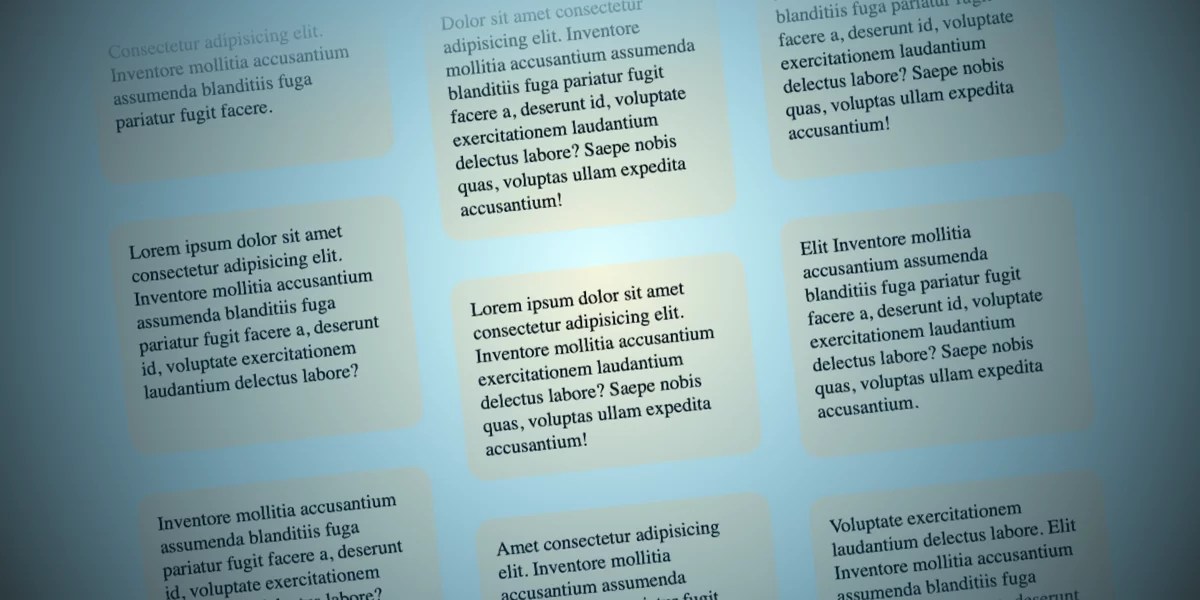
Sometimes designers have silly ideas that eventually grow on you. That happened to me with this concept where I had to build columns of items moving in
Let's poke at the differences between scroll-driven and scroll-triggered animations.
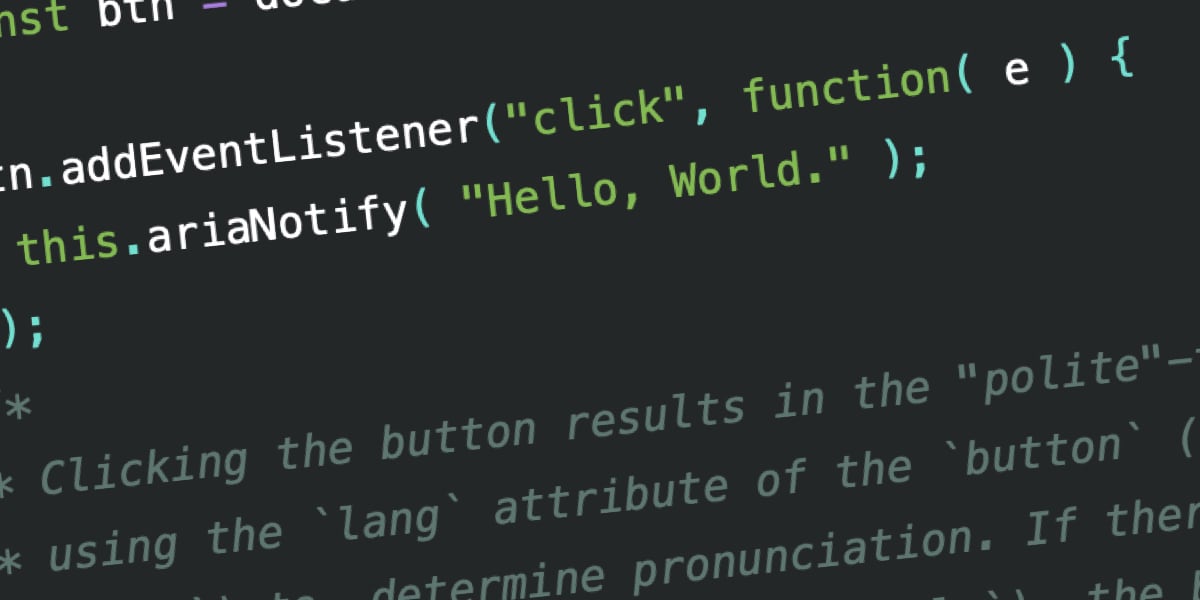
There's a brand new ariaNotify() method — defined by the WAI-ARIA 1.3 Specification — that provides a means of programmatically triggering narration in a screen reader.
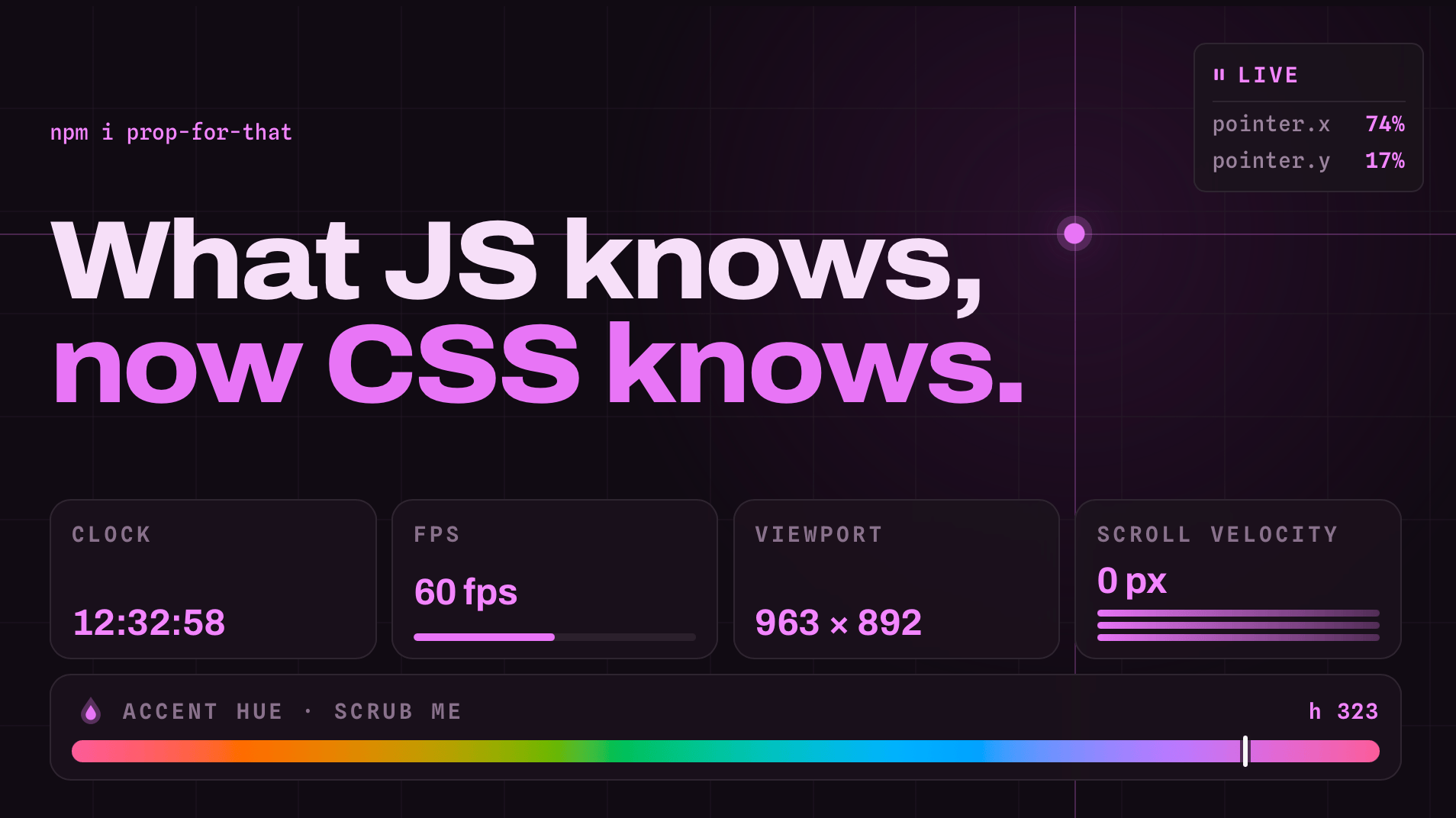
Props for That creates live props based things CSS can't normally see in the browser. Things like cursor position, progress values, certain form states, current time, scroll velocity.
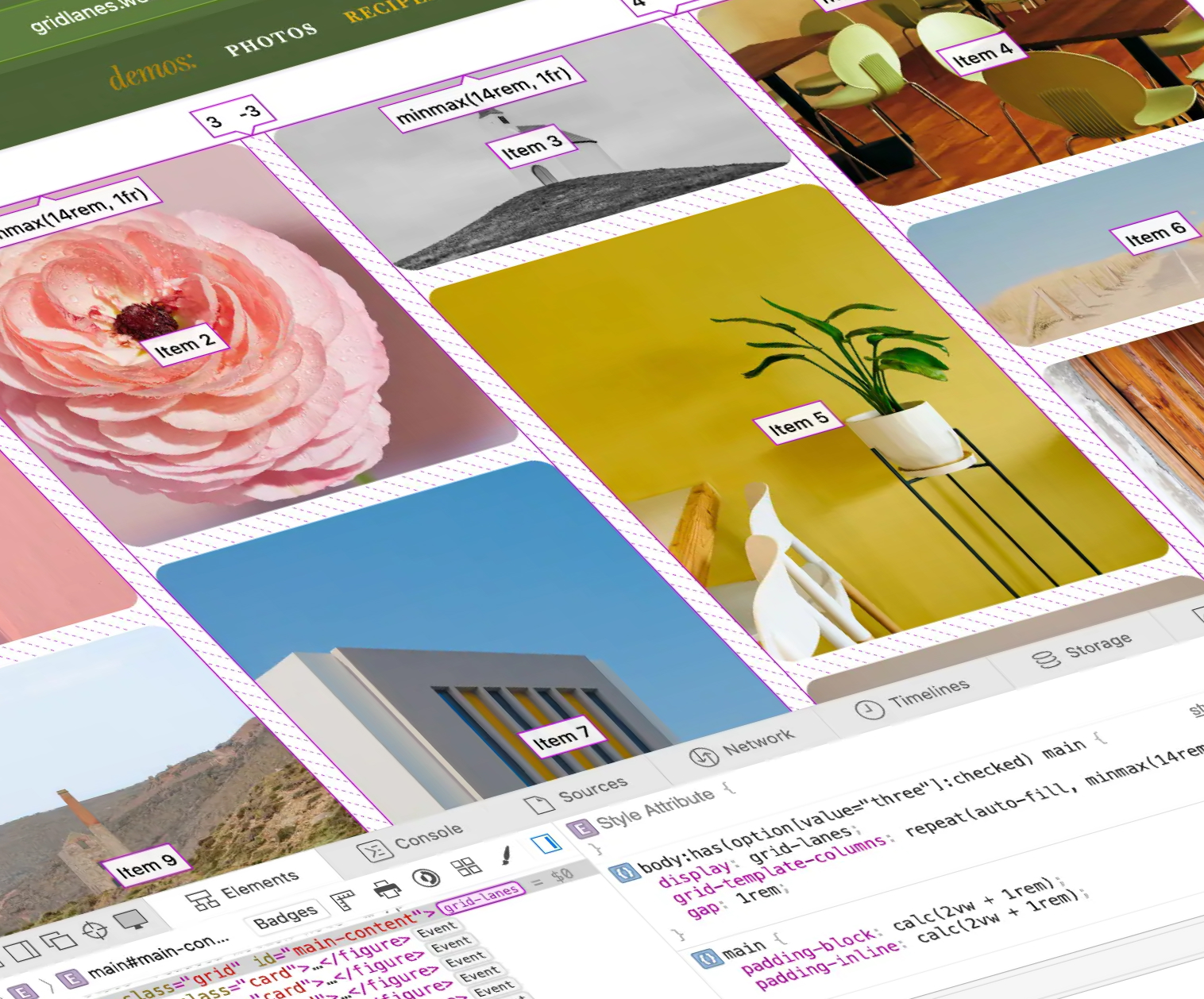
CSS functions, the alpha() function, Grid Lanes, some things about Dialog that you might not know, CSS Wordle, and more — this is What’s !important right now.
Why isn't my 3D view transition working?! Sunkanmi tackles this frustration and offers an elegant fix for it.
One of those nuances to keep in your back pocket when writing for screen readers.

There are many ways to create memorable experiences. Sometimes it's as simple as a form that completes smoothly. But here I'm interested in sharing techniques I reach for when I want a site to feel alive and be remembered.
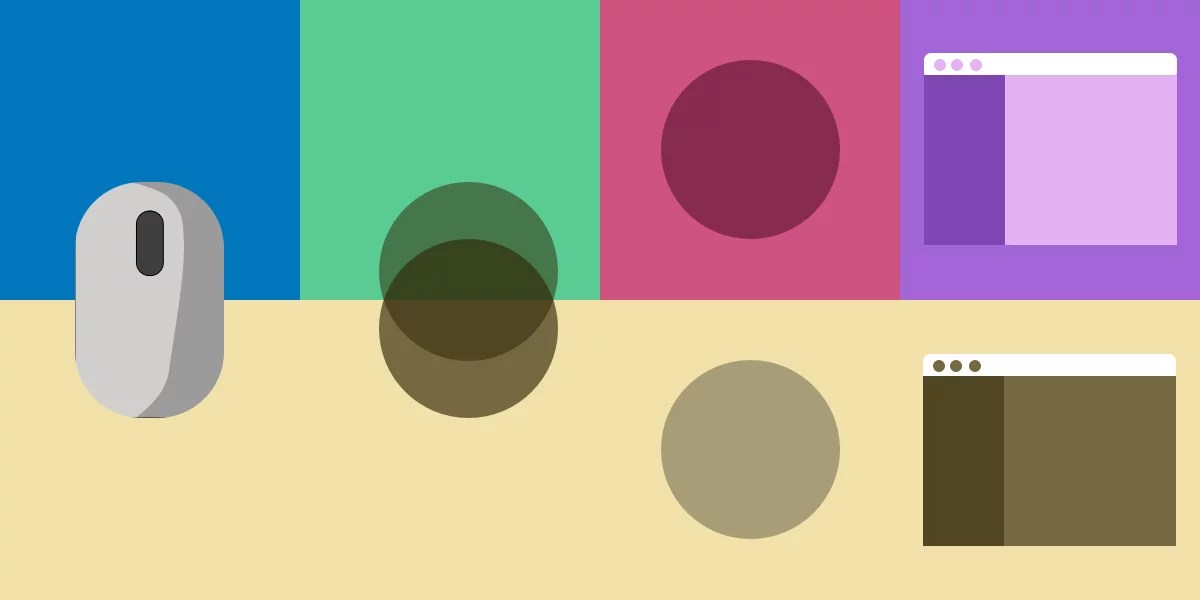
I've said one and mean another, and I've used one when I needed another. Comparing scroll-driven animations, scroll-triggered animations, container query scroll states, and view transitions for my future self.