
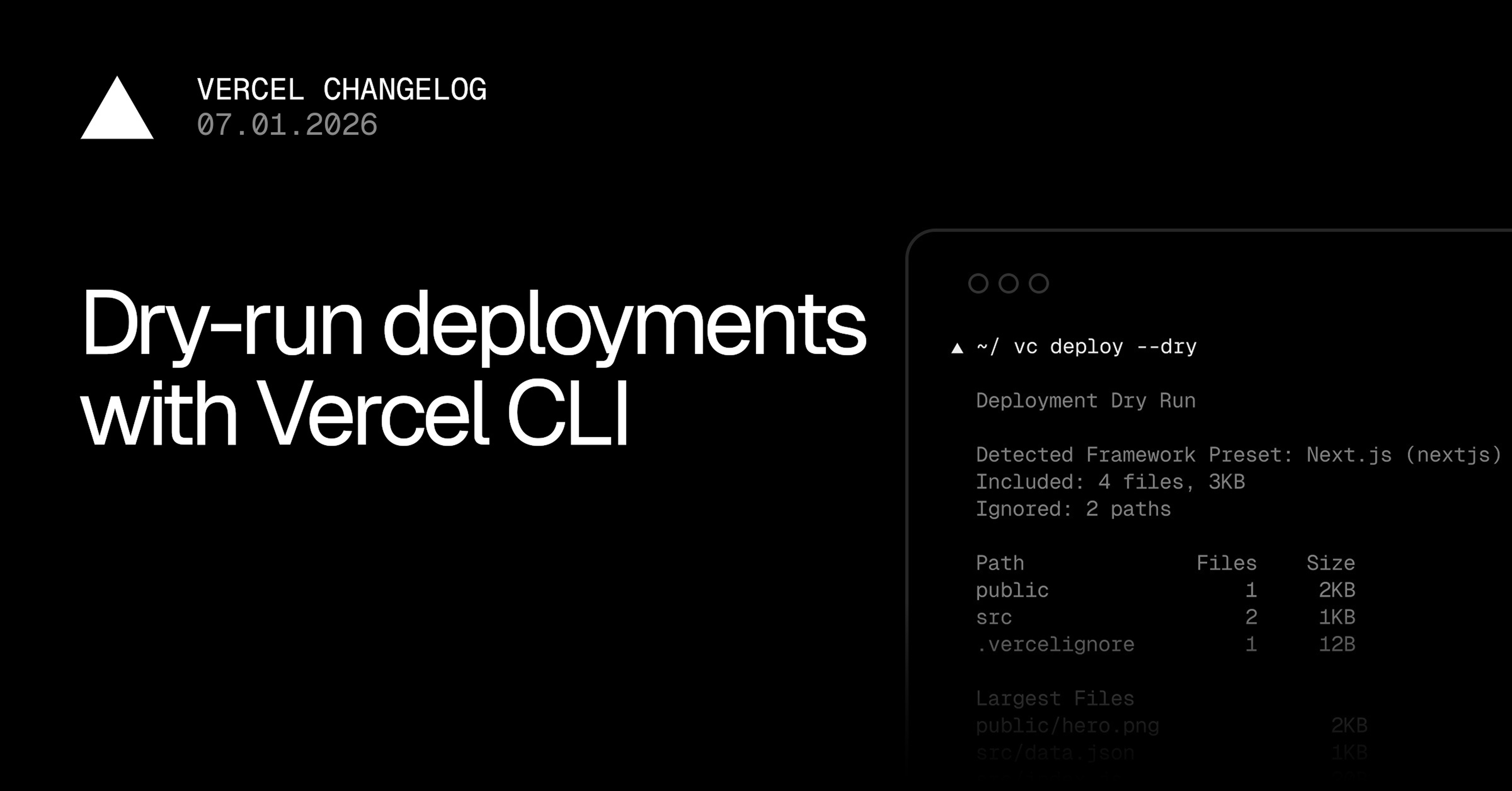
You can now preview the framework preset and files that Vercel CLI includes in a deployment before creating one.
Run vercel deploy --dry from a linked project:
▲ vercel deploy --dry
Deployment Dry Run
Detected Framework Preset: Next.js (nextjs)
Included: 4 files, 3KB
Ignored: 2 paths
Path Files Size
public 1 2KB
src 2 1KB
.vercelignore 1 12B
Largest Files
public/hero.png 2KB
src/data.json 1KB
src/index.js 20B
.vercelignore 12B
Output includes framework detection, file counts, sizes, and largest files.
For automation or further inspection, return the complete file manifest as JSON:
vercel deploy --dry --format=json
JSON output includes the detected framework, included and ignored paths, directory size distribution, largest files, file modes, and content hashes. Piped and other non-TTY output automatically uses JSON.
Agents can use this manifest as a pre-deployment check, verifying framework detection, identifying unexpected or missing files, flagging oversized assets or unusual file modes, and updating .vercelignore or project configuration. Agents can rerun the check until the manifest matches the intended deployment, without uploading code or creating a deployment.
Update the Vercel CLI to v54.17.2 or later to get started. Learn more in the vercel deploy documentation.
0 Comments
Log in to join the conversation.No comments yet. Be the first to share your thoughts.