
It started with a billing alert.

Estimated charges had crossed $250. Not scary money, but enough to make me look. And what actually caught my attention wasn't the number, it was the alert itself. I'd clearly set this up at some point, and the threshold felt stale.
So I went looking for where the alert lived.
It came from a BillingAlerts CloudFormation stack I created back in 2014 and completely forgot about. So a thing I forgot about was warning me about all the other things I'd forgotten about.
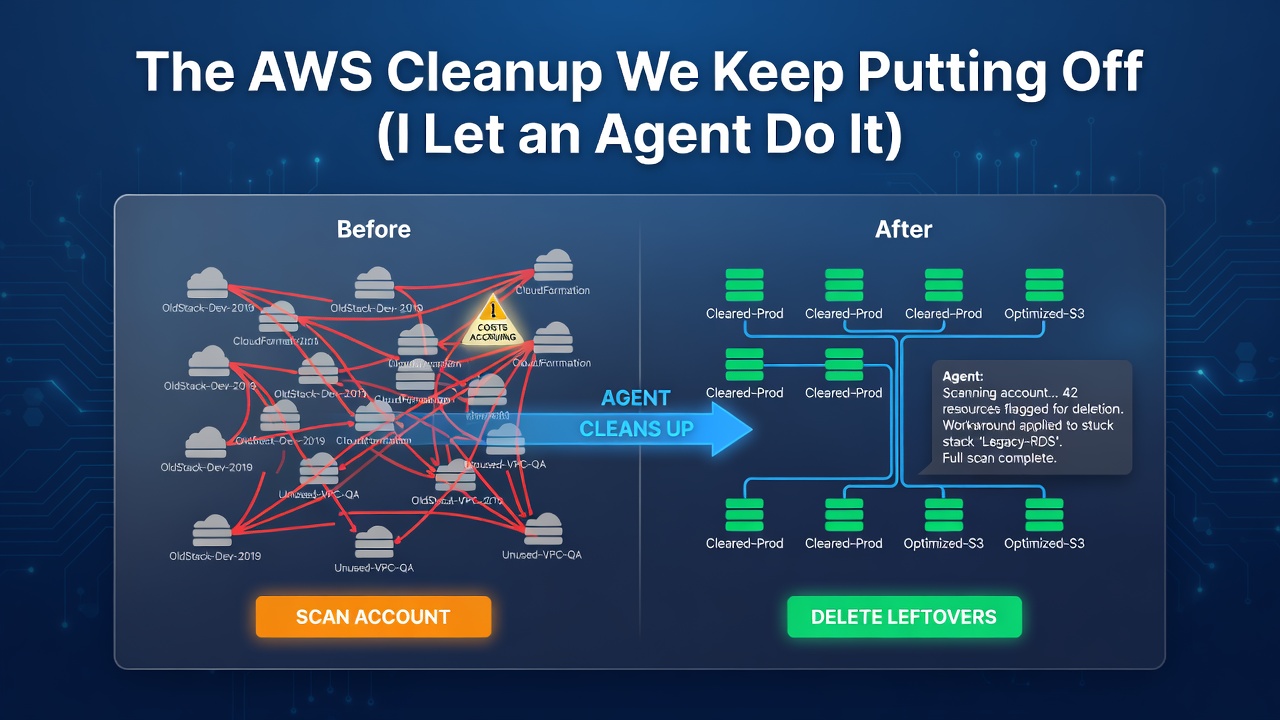
I opened my stack list and that's when I saw it wasn't alone. It was sitting in a lineup of stacks, and I didn't recognise half of them. Years of leftovers, just sitting there.
The stuff you forget about doesn't break anything. It doesn't page you at 2am. It just sits there, quietly billing, until you glance at the invoice and can't remember what half of it is for. Forgotten, still-running resources are one of the biggest sources of wasted cloud spend, by some estimates around a quarter of the average cloud budget.
I came to update one alert and I found a mess.
To be clear, these stacks weren't really costing me much. Stopped instances, a few half-deleted leftovers. If they'd been the $252, the alert would've tripped every month. But that's the point. You can't tell what's actually costing you until the clutter is gone.
So the alert could wait. I wanted these stale stacks gone first.
Normally this is a chore. Open the console, find each stack, click delete, wait, refresh, check if it worked, OR write out CLI commands. It's not hard, just tedious. The kind of task I keep putting off.
And that's exactly how this started. ClickOps through the console. I'd just finished deleting an old Directory Service directory over in the Mumbai region by hand, clicking through the screens and waiting out the spinner, when it hit me. Barely ten minutes of manual clicking, and I still had a pile of stacks to go. I didn't have to do any of this myself.
Why was I still clicking?
I opened Kiro, which has the Agent Toolkit for AWS, and just described what I wanted. I talked about how I set it up earlier in my blog I Switched to the Agent Toolkit for AWS. Here's Why.
No console. No CLI. I had a chat with the agent and let it take care of the rest. Like a good assistant!
If you have AWS CLI installed, just run:
aws configure agent-toolkit
Enter fullscreen mode Exit fullscreen mode
First, show me what's there
I started by asking the agent to list my CloudFormation stacks in my region.

It came back with 12 stacks. Some I recognised, while some were ancient, a billing-alerts stack from 2014, a few patching and compliance stacks from 2021, the CDK bootstrap toolkit. And then the ones I actually wanted gone.
I picked and told the agent to delete four of these stacks.
It asked before it deleted
This matters, so I want to call it out first.

The agent didn't just start deleting things the moment I asked. Before it ran anything, it listed the four stacks back to me, told me plainly that this would remove all their resources and couldn't be easily undone, and asked me to confirm.
Deleting infrastructure is not reversible.
I said go and then it acted.

I got the speed of "just handle it" without giving up the checkpoint on a destructive action.
It checked the result as code, no refreshing the console every second
Once the delete requests were in, the agent wrote a script and ran it in the toolkit's sandbox to check the status of all four at once.

It checked all four in parallel, handled the case where a stack might already be gone, and gave me back a clean status map. All of it ran in a remote sandbox with boto3. My machine never executed any of it.
Three deleted cleanly but one refused.

The fourth stack, aws-sam-cli-managed-default, came back DELETE_FAILED.
So, the agent pulled the stack events to find out why. The failure pointed at one resource, the S3 bucket SAM uses for deployment artifacts (SamCliSourceBucket). The message was specific:
The bucket you tried to delete is not empty. You must delete all versions in the bucket.
This bucket had versioning enabled. So "empty the bucket" isn't enough. Every object version and every delete marker has to go, or CloudFormation still can't remove the bucket. That's why a quick "empty" in the console sometimes doesn't fix it.
The agent explained the cause, then offered to empty the bucket properly and retry. I said yes.
That whole detour, remembering the versioned-bucket gotcha, hunting down the bucket name, realising delete markers count too, emptying it manually, then coming back to retry, is the part I'd normally slog through myself. The agent connected the failed delete to the full bucket and just handled it.

All four gone.
Why this felt different
Let me be clear about what actually changed here, because "I used AI to delete some stacks" is not the point.
The point is the whole loop stayed in one place. I described the goal in plain language. The agent listed the real state of my account, confirmed the destructive step, ran the code to do it, and then debugged and fixed the one thing that broke without me digging through docs.
A few things made that possible:
It ran real code, safely. The toolkit gives the agent a sandboxed Python runtime with boto3. It can check state, filter, and act in a few lines, without running anything on my laptop.
It confirmed the risky part. Deletes are one-way. The agent treated them that way and checked with me first.
It handled the failure end to end. The console wouldn't have left me stuck here. On a DELETE_FAILED, it pops up and lets me retry, either retaining the bucket (orphaning it in my account) or bouncing over to the S3 console to empty it myself. Both are context switches, and "retain" just leaves the bucket behind. The agent skipped all that. It read the stack events, found the versioned bucket, emptied it properly (versions and delete markers), and retried, without me leaving the chat or orphaning anything.
Everything is auditable. Because this all goes through the managed AWS MCP Server, every call lands in CloudTrail. More on that next.
I could see every call in CloudTrail
This is the part that turns "I let an agent delete my infrastructure" from scary into fine.
Every action the agent took went through the managed AWS MCP Server, and every one of those calls shows up in CloudTrail. I went and looked. All four DeleteStack events are right there under my identity, and they carry a clear fingerprint:
eventName:        DeleteStack
userIdentity:     gaonkarr
sourceIPAddress:  aws-mcp.amazonaws.com
userAgent:        aws-mcp.amazonaws.com
Enter fullscreen mode Exit fullscreen mode
That aws-mcp.amazonaws.com value is how you tell agent actions apart from your own. Earlier the same day I'd deleted some stacks by hand in the console, and those events look completely different: a real browser user agent and my actual IP address. So the audit trail shows who really did what, my clicks versus the agent acting on my behalf.
Here are the five DeleteStack events from this cleanup, straight out of CloudTrail:
| Time (UTC) | Stack | Identity | Source IP | User Agent |
|---|---|---|---|---|
| 14:23:18 | CdkPipelineStack | gaonkarr | aws-mcp.amazonaws.com | aws-mcp.amazonaws.com |
| 14:23:18 | buildon-sam-app | gaonkarr | aws-mcp.amazonaws.com | aws-mcp.amazonaws.com |
| 14:23:18 | aws-sam-cli-managed-default (1st attempt) | gaonkarr | aws-mcp.amazonaws.com | aws-mcp.amazonaws.com |
| 14:23:19 | sam-app | gaonkarr | aws-mcp.amazonaws.com | aws-mcp.amazonaws.com |
| 14:24:19 | aws-sam-cli-managed-default (retry) | gaonkarr | aws-mcp.amazonaws.com | aws-mcp.amazonaws.com |
The retry is right there in the trail. The aws-sam-cli-managed-default delete shows up twice: once when it failed, and again about a minute later when the agent retried after emptying the bucket. The whole failed-then-fixed sequence is preserved.
One honest caveat worth knowing: the DeleteStack calls are management events, which CloudTrail logs by default. But the S3 DeleteObjects calls that actually emptied the bucket are data events, and those are not logged unless you've turned on data event logging for that bucket. So I could see the stack deletions clearly, but not the individual object deletions. If you want object-level actions in your trail, you have to enable S3 data events first.
What's next for me
Deleting four stacks felt good. So I got curious and asked the agent:
can you scan through my AWS account and identify any leftover resources?

It scanned common services in my account. First the default region, then it expanded to the others. 4 more pages of listing. 🫣
It found a significant number of leftover resources from workshops, demos, and old projects, and gave me a Cost Impact Summary.
3 stopped EC2 instances, oldest one from 2021.
14 unattached EBS volumes, some created back in 2014, still quietly billing for storage attached to nothing.
5 Elastic IPs sitting unassociated, roughly $18 a month for addresses doing no work.
122 S3 buckets, a load balancer I forgot about, 16 Lambda functions all on runtimes that hit end of life years ago.
None of it broke anything. That's exactly why it survived this long.

Finding all of that is usually the hardest part. Clicking through every service, in every region, one console at a time, is the reason I never do this. It's hours of tedious work before you've deleted a single thing. This time I asked once, and the agent handed me the whole list.
The task that always felt too big to start is now the easy part.
So I'm going to clean it up with help of my new assistant.
If your account is anything like mine, it should probably be yours too.
Tell me what you find in there. I'd bet I am not the only one who forgot about it.
0 Comments
Log in to join the conversation.No comments yet. Be the first to share your thoughts.