

Project Background
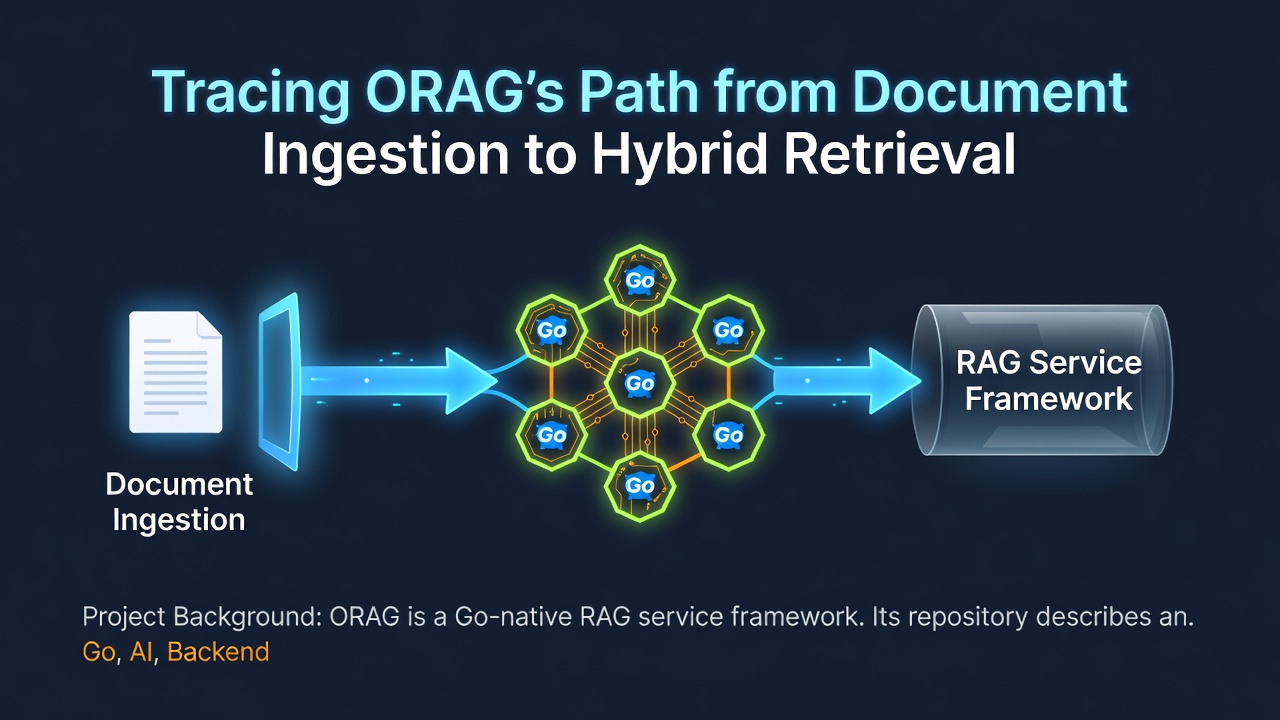
ORAG is a Go-native RAG service framework. Its repository describes an end-to-end workflow covering knowledge-base ingestion, hybrid retrieval, answer generation, evaluation, and optimization. The HTTP API is implemented with Hertz, while PostgreSQL and Qdrant are the default storage and retrieval dependencies.
This article focuses on one Feature: the API service used as the entry point for ingestion and retrieval workflows.
Developer Problem
Developers evaluating a RAG project need to answer two practical questions before integrating it: what ingestion and retrieval capabilities are present, and where does the API process begin?
ORAG's README documents JSON text import, multipart file upload, persisted ingestion jobs, and hybrid retrieval that combines dense and sparse retrieval with fusion and reranking. The process entry point is visible in cmd/orag-api/main.go.
Feature Value
The repository presents ingestion and retrieval as connected parts of one service rather than unrelated utilities. The documented ingestion routes include /documents:import, /documents, and /ingestion-jobs/{id}. Hybrid retrieval uses Qdrant for dense retrieval and PostgreSQL full-text search for sparse retrieval, followed by fusion and reranking.
For an API consumer, this provides a concrete starting map: import content, observe the ingestion job, and then use the retrieval pipeline through the service's HTTP contract.
Technical Implementation
The executable entry point in cmd/orag-api/main.go keeps startup responsibilities explicit:
- Load configuration with
config.Load(). - Create the structured logger.
- Build the application through
core.New. - Register application cleanup.
- Log the redacted startup configuration.
- Construct the HTTP server and call Hertz
Spin().
The README supplies the wider ingestion and retrieval architecture. The entry-point file establishes how the API process starts; it does not by itself prove throughput, latency, or successful operation in a particular environment.
Getting Started
The repository's documented local walkthrough requires Docker Desktop and docker compose. From the repository root, the documented command is:
make demo
Enter fullscreen mode Exit fullscreen mode
According to the README, this path enables deterministic mocks and starts PostgreSQL, Qdrant, migrations, the API, and the Console before exercising ingestion, a cited query, trace lookup, and evaluation.
This command was not executed while preparing this article. Treat it as the repository's documented starting point, not as a guarantee that a particular machine is already configured correctly. The README also documents make demo-down for stopping the walkthrough.
Limitations
- The default
qdrant_postgresbackend requires PostgreSQL and Qdrant. - The documented demo uses deterministic mocks and is intended for local exploration and regression checks, not as a production credential template.
- This article does not validate runtime behavior, API responses, throughput, or retrieval quality.
GitHub Project
If this project is useful to you, consider starring the repository on GitHub.
Contributing
Before opening a Pull Request, read the verified contribution guide. A useful contribution would include reproducible setup details, the relevant command or API path, expected behavior, and observed behavior.
Get Involved
- Explore the implementation in the project repository.
- Report reproducible problems through the Issue tracker.
- No verified GitHub Discussions entry was found in the scanned repository evidence.
- Review the contribution guide before preparing a Pull Request.
Evidence and Verification
- Commit SHA:
534af21861be408fd4947ebae8e3e4db77e0a7e2 - Feature evidence paths:
cmd/orag-api/main.goREADME.md
- Verification status: Not runtime verified: this article is based on static repository evidence.
0 Comments
Log in to join the conversation.No comments yet. Be the first to share your thoughts.