
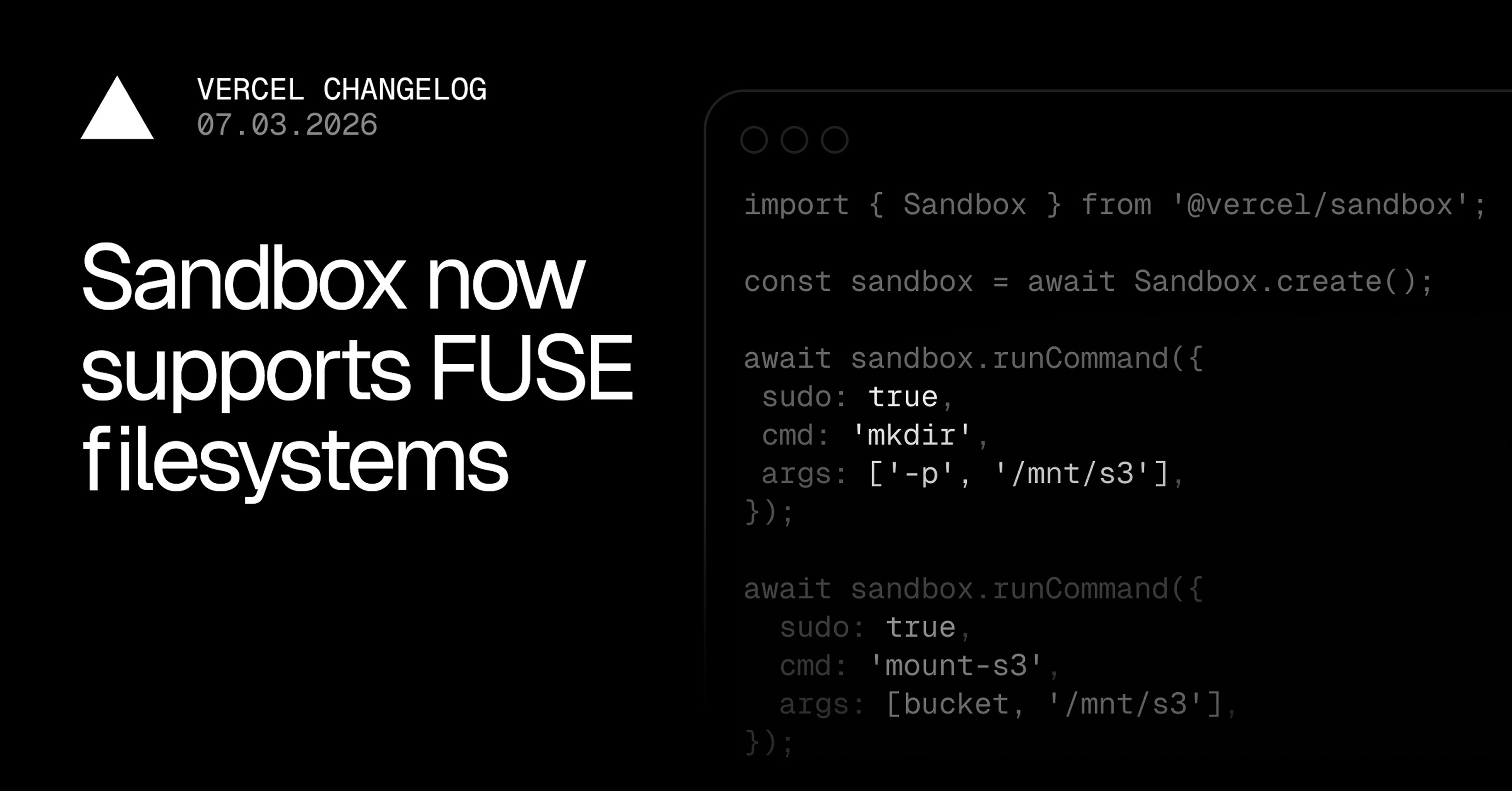
Vercel Sandbox now supports FUSE, letting you mount remote storage and custom filesystems inside a running Sandbox. Use it to attach S3 buckets, network filesystems, or any other FUSE-compatible driver as a regular path.
import { Sandbox } from '@vercel/sandbox';
const sandbox = await Sandbox.create();
// Install Mountpoint for Amazon S3 (official release) and its FUSE dependency.
await sandbox.runCommand({
sudo: true,
cmd: 'dnf',
args: [
'install',
'-y',
'fuse',
'https://s3.amazonaws.com/mountpoint-s3-release/latest/x86_64/mount-s3.rpm',
],
});
const MOUNT_DIR = '/mnt/s3'
await sandbox.runCommand({
sudo: true, cmd: 'mkdir', args: ['-p', MOUNT_DIR]
});
// Pass aws credentials only to the mount-s3 command.
// Note: this does expose the credentials permanently in the sandbox!
// Use a restricted role only
await sandbox.runCommand({
sudo: true,
cmd: 'mount-s3',
args: [
process.env.S3_BUCKET_NAME,
MOUNT_DIR,
'--allow-other',
],
env: {
AWS_ACCESS_KEY_ID: process.env.AWS_ACCESS_KEY_ID,
AWS_SECRET_ACCESS_KEY: process.env.AWS_SECRET_ACCESS_KEY,
AWS_SESSION_TOKEN: process.env.AWS_SESSION_TOKEN,
AWS_REGION: process.env.AWS_REGION
},
});
// List the files in your bucket
await sandbox.runCommand({
cmd: 'ls',
args: ['-la', MOUNT_DIR],
stdout: process.stdout,
});
await sandbox.stop();
Run s3fs inside of a Vercel Sandbox
This makes it possible to stream large datasets directly from object storage, share state across Sandboxes through a common filesystem, or run tools that expect POSIX paths against remote sources without copying data into the Sandbox first.
Learn more about remote storage mounts in the documentation.
0 Comments
Log in to join the conversation.No comments yet. Be the first to share your thoughts.