
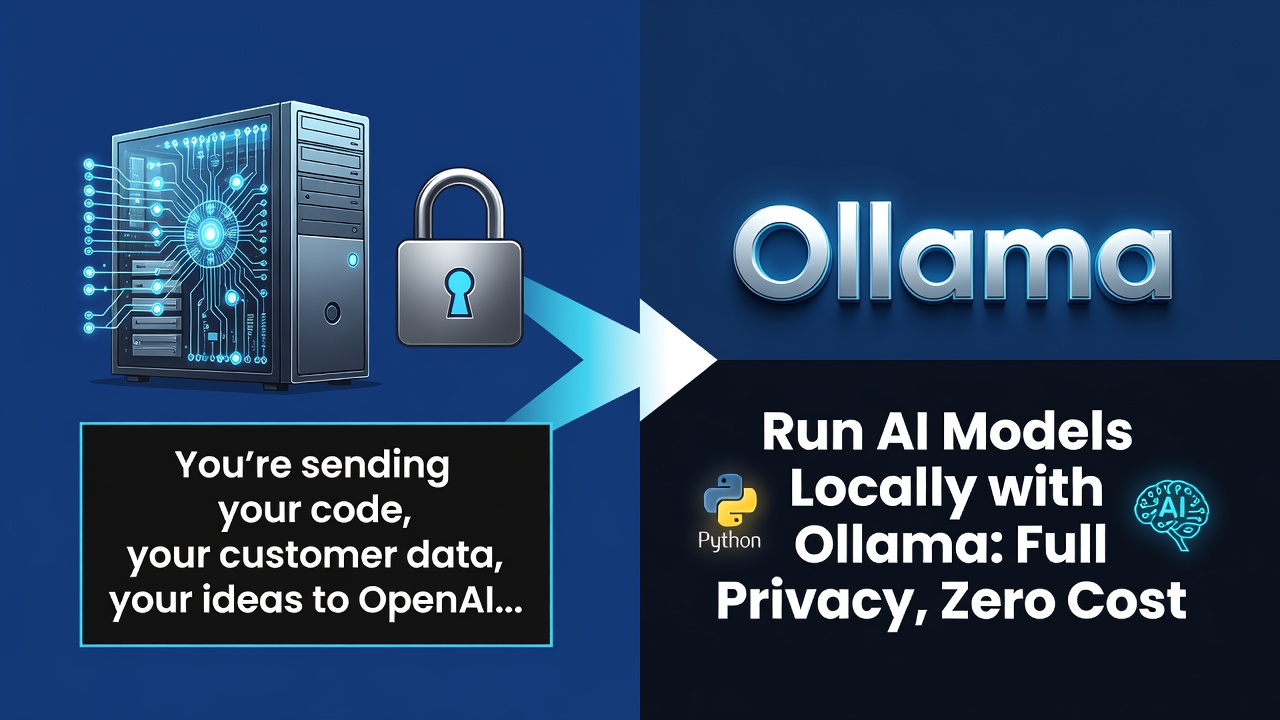
為什麼要在本地執行 AI?
您正在將程式碼、客戶資料、想法傳送到 OpenAI 伺服器。
每一次查詢。
Ollama 徹底改變了這一切。在您自己的硬體上執行強大的 LLM。
什麼是 Ollama?
Ollama 是一個開源工具,用於在本地執行 LLM。免費、私密、快速。
2 分鐘即可安裝。執行 Llama 3、Mistral、Gemma 等模型。
安裝
# macOS / Linux
curl -fsSL https://ollama.ai/install.sh | sh

# Windows: Download from ollama.ai

# Pull a model (Llama 3 - 8B)
ollama pull llama3

# Run it
ollama run llama3
Enter fullscreen mode Exit fullscreen mode
在 Python 中使用 Ollama
from langchain_ollama import OllamaLLM

llm = OllamaLLM(model="llama3")
response = llm.invoke("What is agentic AI?")
print(response)
Enter fullscreen mode Exit fullscreen mode
建立本地代理
from langchain_ollama import OllamaLLM
from langchain.agents import initialize_agent, Tool
from langchain.tools import DuckDuckGoSearchRun

llm = OllamaLLM(model="llama3")
search = DuckDuckGoSearchRun()

tools = [
    Tool(
        name="Search",
        func=search.run,
        description="Search the internet for information"
    )
]

agent = initialize_agent(
    tools=tools,
    llm=llm,
    verbose=True
)

result = agent.run("What are the latest AI agent frameworks?")
Enter fullscreen mode Exit fullscreen mode
模型比較
| Model | Size | Use Case |
|---|---|---|
| Llama 3 8B | 4.7GB | General purpose |
| Mistral 7B | 4.1GB | Fast reasoning |
| CodeLlama 7B | 3.8GB | Code generation |
| Phi-3 Mini | 2.2GB | Lightweight tasks |
| Gemma 2 9B | 5.5GB | Complex reasoning |
隱私優勢
✅ 資料永遠不會離開您的機器
✅ 無 API 成本
✅ 可離線運作
✅ 預設符合 GDPR/HIPAA 規範
✅ 無速率限制
✅ 完整的模型控制
效能提示
# Check available models
ollama list

# Use faster models for simple tasks
ollama run phi3:mini "Quick summary: ..."

# Use powerful models for reasoning
ollama run llama3:70b "Complex analysis: ..."
Enter fullscreen mode Exit fullscreen mode
實際應用案例
醫療保健 AI:在本地處理患者資料 = 符合 HIPAA 規範
法律 AI:客戶文件永遠不會離開事務所
金融業:交易策略保持機密
企業:內部知識庫擁有完整隱私
開發:程式碼審查而不洩漏專有程式碼
投資報酬率計算
OpenAI GPT-4:每 1K 輸出 token $0.03 美元
Ollama Llama 3:$0(僅耗電成本)
每天 1M tokens:每天 $30 美元 vs 每天約 $1 美元電費
每年節省:$10,585 美元
立即開始使用
- 安裝 Ollama
- 拉取
llama3模型 - 使用簡單查詢進行測試
- 與您的 Python 程式碼整合
- 取代 80% 的雲端 API 呼叫
您有試過 Ollama 嗎?您正在使用哪些模型?
0 Comments
Log in to join the conversation.No comments yet. Be the first to share your thoughts.