
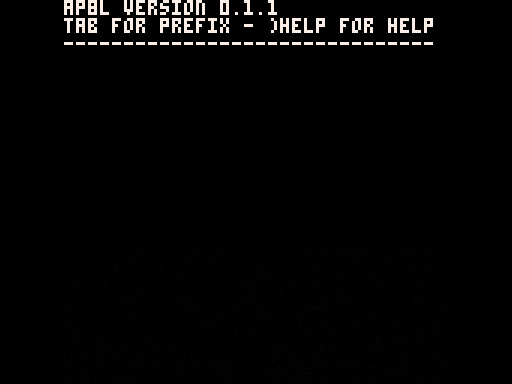

AP8L is an APL-inspired programming language embdedded inside PICO-8. It's not exactly compatible with APL\360, but it can do almost everything APL\360 can. The main differences are that AP8L is slightly more modern, being inspired by leading-axis principles.
To see help about using the system, type )HELP and hit Enter. To enter a function, insert the ∇ symbol (Tab + G) and then the function header: R←F Y for a monad and R←X F Y for a dyad. You can of course change all the names; R is the name of the variable that contains the result; F is the name of the function, X is the name of the left argument and Y is the name of the right argument. Write lines and when you're done send ∇ on an empty line to save the function.
For loading code from a file, you can use )LOAD DROP after dropping a file in the cartridge. Make sure it's encoded as bytes, and not as a p8 text file nor in actual Unicode. You can see the order glyphs appear in with ⎕AV. To save a function, use )SAVE <function name> OUT to write it to the output file; to save an array use the same syntax with the name of the array.
Primitives are well documented inside )HELP; quad names are undocumented for now.
The only support for graphics right now (unless you use ⎕PK to poke stuff) is lines. Start by writing )SPLIT 16, which will allocate the first 16 lines of the screen for graphics. ⎕CLS <color> clears that part of the screen. ⎕LINE takes either a 4-vector or a n×4 matrix. Each vector is the start X, start Y, end X, end Y coordinates. It also optionally accepts a left argument color.
If you really like this and want to favorite it, type )PAUSE to open up the pause menu.
0 Comments
Log in to join the conversation.No comments yet. Be the first to share your thoughts.