
Just a few weeks after launching the UNO™ Q DIY synth bundle, we’re adding a new classic project you can pick up in one click, and get done in a weekend.
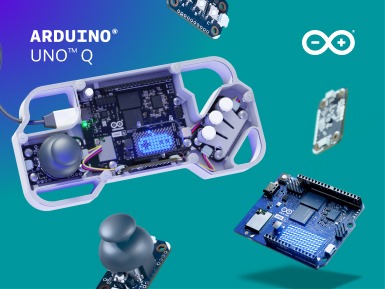
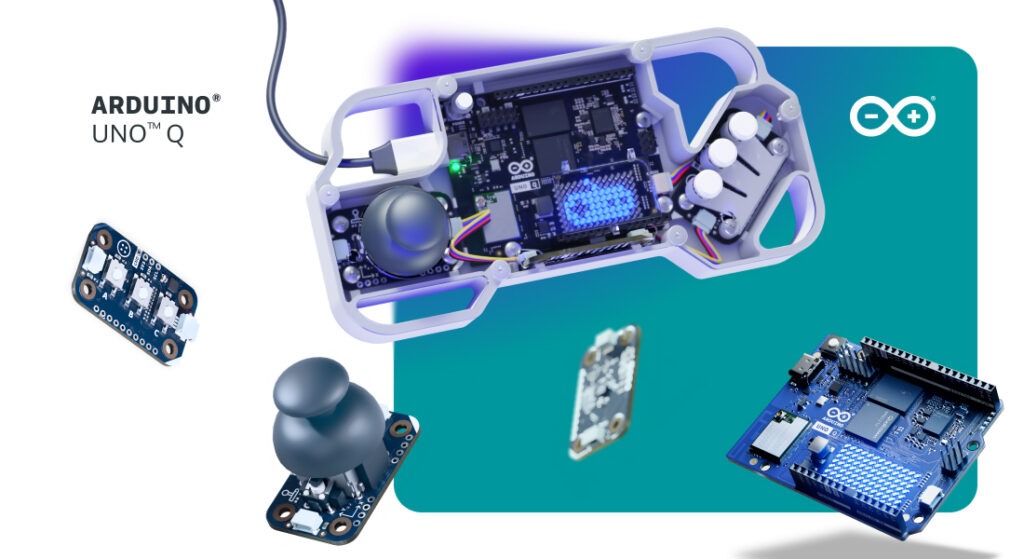
Meet the UNO™ Q Arcade bundle: a rewarding new way to start building with UNO Q, following a complete step-by-step tutorial towards a clear objective – and gaining hands-on tech experience as you go!
Not only is the bundle designed to make your experience frictionless and rewarding, but it comes out during a special sale with a 20% discount built right in to sweeten the deal. Don’t sleep on it! If the DIY synth bundle taught us anything, it’s these sell out fast.
The UNO Q Arcade bundle: one board, infinite games
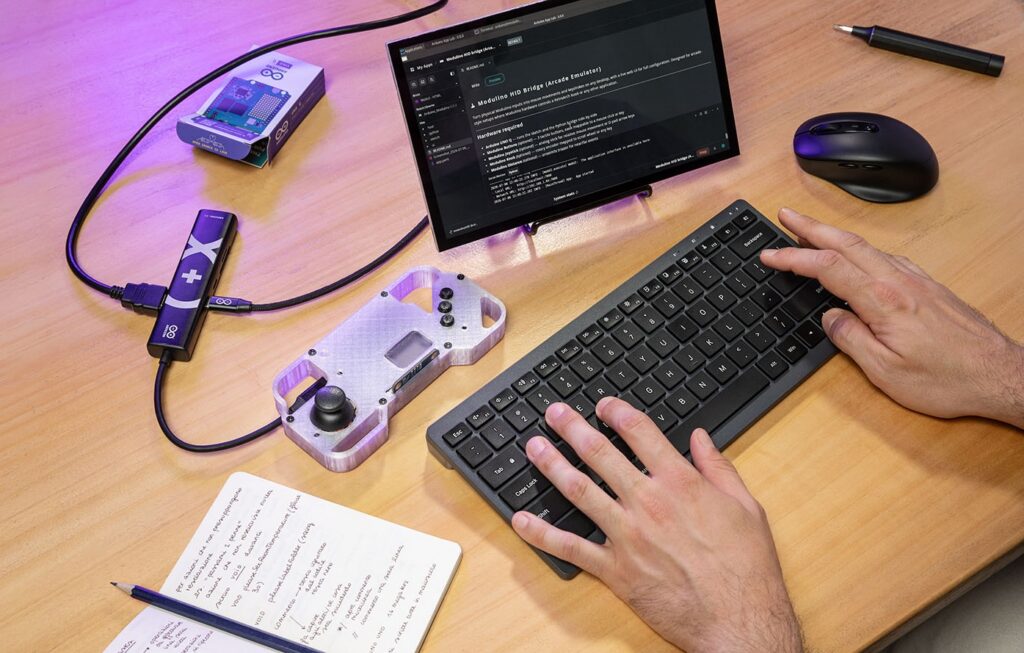
Now anyone can build their own arcade cabinet, in just a few hours of fun. Follow the instructions available on Arduino® Project Hub, and you’ll quickly have UNO Q run RetroArch – the well-established open-source multi-system emulator – directly on its Debian Linux side, outputting via HDMI and handling audio over USB. No separate single-board computer, no extra compute module, no compromises: the Qualcomm Dragonwing™ QRB2210 processor manages multiple emulation cores, controller input, video, and audio simultaneously, while the onboard eMMC provides plenty of room for ROMs and configuration files.
But one board does not a bundle make! We’ve included three easy-to-use Arduino® Modulino™ nodes – Buttons, Joystick, and Movement – to make the controller side of UNO 4GB really shine. Modulino eliminate complex wiring: just daisy-chain them together via Qwiic and you’re ready to configure. Use Joystick to simulate D-Pad or mouse movement, Buttons for single or multi-key shortcuts, and Movement for motion-based mouse control. Every input is customizable to your playstyle.
Create your own games with open-source Godot
So you can build the cool hardware, and leverage ready-to-use software to play your favorite retro-style games. But how about creating your own?
Thanks to its Debian Linux environment, UNO Q can run projects built with the popular open-source game engine Godot. This makes the UNO Q the heart of a compact game-development platform and, ultimately, a super-portable DIY video game console.
Develop your game with Godot, connect UNO Q to a display via HDMI, add a USB audio device, and build your own controller using Modulino nodes or other Arduino-compatible hardware. Buttons, joysticks, motion sensors, knobs, LEDs, and even environmental sensors can become part of the gameplay – not just accessories connected to it.
Put everything inside a 3D-printed or custom enclosure, add a small HDMI display and a portable power source, and your project can move from desktop prototype to a self-contained gaming device you can carry, demonstrate, and play almost anywhere.
Check out these inspiring GitHub repos to get a better idea of how you can stretch the UNO Q Arcade bundle:
Ready? Set? Play!
While the community has been building these kinds of playful and retro projects for years, UNO Q makes them more capable than ever. With the bundle, we want to make it easier to get started, and more affordable to dive in. Bring your creativity! We’ve taken care of the rest.
Get the UNO Q Arcade bundle (with 20% discount until September 10th!).
Check out the full tutorial on Arduino Project Hub.
Qualcomm branded products are products of Qualcomm Technologies, Inc. and/or its subsidiaries. Arduino, Modulino, UNO, and the Arduino logo are trademarks or registered trademarks of Arduino S.r.l.
0 Comments
Log in to join the conversation.No comments yet. Be the first to share your thoughts.