
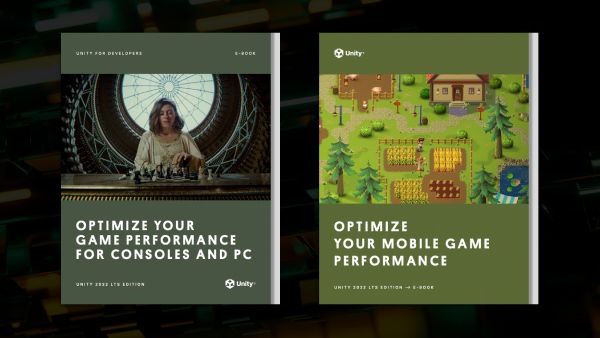
Get our 2022 LTS best practice guides for optimizing mobile, console, and PC games

THOMAS KROGH-JACOBSEN / UNITY TECHNOLOGIESSenior Technical Content Marketing Manager
The phones might get bigger (or smaller), the PCs more powerful, and different visual styles may come in or out of fashion. But one thing remains constant in game development: You need to optimize your game for its target hardware.
Luckily, our updated optimization guides are now available. Optimize your game performance for mobile and Optimize your game performance for consoles and PCinclude the latest updates from Unity 2022 LTS and provide you with an arsenal of useful tips, tactics, and workarounds to optimize your projects.
Two new optimization e-books for Unity 2022 LTS are now available
These guides are built on the deep knowledge of the Accelerate Solutions team. Made up of Unity’s most senior software engineers, this team supports a plethora of Unity customers, diving deep into game projects to help identify points where performance could be optimized for greater speed, stability, and efficiency.
Note: The Unity 2020 LTS versions of the guides are still available if you’re developing on that version of the engine. All of the advanced technical and creative e-books are available in the Unity best practices hub.
Whatever you need to optimize, there’s a tip to help
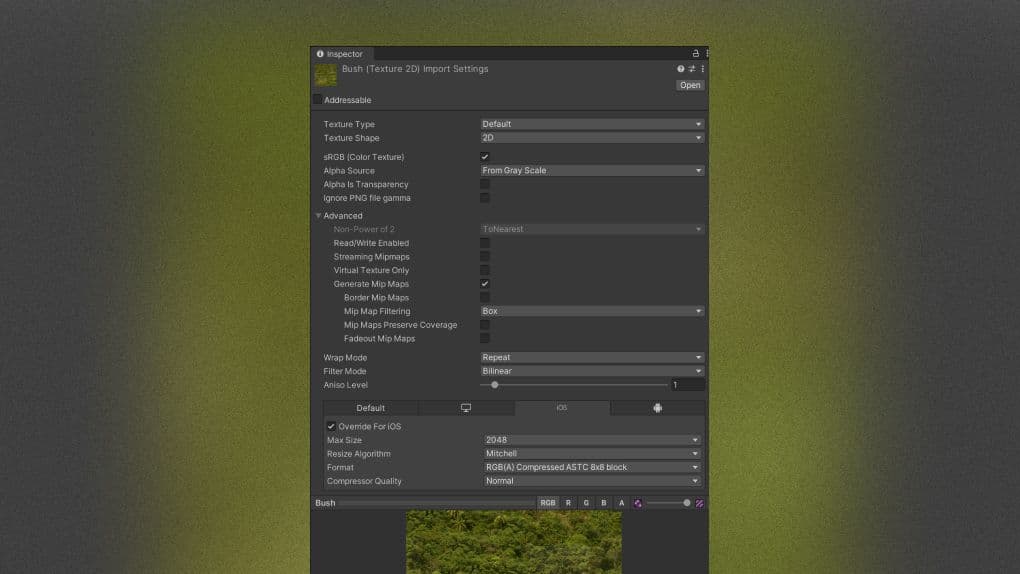
Proper texture import settings will help optimize your build size.
Each guide includes actionable tips across profiling tools, programming and code architecture, working with assets, render pipelines, UI, and much more. There are also many new and updated links to additional documentation and other resources if you want to go deeper.
Here’s a sampling of the topics the guides cover.
Identifying the bottlenecks: How to understand the basic methodology of performance optimization and use the Unity Profiler and Profile Analyzer; how to account for mobile device temperature, work within a specific frame budget, and see if your project is CPU- or GPU-bound
Memory management: How to use the Memory Profiler, reduce the work of garbage collection, and use the Incremental Garbage collector
Programming and code architecture: How to minimize expensive code, why you should use hash values instead of string parameters, choosing the right data structure, and using ScriptableObjects to improve performance
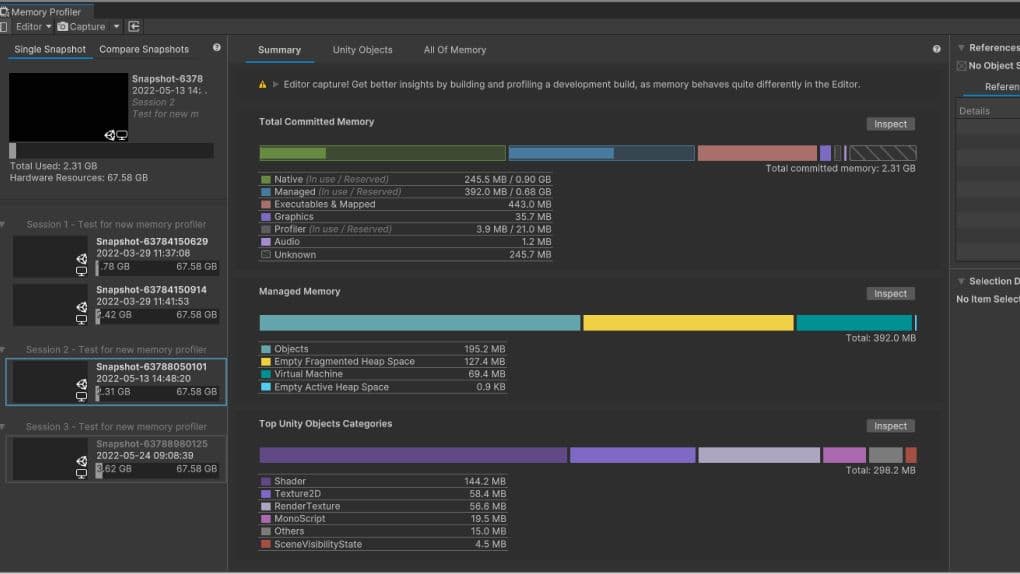
Capture, inspect, and compare snapshots in the Memory Profiler.
Project configuration: How to disable unnecessary Player or Quality settings, or physics; how to avoid large hierarchies and work with Vsync
Assets: How to import and compress textures correctly, check polygon counts, automate your import settings using the AssetPostprocessor, Unity DataTools, and how to leverage the Addressable Asset System
Graphics and GPU optimization (mobile): When to use draw call batching, avoid too many dynamic lights, and how to use Light Layers effectively; how to use Occlusion Culling to remove hidden objects, avoid mobile native resolution, minimize overdraw and alpha blending, deal with post-processing effects, and much more
Graphics (console/PC): How to optimize render pipelines and the Shader Graph, remove built-in shader settings, strip shader variants, and work with reflection probes, shadows, and shader effects
GPU optimization (console/PC): How to benchmark the GPU, optimize fill rate and reduce overdraw, look at your draw order and render queues, reduce the batch count, activate Graphics Jobs, avoid tessellation shaders, and replace geometry shaders with compute shaders
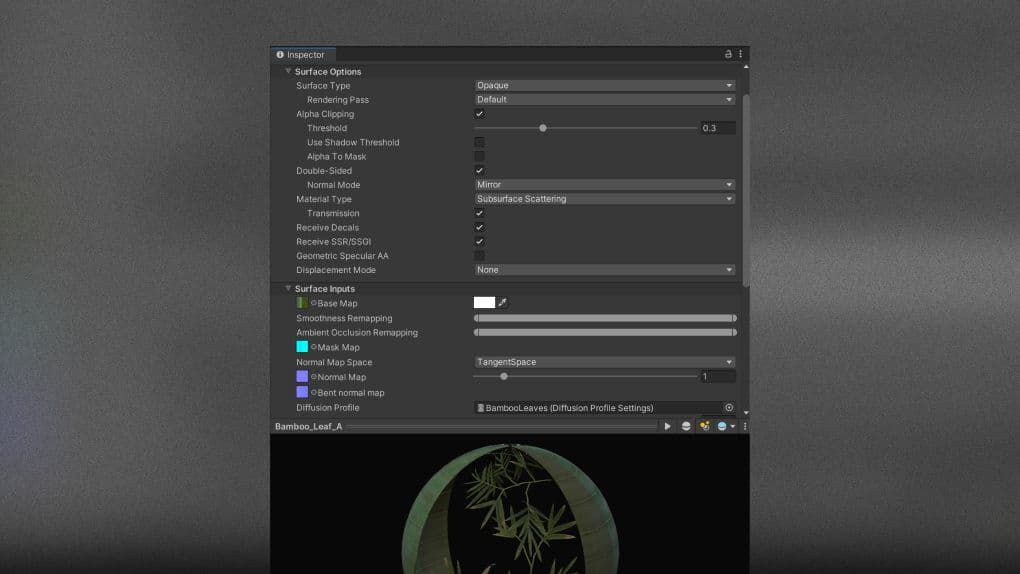
Materials, such as skin or foliage, can benefit from the advanced lighting and shading features preconfigured with the HDRP.
User interface: Understanding the differences between UGUI and UI Toolkit; how to split up your Canvases, hide invisible UI elements, limit GraphicRaycasters and disable Raycast Target; why you should avoid Layout Groups, large List and Grid views, and numerous overlaid elements
Physics: How to simplify colliders, adjust simulation frequency, modify CookingOptions for MeshColliders, use Box Pruning for large scenes, modify solver iterations, disable automatic transform syncing, reuse Collision Callbacks, move static colliders, use non-allocating queries, batch queries for ray casting, and visualize with the Physics Debugger
Audio: A comparison ofmono vs stereo; compression techniques, Load Type and techniques to unload muted AudioSources from memory, use of lossless files as your source, how to reduce your AudioClips and optimize the AudioMixer
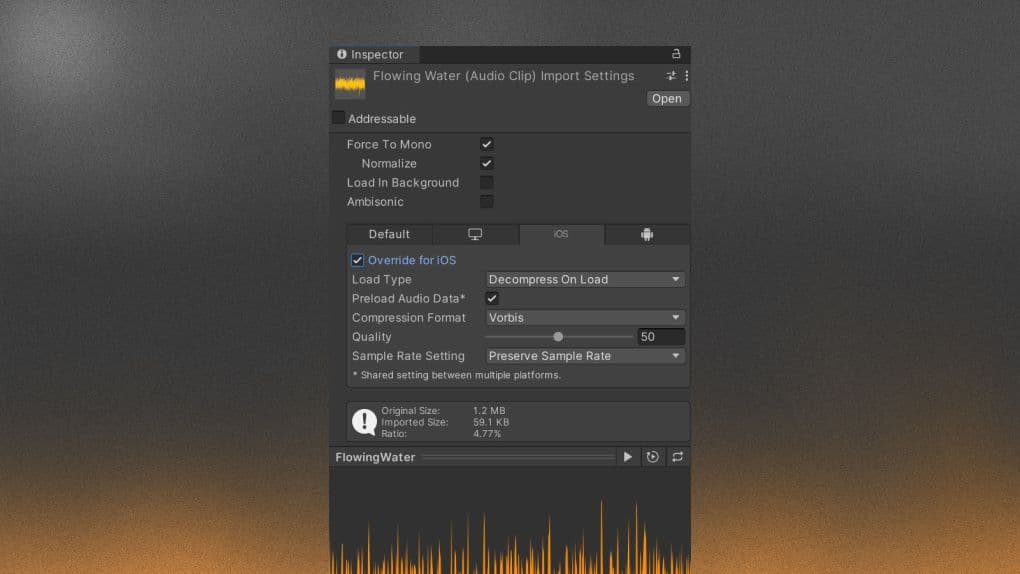
Optimize the Import Settings of your AudioClips.
Check out our other e-books about render pipelines, profiling, and version control
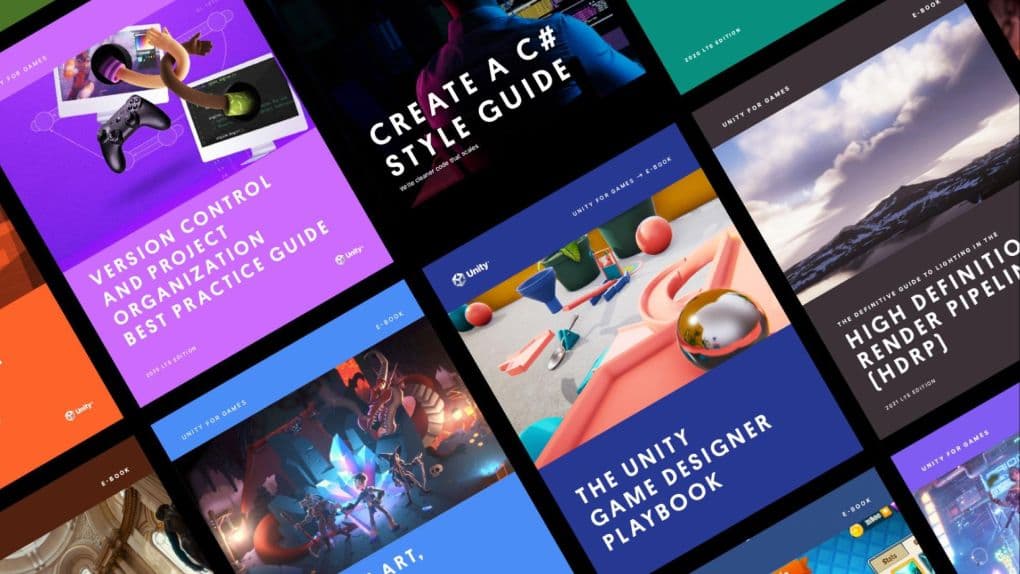
Find all the advanced e-books for professional developers, artists, technical artists, and designers in the Unity best practices hub.
0 Comments
Log in to join the conversation.No comments yet. Be the first to share your thoughts.