
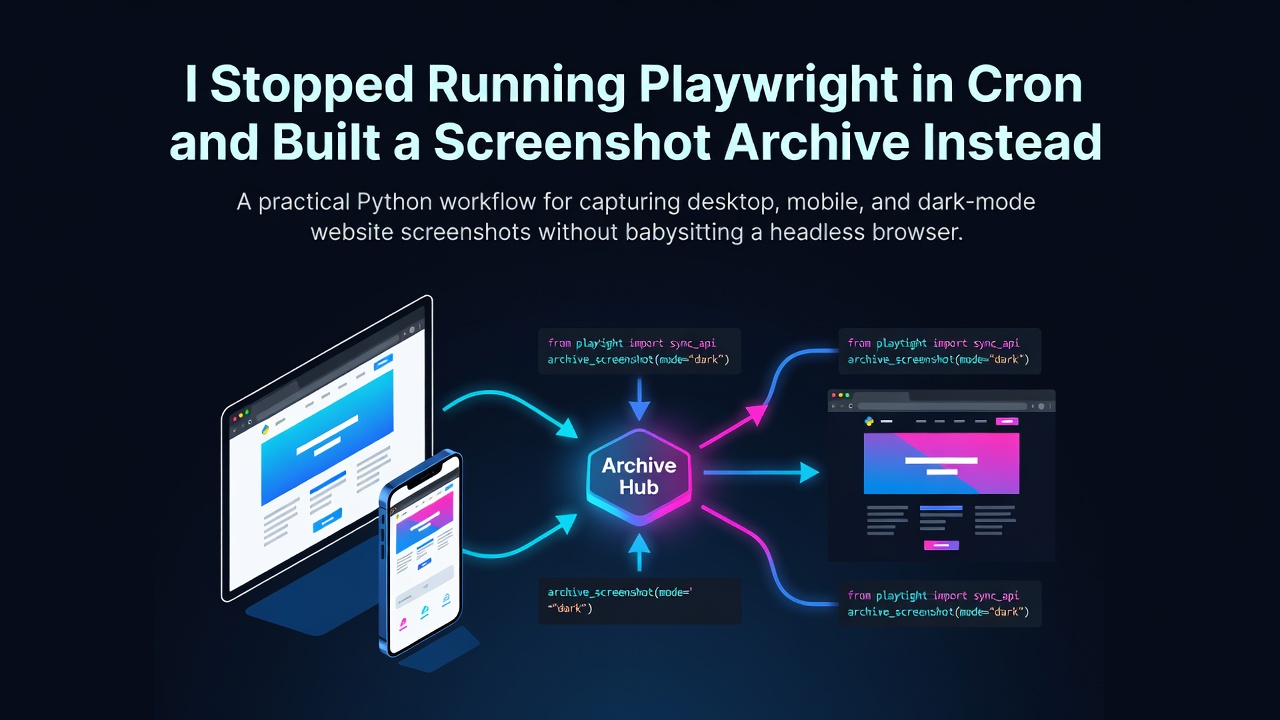
I Stopped Running Playwright in Cron and Built a Screenshot Archive Instead
Taking one website screenshot with Playwright is easy. Keeping a scheduled screenshot job healthy for months is where the work starts: browser updates, missing system libraries, hanging pages, and a growing pile of images with names nobody can search.
I moved the browser part to the Website Screenshot API and kept the useful part locally: scheduling, file naming, manifests, retention, and failure reporting. The result is a small Python archive that captures the same pages in desktop, mobile, and dark mode without running Chromium on the cron host.
The archive, not the screenshot, is the feature
My first version saved files like screenshot.png, screenshot-1.png, and final-new.png. That was fine until I needed to answer a basic question: what did the pricing page look like on mobile last Tuesday?
A useful archive needs more structure. Each capture should record:
- The requested URL
- The viewport preset and actual dimensions
- Whether dark mode and full-page capture were enabled
- The actor's timestamp and success status
- The remote image URL
- The local filename and SHA-256 checksum
The checksum catches duplicate images even if they were created by separate runs. A JSON Lines manifest makes the archive searchable without introducing a database.
Use the synchronous dataset endpoint
The actor accepts a URL, viewport preset, optional custom dimensions, full-page mode, a delay, PNG or JPEG output, and dark-mode emulation. It stores the binary in an Apify key-value store and returns a public screenshotUrl in the dataset item.
import os
from typing import Any

import requests

APIFY_TOKEN = os.getenv("APIFY_TOKEN", "YOUR_APIFY_TOKEN")
ACTOR_ID = "weeknds~website-screenshot-api"
RUN_URL = (
    f"https://api.apify.com/v2/acts/{ACTOR_ID}/"
    "run-sync-get-dataset-items"
)


def request_screenshot(
    url: str,
    viewport: str = "desktop",
    *,
    full_page: bool = True,
    dark_mode: bool = False,
    delay_ms: int = 1500,
    image_format: str = "png",
) -> dict[str, Any]:
    payload = {
        "url": url,
        "viewport": viewport,
        "fullPage": full_page,
        "delay": delay_ms,
        "format": image_format,
        "darkMode": dark_mode,
    }
    response = requests.post(
        RUN_URL,
        params={"token": APIFY_TOKEN},
        json=payload,
        timeout=120,
    )
    response.raise_for_status()
    items = response.json()
    if not items:
        raise RuntimeError(f"No screenshot result returned for {url}")

    result = items[0]
    if not result.get("success"):
        raise RuntimeError(result.get("error") or "Screenshot failed")
    return result
Enter fullscreen mode Exit fullscreen mode
A short delay is worth keeping for pages with client-rendered content or lazy-loaded images. It is not a guarantee that every network request has settled, but it removes many half-rendered captures without adding browser logic to the local script.
Give every image a deterministic path
The archive path should communicate what was captured before you open the file. I use the hostname, date, viewport, color mode, and a short URL hash. The hash prevents /pricing and /docs/pricing from colliding after slug cleanup.
import hashlib
import re
from datetime import datetime, timezone
from pathlib import Path
from urllib.parse import urlparse

ARCHIVE_ROOT = Path("screenshot-archive")


def slugify(value: str) -> str:
    cleaned = re.sub(r"[^a-z0-9]+", "-", value.lower())
    return cleaned.strip("-") or "page"


def archive_path(
    url: str,
    viewport: str,
    dark_mode: bool,
    image_format: str,
    captured_at: datetime,
) -> Path:
    parsed = urlparse(url)
    host = slugify(parsed.netloc)
    page = slugify(parsed.path or "home")
    url_hash = hashlib.sha256(url.encode()).hexdigest()[:8]
    mode = "dark" if dark_mode else "light"
    day = captured_at.strftime("%Y/%m/%d")
    filename = f"{page}-{url_hash}-{viewport}-{mode}.{image_format}"
    return ARCHIVE_ROOT / host / day / filename
Enter fullscreen mode Exit fullscreen mode
The path is deterministic within a day. If the job runs twice, the newer capture replaces the earlier one rather than quietly creating duplicate filenames. Add hours and minutes if intraday history matters.
Download safely and calculate a checksum
Do not write the response directly to its final path. A network interruption can otherwise leave a truncated file that looks valid to later scripts.
import hashlib
from pathlib import Path


def download_image(image_url: str, destination: Path) -> str:
    destination.parent.mkdir(parents=True, exist_ok=True)
    temporary = destination.with_suffix(destination.suffix + ".part")
    digest = hashlib.sha256()

    with requests.get(image_url, stream=True, timeout=60) as response:
        response.raise_for_status()
        with temporary.open("wb") as output:
            for chunk in response.iter_content(chunk_size=1024 * 128):
                if not chunk:
                    continue
                output.write(chunk)
                digest.update(chunk)

    temporary.replace(destination)
    return digest.hexdigest()
Enter fullscreen mode Exit fullscreen mode
A .part file also makes interrupted jobs easy to spot and clean up. If the download completes, replace() is atomic on the same filesystem.
Append a searchable manifest
JSON Lines works well here because each record is independent. You can append one capture without reading and rewriting the full history.
import json
from pathlib import Path

MANIFEST_PATH = ARCHIVE_ROOT / "manifest.jsonl"


def append_manifest(record: dict) -> None:
    MANIFEST_PATH.parent.mkdir(parents=True, exist_ok=True)
    with MANIFEST_PATH.open("a", encoding="utf-8") as manifest:
        manifest.write(json.dumps(record, sort_keys=True) + "\n")
Enter fullscreen mode Exit fullscreen mode
The actor returns its own timestamp, viewport dimensions, format, full-page setting, dark-mode setting, and image URL. Preserve those values instead of reconstructing them from the request, because the response reflects what actually ran.
from datetime import datetime, timezone


def capture_to_archive(
    url: str,
    viewport: str,
    dark_mode: bool,
) -> dict:
    result = request_screenshot(
        url,
        viewport,
        full_page=True,
        dark_mode=dark_mode,
        delay_ms=2000,
        image_format="png",
    )

    captured_at = datetime.now(timezone.utc)
    destination = archive_path(
        url=url,
        viewport=viewport,
        dark_mode=dark_mode,
        image_format=result["format"],
        captured_at=captured_at,
    )
    checksum = download_image(result["screenshotUrl"], destination)

    record = {
        "url": result["url"],
        "captured_at": result.get("timestamp", captured_at.isoformat()),
        "viewport": result["viewport"],
        "format": result["format"],
        "full_page": result["fullPage"],
        "dark_mode": result["darkMode"],
        "remote_url": result["screenshotUrl"],
        "local_path": str(destination),
        "sha256": checksum,
    }
    append_manifest(record)
    return record
Enter fullscreen mode Exit fullscreen mode
Capture a useful device matrix
A full matrix of every viewport and color mode becomes expensive and difficult to review. I settled on three captures per page: desktop light, mobile light, and desktop dark. That catches most responsive and theme problems without producing six nearly identical images.
from concurrent.futures import ThreadPoolExecutor, as_completed

CAPTURE_PROFILES = [
    ("desktop", False),
    ("mobile", False),
    ("desktop", True),
]


def archive_pages(urls: list[str], workers: int = 3) -> list[dict]:
    jobs = [
        (url, viewport, dark_mode)
        for url in urls
        for viewport, dark_mode in CAPTURE_PROFILES
    ]
    records = []

    with ThreadPoolExecutor(max_workers=workers) as pool:
        futures = {
            pool.submit(capture_to_archive, *job): job
            for job in jobs
        }
        for future in as_completed(futures):
            url, viewport, dark_mode = futures[future]
            try:
                record = future.result()
                records.append(record)
                print(f"saved {record['local_path']}")
            except Exception as error:
                mode = "dark" if dark_mode else "light"
                print(f"failed {url} {viewport} {mode}: {error}")

    return records
Enter fullscreen mode Exit fullscreen mode
Keep the worker count modest. The goal is to shorten a portfolio run, not launch a burst that makes target sites or your Apify account unhappy.
Skip unchanged screenshots
Once checksums are in the manifest, duplicate detection is cheap. Load the most recent checksum for each URL and profile, then delete a new local image if it is byte-for-byte identical.
import json


def latest_checksums() -> dict[tuple[str, str, bool], str]:
    latest = {}
    if not MANIFEST_PATH.exists():
        return latest

    for line in MANIFEST_PATH.read_text(encoding="utf-8").splitlines():
        record = json.loads(line)
        viewport = record["viewport"]
        width = viewport["width"]
        profile = "mobile" if width == 375 else "desktop"
        key = (record["url"], profile, record["dark_mode"])
        latest[key] = record["sha256"]
    return latest
Enter fullscreen mode Exit fullscreen mode
Byte equality is intentionally strict. Dynamic timestamps, cookie banners, and rotating ads will produce different hashes even when the layout is fine. If you need tolerance for small visual changes, send the previous and current images to Screenshot Comparison Tool rather than inventing an image comparison threshold around SHA-256.
Cost and retention
The Website Screenshot API is currently listed as pay per usage on Apify. There is no actor-specific fixed subscription shown on its store page, so the final cost depends on the compute consumed by each Playwright run and your Apify plan. Full-page captures and longer delays generally do more work than viewport-only captures.
Storage usually becomes the bigger local concern. A simple policy is to keep daily images for 30 days, one image per week for six months, and one per month after that. Never delete the manifest rows when pruning files. Mark them with a local_deleted_at field in a compacted manifest so the historical capture record remains honest.
For cron, run the script once per day and redirect standard error to your alerting system. A failed capture should leave the previous archive untouched, while successful captures arrive through atomic .part file replacement.
0 Comments
Log in to join the conversation.No comments yet. Be the first to share your thoughts.