
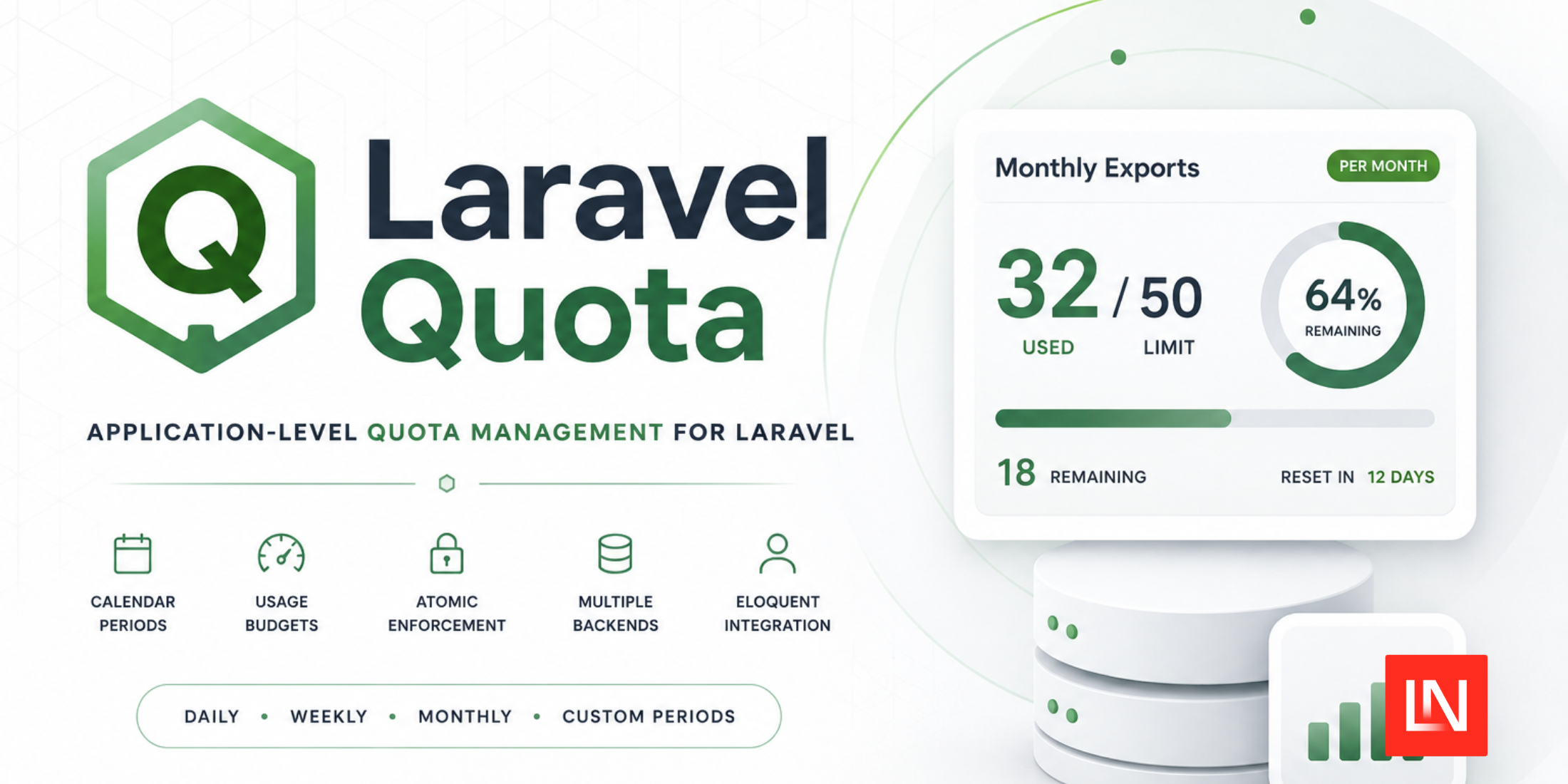
Laravel Quota is a package for tracking and enforcing cumulative usage limits. For example, you could enforce limits like 50 PDF exports a month, 1,000 API queries a day, a pool of AI credits per billing cycle, and more.
It's aimed at a different problem than Laravel's RateLimiter: instead of throttling bursts of traffic in a sliding window, it counts consumption against a budget that resets on a calendar boundary, and it can persist that count in the database rather than only in the cache.
Here's what the package gives you:
- Calendar-aligned periods — define
perMinute(),perHour(),perDay(),perWeek(),perMonth(),perYear(), orperiod($start, $end)for a custom window - A
HasQuotastrait that puts quotas on any Eloquent model - Route middleware (
quota:exports,50,month) that only consumes on a successful response - Cache or database backends, switchable per call
- Atomic consumption - lock consumption around the work it meters
- Enforce budgets - throw an HTTP 429 when the budget is spent
- And more.
The Fluent API
A quota is a named counter scoped to an owner, with a limit and a period. Once you've described one, you can inspect it or spend against it:
use ZaberDev\Quota\Facades\Quota;
$builder = Quota::for('api_queries', $user)
->limit(1000)
->perDay();
$builder->used();
$builder->remaining();
$builder->isExceeded();
$builder->hasCapacity(10);
$info = $builder->consume(5);
The consume() method returns an immutable QuotaInfo DTO. If you'd rather fail hard than branch, the enforce() method throws an HTTP 429 when the budget is gone:
Quota::for('api_queries', $user)->limit(1000)->perDay()->enforce();
For work where a double-spend actually matters, block() wraps the callback in a lock so two concurrent requests can't both slip through the capacity check:
Quota::for('pdf_generation', $user)
->limit(50)
->perMonth()
->block(function () use ($pdfService) {
$pdfService->generate();
}, amount: 1, lockSeconds: 30);
Quotas on Eloquent Models
Add the HasQuotas trait and the same builder hangs off the model:
use ZaberDev\Quota\HasQuotas;
class User extends Authenticatable
{
use HasQuotas;
}
$user->quota('pdf_exports')->limit(25)->perMonth()->consume();
$user->quota('pdf_exports')->limit(25)->perMonth()->remaining();
On the database backend the records are polymorphic, so you can query a model's quotas like any other relation:
$activeQuotas = $user->quotas()
->where('period_end', '>', now())
->get();
Route Middleware
The quota middleware takes a name, a limit, a period, and an optional driver:
Route::post('/exports/generate', [ExportController::class, 'store'])
->middleware('quota:exports,50,month');
Route::post('/api/v1/query', [ApiController::class, 'query'])
->middleware('quota:api_query,1000,day,database');
The ordering is worth noting: capacity is checked before the route runs, but the quota is only consumed when the response comes back 2xx or 3xx. A request that 500s or fails validation doesn't cost the user anything.
Storage Backends
The default driver is cache, backed by whatever store you've configured — Redis and Memcached both work. The database driver writes to a quotas table instead, which is what you want when the count is tied to billing and can't evaporate with a cache flush. You can pick per call:
Quota::for('api_ping', $ip)->using('cache')->limit(5000)->perDay()->consume();
Quota::for('monthly_exports', $user)->using('database')->limit(50)->perMonth()->consume();
Quota::extend() registers a custom backend from a service provider if you need somewhere else to put the counters, and expired database rows can be cleaned up on a schedule:
use ZaberDev\Quota\Models\Quota;
Schedule::command('model:prune', ['--model' => Quota::class])->daily();
Installation
The package requires PHP 8.2 and supports Laravel 11, 12, and 13:
composer require zaber-dev/laravel-quota
php artisan vendor:publish --provider="ZaberDev\Quota\QuotaServiceProvider"
php artisan migrate
The config/quotas.php configuration file sets the default driver (QUOTA_DRIVER), the cache store and key prefix, the database table name, and whether events are dispatched.
You can find installation instructions and full documentation on GitHub.
0 Comments
Log in to join the conversation.No comments yet. Be the first to share your thoughts.