
The Vercel Plugin is now available in VS Code and the GitHub Copilot CLI.
GitHub Copilot now has Vercel platform knowledge on demand, with skills for Next.js, AI SDK, Vercel Functions, and more. The Vercel plugin also helps Copilot stay up to date with the latest Vercel APIs and recommended patterns.
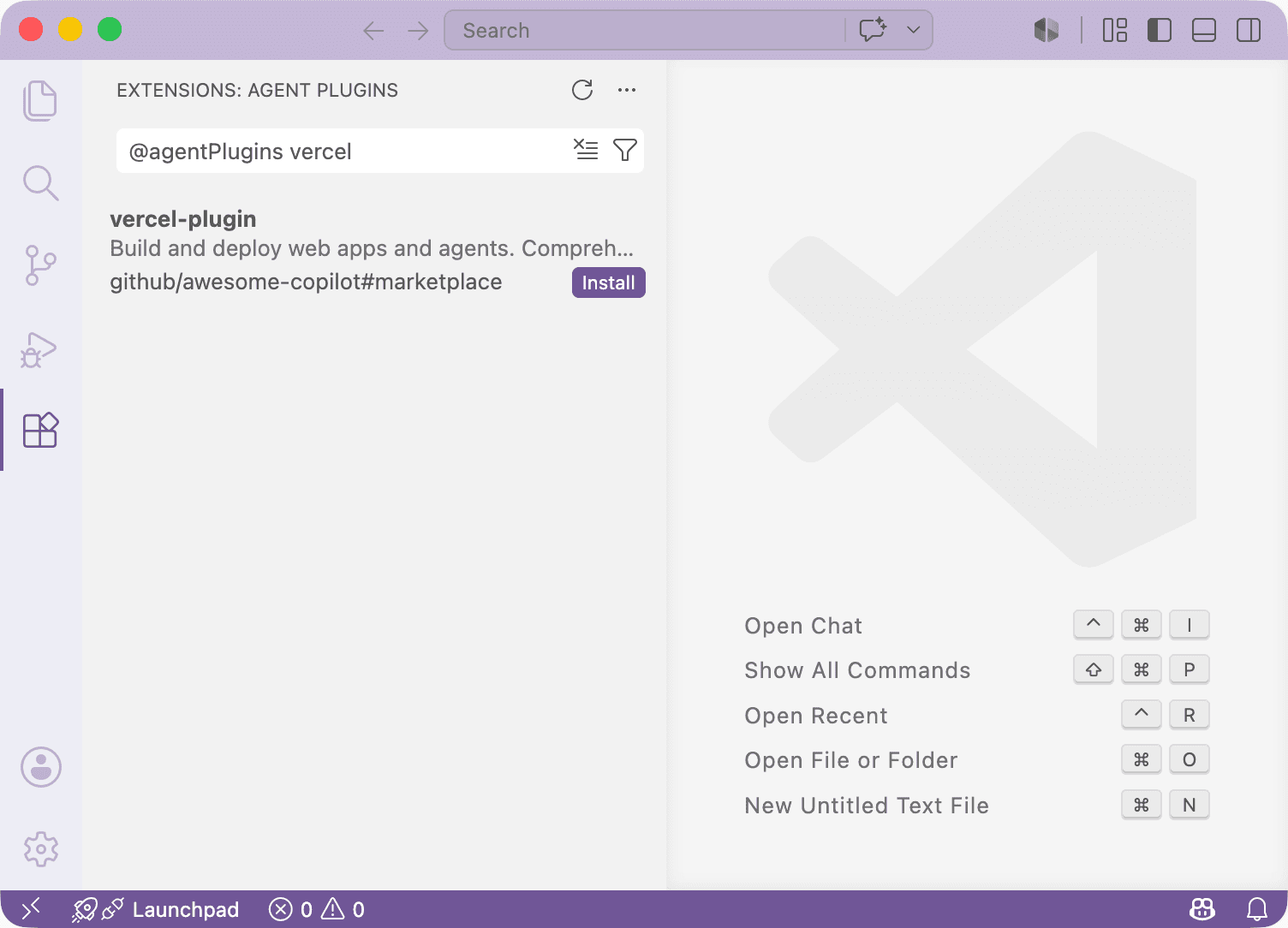
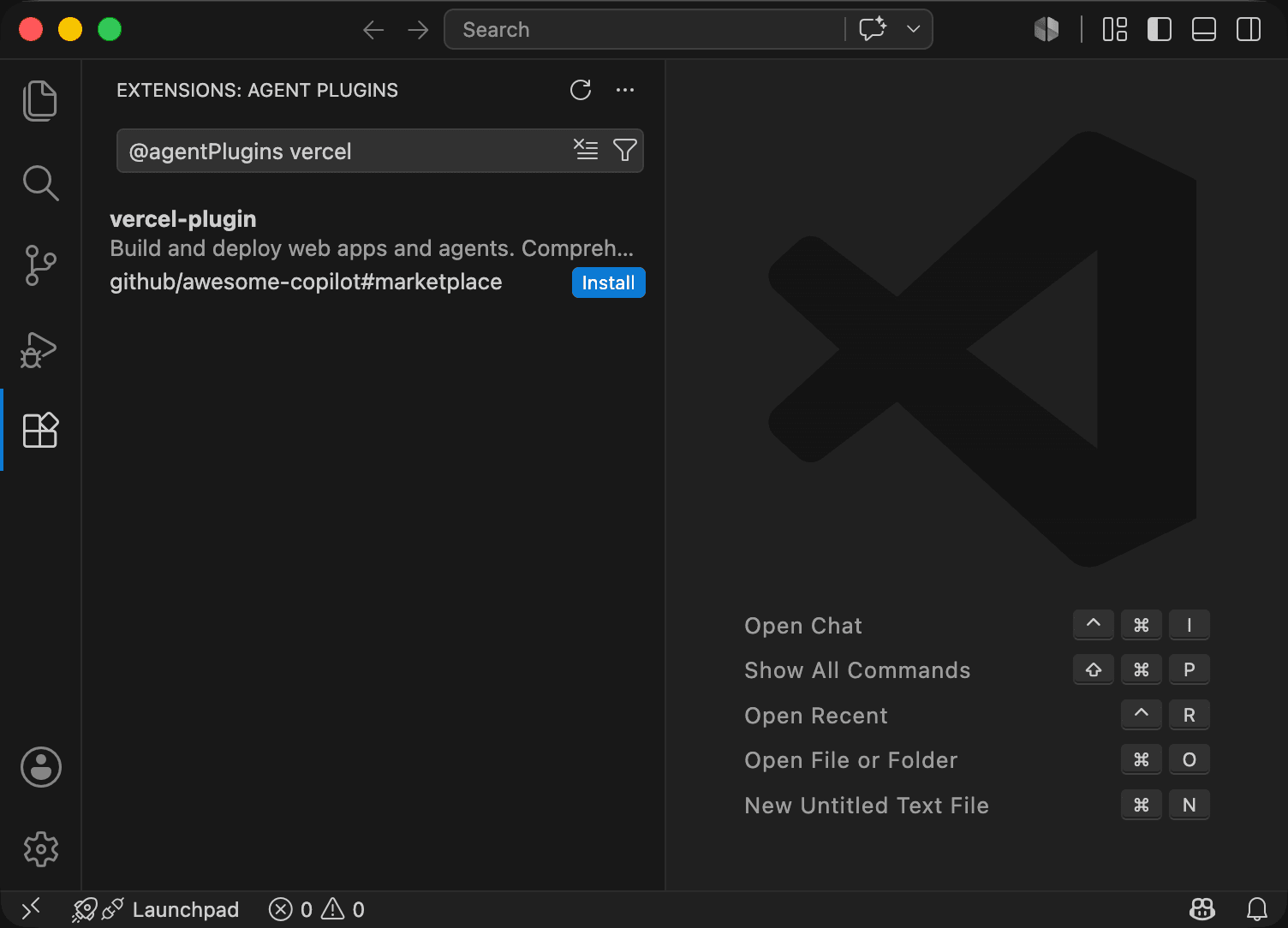
To install it for Copilot Chat, search for @agentPlugins vercel in the Extensions panel in VS Code.
To install it for the GitHub Copilot CLI, run npx plugins add vercel/vercel-plugin.
Learn more in the Vercel Plugin documentation.
0 Comments
Log in to join the conversation.No comments yet. Be the first to share your thoughts.