
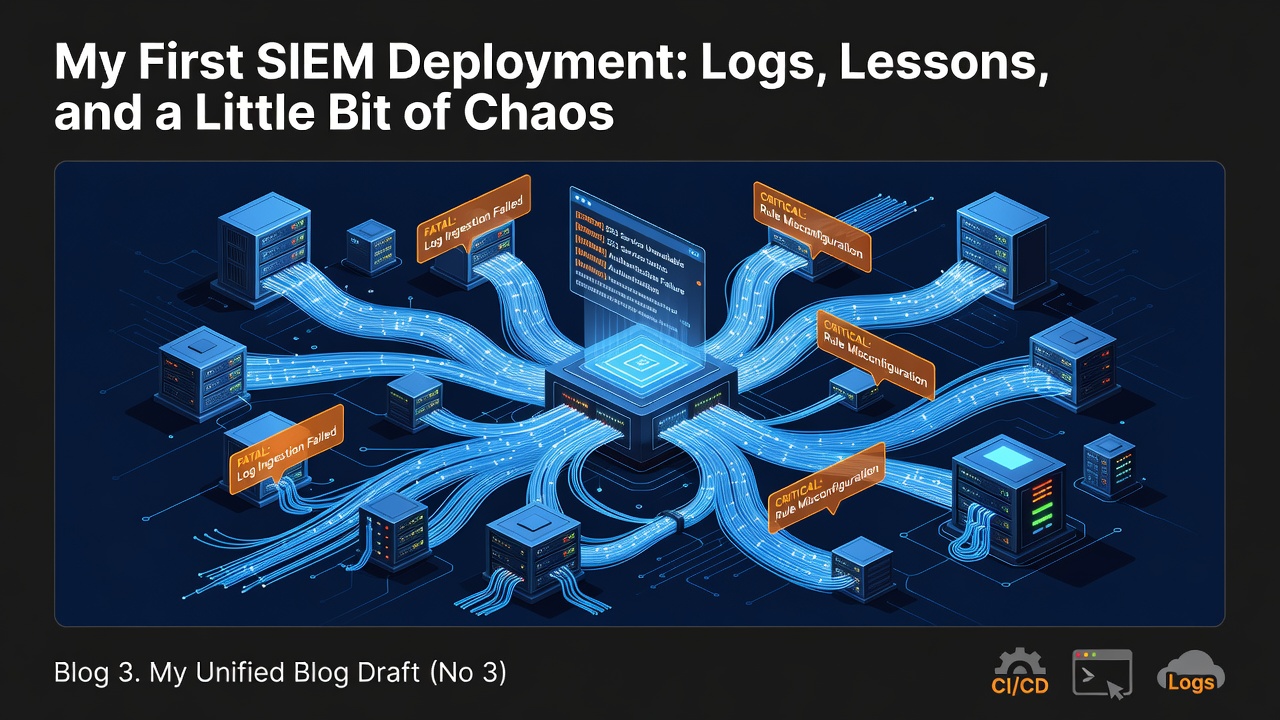
Blog 3. My Unified Blog Draft (No 3)
My First SIEM Deployment: Logs, Lessons, and a Little Bit of Chaos
If you’ve ever wondered what it feels like to stand up your very first SIEM, let me tell you: it’s a mix of excitement, confusion, triumph, and the occasional “why is this port closed again?” moment. This week, I finally dove into deploying a SIEM inside my Cloudshare lab — and I’m here to tell the tale.
Spoiler: nothing exploded. But a few things definitely caught fire metaphorically.
Setting the Stage:** My Cloudshare Playground
I’ve been using Cloudshare for a while now as my personal cybersecurity sandbox. It’s where I break things, fix things, and occasionally discover that I’ve been SSH’ing into the wrong VM for 20 minutes.
Before deploying the SIEM, I made a few small-but-important modifications to the environment:
Enabled additional logging on my Windows Server
(Because what’s a SIEM without logs? A very expensive paperweight.)
Configured my Linux host to forward syslog events
I swear rsyslog has a personality. And it’s chaotic neutral.
Opened up the right ports
After forgetting them the first time. And the second time.
With the environment prepped, it was time to bring in the star of the show.
🛠️ Deploying the SIEM: The Moment of Truth
I chose a lightweight SIEM for this first run — something approachable, but powerful enough to give me real insights. The deployment process went surprisingly smoothly:
Spun up the SIEM VM
Cloudshare made this part painless.
Connected my Windows and Linux hosts
This is where I learned that typos in IP addresses are the silent killers of log ingestion.
Configured log sources
Windows Event Forwarding, Sysmon, and syslog all joined the party.
Watched the first logs roll in
I won’t lie — seeing that first event populate in the SIEM felt like watching a newborn take its first steps.
🔬** Running Experiments:** AKA “Let’s See What Breaks”
Once everything was connected, I ran a few experiments to see how the SIEM handled different types of activity.
🧪 Experiment 1: Brute Force Simulation
I intentionally failed multiple RDP login attempts on my Windows Server.
What I expected:
A clean, obvious alert.
What I got:
A flood of 4625 events that made me feel like I was under attack by myself.
The SIEM flagged it beautifully.
🧪 Experiment 2: Suspicious PowerShell
I executed a harmless PowerShell command that looked malicious.
Result:
Sysmon caught it. The SIEM correlated it.
I felt powerful.
🧪 Experiment 3: Linux Log Noise
I tailed /var/log/auth.log while attempting SSH logins.
Result:
The SIEM ingested everything — including my accidental typo-induced failures.
10/10 would typo again.
📊 What I Learned (Besides “Check Your Ports”)
Deploying a SIEM for the first time taught me a few important lessons:
Log sources are everything.
A SIEM without logs is like a detective without clues.
Normalization matters.
Different systems speak different dialects of “security event.”
The SIEM is the translator.
Dashboards are addictive.
I spent way too long watching real-time event graphs like they were stock tickers.
Noise is real.
Even a tiny lab environment generates surprising amounts of log chatter.
Experimentation is the best teacher.
Triggering events intentionally helped me understand what “normal” and “abnormal” look like.
🚀** Final Thoughts:** Would I Do It Again? Absolutely.
Standing up my first SIEM felt like leveling up in my cybersecurity journey. It wasn’t perfect, and I definitely made mistakes, but that’s the beauty of a lab environment — it’s a safe place to learn, break things, and build confidence.
Next up:
I’ll be tuning detections, reducing noise, and maybe even integrating threat intelligence feeds. But for now, I’m just enjoying the fact that my SIEM is alive, ingesting logs, and telling me stories about what my systems are up to.
If you’re thinking about deploying your first SIEM, do it.
You’ll learn more in a weekend of hands-on experimentation than in weeks of reading.
0 Comments
Log in to join the conversation.No comments yet. Be the first to share your thoughts.