
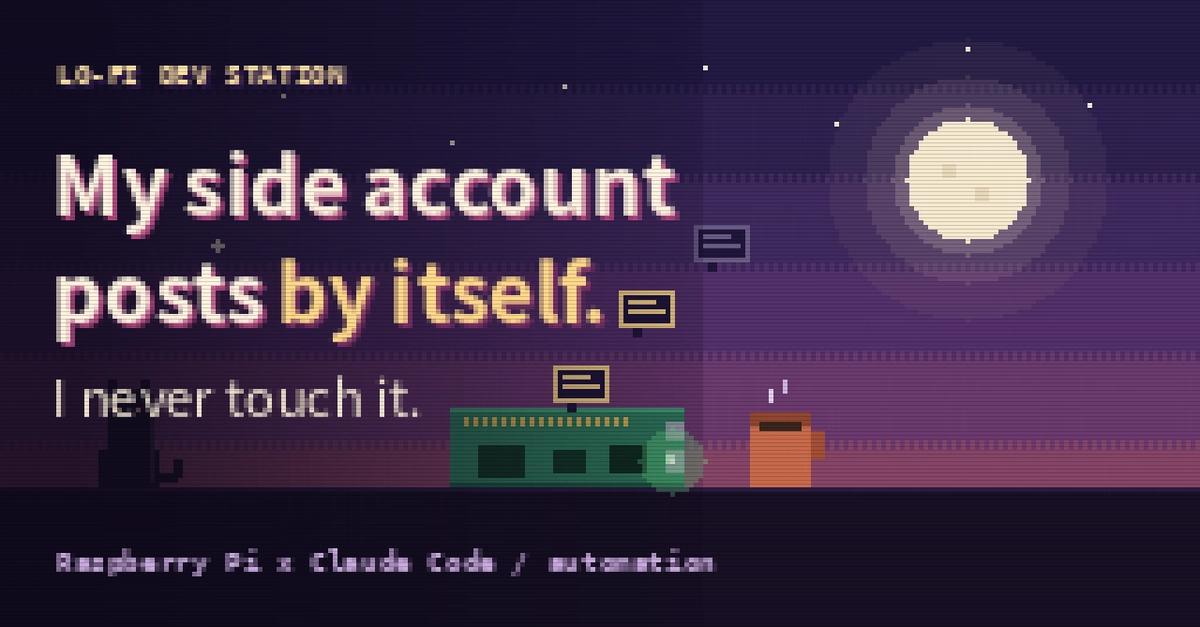
For the last few months, one of my side-project social accounts has posted to X and note every morning and every night.
I have never pressed the post button.
It runs on a palm-sized computer in the corner of my room — not my laptop. While I sleep, while I'm out, it keeps going. This post is about how it's wired up, what actually paid off, and the parts that tripped me up (skip to the gotchas if that's why you're here).
To be clear: I run this for a separate side account. The account I'm posting this from is still hand-run. I automate the parts that are safe to automate, and keep a hand on the rest.
The problem I actually had
I wanted scheduled, AI-drafted posts. The obvious way is a script on my laptop + cron. But that means my laptop has to stay on, and it's tied up doing background work I don't want to think about.
So I moved the whole thing off my daily driver and onto a dedicated always-on machine.
The setup, in one paragraph
A small always-on box (a Raspberry Pi — but any spare machine running Ubuntu works the same) runs Claude Code. A cron job wakes it on a schedule, Claude drafts the post, and it publishes to X / note. I can check in or redirect it from my phone. That's it: always-on machine + AI + a schedule.
The interesting part isn't the cron line. It's that the AI agent lives on the box, so "post every morning" and "hey, rewrite today's post to be softer" are the same kind of instruction — one from cron, one from me on my phone.
What actually paid off
1. My main laptop is completely free. This was the whole point, and it delivered. I can close it, take it out, or push it hard on real work. The automation doesn't care — it's on a different box that never turns off.
2. I can steer it from my phone. Claude Code has a Remote Control feature: the session on the Pi shows up in the Claude mobile app (or claude.ai/code in a browser). On the train I type "change tonight's post angle" and it's done. No laptop, no SSH.
3. It runs while I sleep and while I'm away. No more waking up to hit "post" at 7am. Travel doesn't create a gap.
4. Failures stay contained. Automation breaks sometimes. Because it's physically separate from my main environment, a bad run never touches my real work. Having a disposable "experiment box" is worth more than I expected.
The gotchas (the part I wish I'd read first)
PATH after install. The native installer drops claude in ~/.local/bin, which isn't on PATH by default. First thing after install, claude gives you command not found. Fix:
echo 'export PATH="$HOME/.local/bin:$PATH"' >> ~/.bashrc
source ~/.bashrc
Enter fullscreen mode Exit fullscreen mode
Sessions don't survive a reboot. A running session keeps going when you close the terminal or the machine sleeps — but a full reboot stops it. You reopen it and re-attach. Plan for it (a login-shell line, or a systemd service if you want zero-touch recovery).
Enable linger, or logout kills it. For the session to keep running after you disconnect SSH:
loginctl enable-linger $USER
Enter fullscreen mode Exit fullscreen mode
Remote Control needs a subscription + the machine online. It uses your Claude account login (not an API key), and if the box is offline for ~10 minutes the session drops. Fine for a home box that's always on; worth knowing.
Turn Remote Control on once, globally. Instead of running a server command every time, flip it on in /config ("Enable Remote Control for all sessions"). Then any session you start is reachable from your phone.
Would I do it again?
Yes. The mental shift is the real win: a small box that's always on, that an AI lives inside, that I can poke from my phone. Social automation is just the first thing I pointed it at.
If you want the full, start-to-finish build (OS flashing → Claude Code → phone control → deploys), I wrote it up as a guide. It includes a paste-and-go setup prompt that has Claude configure the box with you, conversationally.
→ Get it on Gumroad or Payhip — Build from Your Phone, the full guide.
Happy to answer setup questions in the comments.
0 Comments
Log in to join the conversation.No comments yet. Be the first to share your thoughts.