
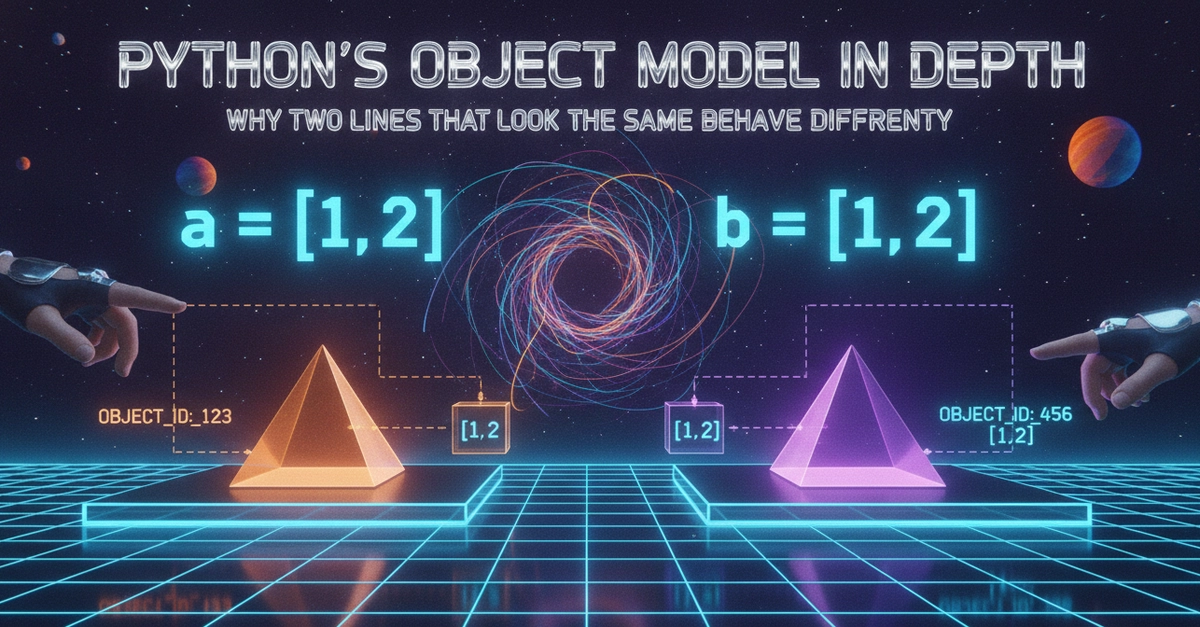
Two lines of code. Same variable. Same operator. Completely different behavior.
a = [1, 2, 3]
b = a
b += [4]   # line A
print(a)   # [1, 2, 3, 4]

x = 1
y = x
y += 1     # line B
print(x)   # 1
Enter fullscreen mode Exit fullscreen mode
Line A changes a. Line B does not change x. The only difference is whether the variable holds a mutable or immutable object.
To understand why this happens, you need to understand how Python actually represents variables internally.
Variables Are Not Boxes
The box metaphor is how most introductory programming courses explain variables: a variable is a box that holds a value. You put 5 into the box called x. Later you can replace it with 10.
In Python this metaphor is accurate for immutable types and dangerously misleading for mutable types.
The more accurate model: a Python variable is a name that is bound to an object. The object exists independently of the name. Multiple names can be bound to the same object. Binding a name to a new object does not affect the old object or other names that reference it.
You can inspect this directly:
a = [1, 2, 3]
b = a
print(id(a) == id(b))  # True -- same object, two names

x = 5
y = x
print(id(x) == id(y))  # True -- both point to integer object 5
Enter fullscreen mode Exit fullscreen mode
Both cases start the same: two names pointing to the same object. What happens next depends on whether you mutate the object or rebind the name.
Two Fundamental Operations
Every operation on a Python object falls into one of two categories.
Mutation: the object at a given memory address is modified. All names pointing to that address see the change.
Rebinding: a name is pointed at a different memory address. Other names pointing to the original address are unaffected.
List methods like .append(), .extend(), .sort(), and item assignment lst[i] = x are mutations.
Assignment with = is rebinding.
The += operator is either mutation or rebinding depending on whether __iadd__ is implemented and the object is mutable.
Tracing Through the Object Graph
a = [[1, 2], [3, 4]]
b = a.copy()     # shallow copy
b[0].append(99)
print(a)
print(b)
Enter fullscreen mode Exit fullscreen mode
Output:
[[1, 2, 99], [3, 4]]
[[1, 2, 99], [3, 4]]
Enter fullscreen mode Exit fullscreen mode
a.copy() creates a new outer list. So a and b are different list objects. But the elements inside them are the same inner list objects. b[0] and a[0] both point to the same [1, 2] list.
Calling .append(99) on b[0] mutates that shared inner list. Both a[0] and b[0] reflect the change because they reference the same object.
Draw this as a diagram:
a ---------> [ref_to_inner_1, ref_to_inner_2]
b ---------> [ref_to_inner_1, ref_to_inner_2]
              |
              v
              inner_1: [1, 2]  <-- both a[0] and b[0] point here
Enter fullscreen mode Exit fullscreen mode
Appending 99 to inner_1 changes it to [1, 2, 99]. Both a[0] and b[0] see [1, 2, 99] because both still point to the same object.
How Function Arguments Fit This Model
def process(data):
    data = data + [99]   # rebinding -- creates new list
    return data

def process_mutating(data):
    data += [99]         # mutation -- extends existing list
    return data

original = [1, 2, 3]

result1 = process(original)
print(original)           # [1, 2, 3]

result2 = process_mutating(original)
print(original)           # [1, 2, 3, 99]
Enter fullscreen mode Exit fullscreen mode
When process is called, data is bound to the same object as original. data = data + [99] creates a new list and rebinds the local name data. The original object is untouched.
When process_mutating is called, data += [99] calls list.__iadd__([99]) which extends the existing object. The original object is mutated.
The Practical Debugging Rule
When you see unexpected mutation, ask: is there another name pointing to the same object?
When you see a change not being reflected somewhere, ask: was this a rebinding operation that only affected one name?
These two questions diagnose the vast majority of Python mutation bugs faster than any debugger.
Practice tracing mutation problems at pycodeit.com.
0 Comments
Log in to join the conversation.No comments yet. Be the first to share your thoughts.