
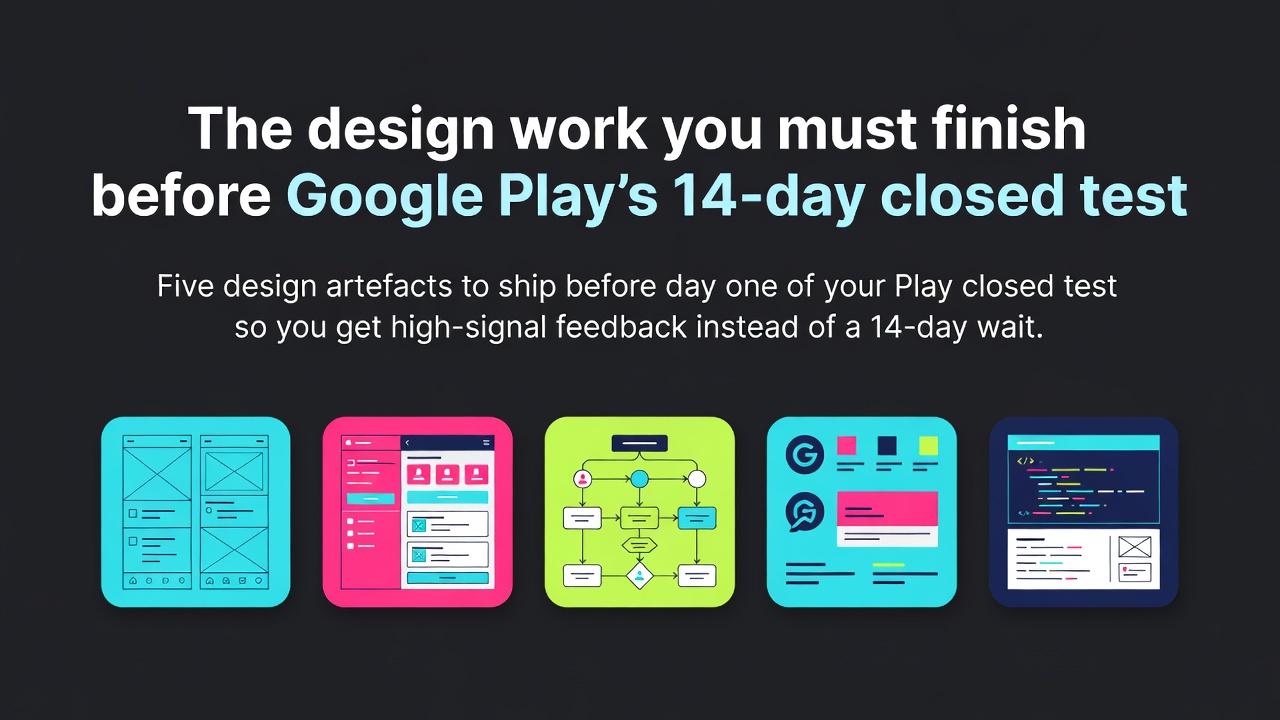

Google Play's 14-day closed test isn't just an ops requirement — it's 14 days when real people will use your app for the first time. If your design isn't ready for that scrutiny, you're getting expensive feedback on the wrong things.
Here's what design should have shipped before day one of the closed test.
Why 'good enough for testers' isn't
The temptation: 'they're just testers, we'll polish for production launch.' What actually happens:
- Testers give feedback on rough UI, not the product. You lose the signal.
- Screenshots make it to social. First impression matters.
- The 14-day counter resets if engagement dips. Rough UX = lower engagement.
Ship the closed test with launch-quality design or you're paying the 3-week price for lower-quality data.
The five artefacts
1. Onboarding flow. Every tester's first 90 seconds. Empty states, permissions requests, initial value proof — all designed, not 'I'll clean it up later'.
2. All error states. Network fail, permission denied, invalid input. Real users hit these on day 1. Placeholder 'something went wrong' text loses trust fast.
3. Play Store listing assets. Screenshots, feature graphic, description. Play requires them before you can even publish to closed testing. Don't leave this for day 13.
4. Empty states for every screen. 'You have no [thing] yet' + 'here's how to get started'. Most closed-test users are seeing your app the first time with zero data — every empty state matters.
5. A visible feedback mechanism. In-app 'Send feedback' button or shake-to-report. Testers WILL find bugs; make it easy to report while they're in the moment.
Designing the in-app feedback loop
Testers who have to remember to email you get around to it maybe half the time. Testers who can tap 'Send feedback' from inside the app respond 5-10x more often.
Design this before day 1:
- Persistent 'feedback' entry point (settings screen, help menu, floating button in beta builds).
- Feedback form is 3 fields max: (1) What were you trying to do? (2) What happened? (3) Screenshot (auto-attached).
- Sends to a dedicated inbox / Slack channel where you triage daily.
Do NOT gate this behind 'rate our app' prompts — those trigger active hostility and are usually a Play policy issue.
Play Console assets — before day 1
Play requires all of the following BEFORE you can start a closed test:
- App icon (512x512)
- Feature graphic (1024x500)
- Minimum 2 phone screenshots
- Short description (80 chars)
- Full description (4000 chars)
- Privacy policy URL
The screenshots specifically catch teams — most don't realise closed testing requires them too, then scramble on day 0. Design should have all six of the above done and reviewed a week before the closed test starts. If wrangling the release pipeline itself is eating your prep time, tools like LetsDeployIt can take the deployment side off your plate so design gets those days back.
Screenshot tip: the closed-test screenshots don't need to be the launch-day marketing screenshots. Ship functional screenshots for the closed test; iterate to marketing-quality between day 7 and day 14 (Play allows updating).
What to change based on 14 days of data
If you built the feedback loop above, you'll have 20-50 feedback items by day 14. Categorise them:
- Bugs: engineering fix, don't wait.
- Confusion (user didn't know how to do X): design fix, ship a copy or flow change in the next build.
- Missing feature: roadmap item, note but don't ship in the 14-day window.
- Nice-to-have: roadmap item, deferred.
Aim to ship 3-5 design fixes during the 14-day window. Testers seeing 'oh you fixed my thing' triples their engagement and improves the meaningful-engagement metric Play looks at. Free win.
Practical: the design pre-launch checklist for Play
Before opening the closed-test signup form:
- [ ] Onboarding flow: designed, prototyped, reviewed.
- [ ] All error states: designed with real copy.
- [ ] All empty states: designed with 'get started' guidance.
- [ ] In-app feedback mechanism: implemented + tested.
- [ ] Play Console assets: all six items ready.
- [ ] Screenshots + short description: reviewed for tone.
- [ ] Privacy policy URL: live and accurate.
That's 2-3 days of focused design work. Do it before the 14-day counter starts and the closed test becomes what it should be: a high-signal user research phase. Skip it and it's just a 14-day wait.
What's your Play closed test looking like — drop a comment with where you are in the 14 days.
0 Comments
Log in to join the conversation.No comments yet. Be the first to share your thoughts.