
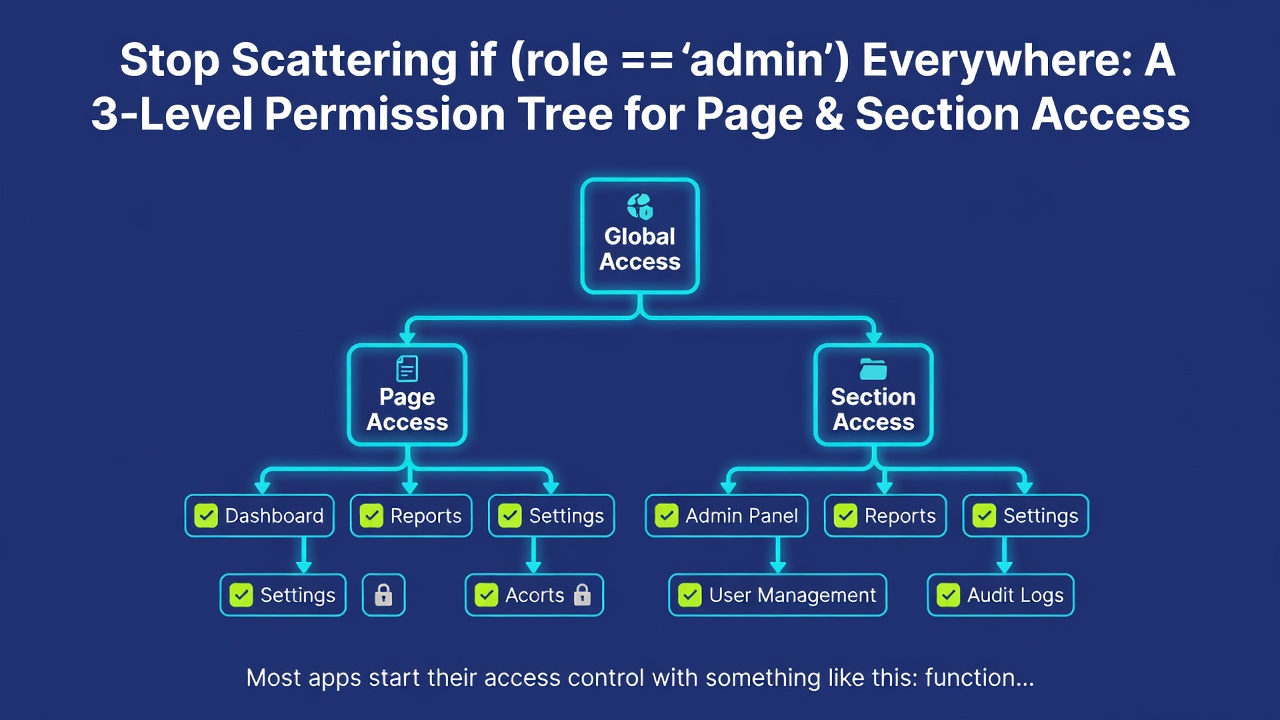
Most apps start their access control with something like this:
function canEditReportsSummary(role) {
  return ['EDITOR', 'ADMIN'].includes(role);
}
Enter fullscreen mode Exit fullscreen mode
It works, right up until you have a dozen pages, each with a few sections, each
needing independent read/write rules per role. Now you've got dozens of these
little arrays scattered across the codebase, and adding a new role means hunting
down every single one and hoping you didn't miss any.
0
There's a much simpler model that scales cleanly: a three-level permission
tree — page → section → { r, w } - plus one generic function that walks it.
No new library, no framework lock-in, just a data structure and ~5 lines of code.
The shape of the data
Instead of scattering role checks in code, define one permission tree per
role. Three levels deep:
-
Page — the top-level feature/route (
dashboard,reports,settings) -
Section — a sub-area within that page (
overview,summary,billing) -
Action —
r(read) orw(write)
{
  "dashboard": {
    "overview":  { "r": true,  "w": false },
    "analytics": { "r": true,  "w": false }
  },
  "reports": {
    "summary": { "r": true,  "w": false },
    "export":  { "r": false, "w": false }
  },
  "settings": {
    "general": { "r": true,  "w": false },
    "billing": { "r": false, "w": false }
  }
}
Enter fullscreen mode Exit fullscreen mode
This one blob fully describes what a single role can see and do. Give each role
its own tree, e.g. for three common roles:
| Page | Section | Viewer | Editor | Admin |
|---|---|---|---|---|
| dashboard | overview | r | r, w | r, w |
| dashboard | analytics | r | r | r, w |
| reports | summary | r | r, w | r, w |
| reports | export | – | r | r, w |
| settings | general | r | r | r, w |
| settings | billing | – | – | r, w |
Notice how this reads almost like a spreadsheet a product owner could fill in —
that's the point. It's declarative data, not scattered if statements, so
non-engineers can review it and engineers don't have to guess what a role does.
The generic access-check function
Once permissions are just nested objects, checking access is one small,
reusable, framework-agnostic function:
function checkAccess(permissionTree, [page, section, action]) {
  if (!permissionTree) return false;

  const pageNode = permissionTree[page];
  if (!pageNode) return false;

  const sectionNode = pageNode[section];
  if (!sectionNode) return false;

  return sectionNode[action] === true;
}
Enter fullscreen mode Exit fullscreen mode
Usage:
checkAccess(currentUser.permissions, ['reports', 'export', 'w']); // false for Viewer/Editor... true for Admin
checkAccess(currentUser.permissions, ['dashboard', 'overview', 'r']); // true for all three roles above
Enter fullscreen mode Exit fullscreen mode
This works identically whether permissionTree comes from Vuex/Redux/Zustand
state, a React context, or is just passed around as a plain object — it has zero
framework dependencies. It's also fail-closed by design: any missing page,
missing section, or typo in the path returns false rather than throwing or
accidentally granting access.
Wiring it into your UI
Wrap the raw function in named, intention-revealing helpers rather than calling
checkAccess([...]) inline everywhere — this keeps each resource path in exactly
one place:
const canViewReportsExport = () => checkAccess(user.permissions, ['reports', 'export', 'r']);
const canEditReportsExport = () => checkAccess(user.permissions, ['reports', 'export', 'w']);
Enter fullscreen mode Exit fullscreen mode
Then use them wherever you'd normally reach for a role check:
- Navigation — hide a page link entirely if no section within it is readable.
-
Route guards — redirect away from a page if
canView...()isfalse. -
Buttons/forms — disable or hide "Save"/"Edit" controls based on the
wcheck.
Adding a brand-new page later (say, "Audits") is the same three steps every time:
add an audits branch to each role's tree, write canViewAudits/canEditAudits
helpers, wire them into the UI. No new pattern to invent, no scattered role list
to update.
Don't forget the backend
This pattern is just as useful server-side — attach the same permission tree to
the authenticated user/session, and re-run checkAccess before any write
operation. The frontend checks are for UX only (hiding buttons a user
shouldn't see); the real security boundary is the server independently checking
the same tree before mutating anything. Keep both sides reading the exact same
shape so they never drift out of sync.
When this isn't enough anymore
This lightweight pattern is great for typical CRUD-style apps with a handful of
roles and a moderate number of pages/sections. Consider a dedicated
authorization library (like CASL, Casbin, or a policy engine like OPA) once you
need things this simple tree can't express cleanly:
Duplicate entries in DB layer — Each role will have json structure repeated for all page/section, any new page addition involves changes in all roles
Conditional/attribute-based rules — editors can edit only records they
created," not just "editors can edit this section.Explicit deny-overrides-allow precedence — right now everything is
additive; there's no way to say "deny this specific case even though the
section is generally writable."Large role/permission matrices — if you're maintaining hundreds of
page/section combinations across dozens of roles, dedicated tooling with
testing helpers becomes worth the added dependency.
Until you hit one of those walls, though: three levels, one tree per role, one
small walker function. That's it.
0 Comments
Log in to join the conversation.No comments yet. Be the first to share your thoughts.