
A brand-new issue of Raspberry Pi Official Magazine is out today, and this simple, sleek watch stood out from its pages.
Vishal Soni grew up wanting to develop his own smartwatch but, when the time came to put his plan into action, he opted for something a tad simpler. Rather than festoon his device with lots of apps and tracking capabilities, he decided to focus on a watch’s primary task: the ability to tell the time. In doing so, he developed an attractive timepiece that offers a range of watch faces. “I wanted to make the watch clean, steering away from distracting notifications and unnecessary step and health tracking,” he affirms.
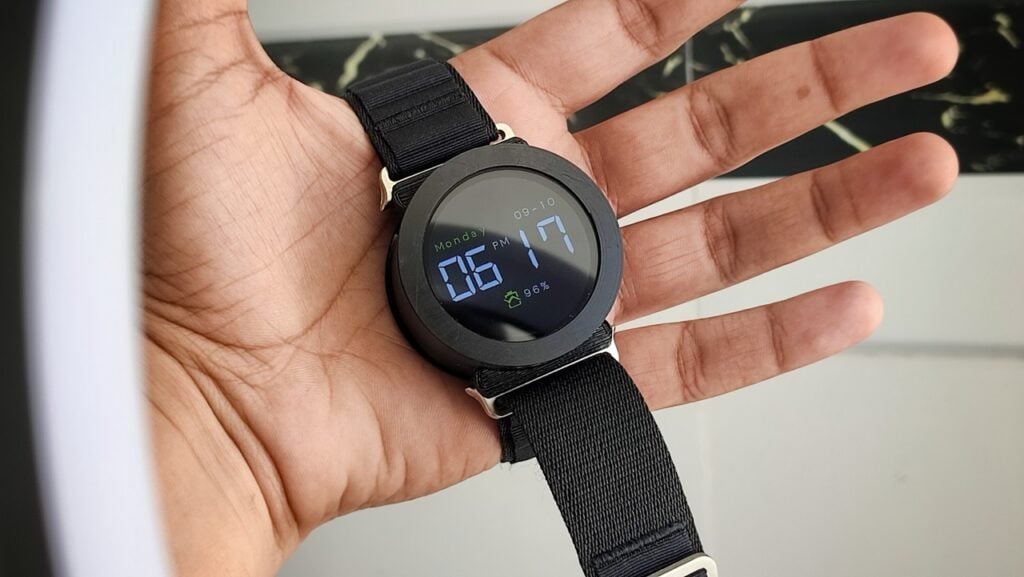
the multiple watch faces have been designed to match different moods, vibes, and environments
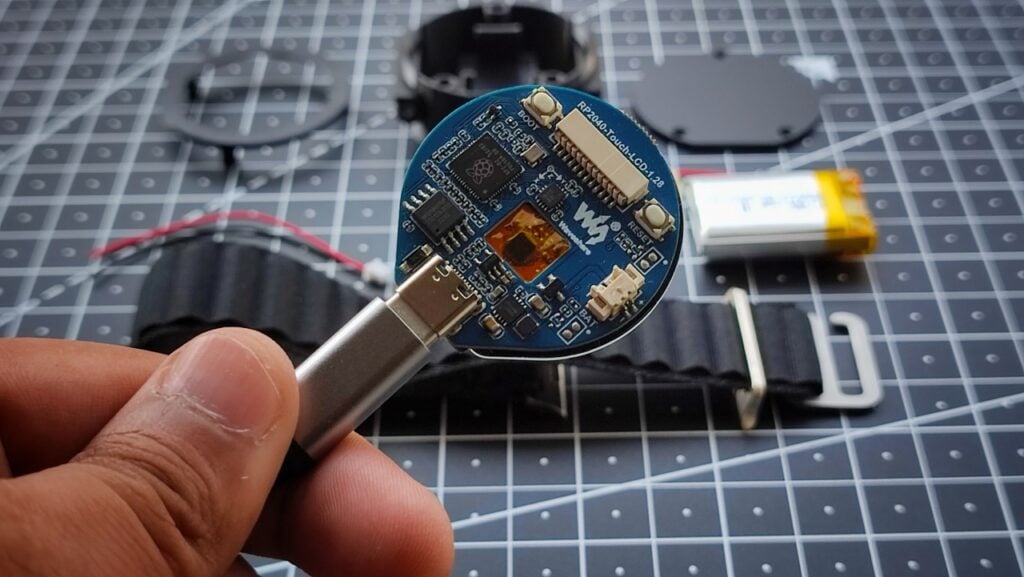
Rather than ape the squared-off look of the Apple Watch, Vishal chose the classic round design of many of its rivals. “This initially led me toward creating a custom PCB,” he says, “but that was a big challenge. After doing some research, I found that Waveshare already sells a round display with an RP2040 microcontroller integrated and ready to use. I decided to use that module instead so I could focus more on programming and features rather than hardware design.”
Saving time
The module in question is a Waveshare Round Touch LCD. It proved perfect for both the project and Vishal’s personal development. “I mostly focus on learning and programming and I wanted to learn the Pico SDK,” he says. It also meant the actual build was quite straightforward.
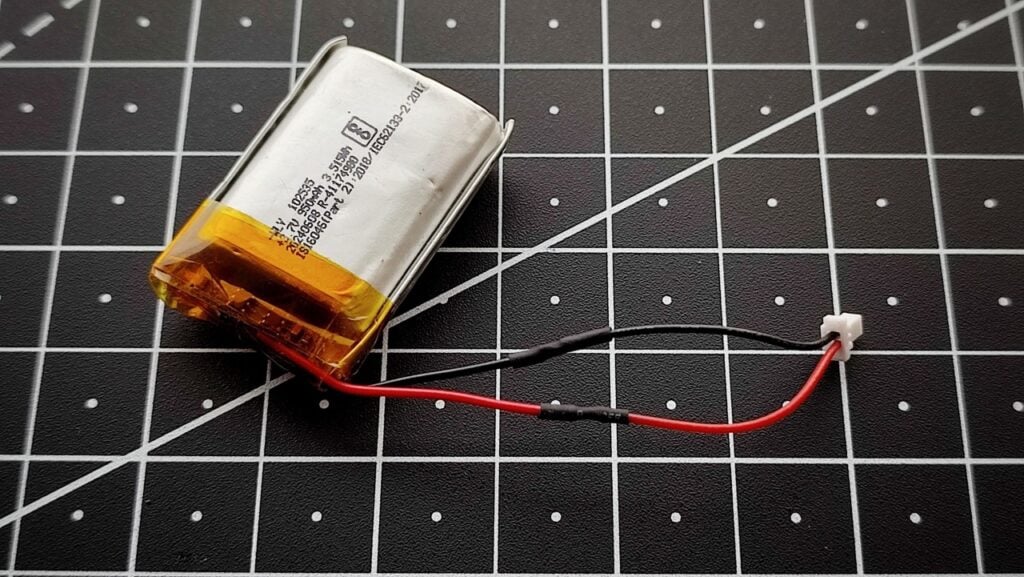
Vishal only really needed to connect a 3.7V 950mAh battery using an MX1.25 2P connector and produce a 3D-printed case using Tinkercad. He was then able to add an Apple Watch strap, which has lent both comfort and a modern appearance. It helped that the Waveshare board has USB-C and battery charging support. It also has a built-in accelerometer and gyroscope sensors for motion detection.
Putting in the hours
With the physical aspect of the design in hand, Vishal could turn his full attention to programming the device. “The Pico SDK was completely new to me,” he says. “After working with Arduino for years, switching to pure C code with minimal library support was challenging. I found a few basic C libraries and modified them to suit my needs and make development easier. But the touch library was particularly challenging, so I created custom functions that can detect whether a specific area of the screen has been touched, making the user interface much easier to implement.”
As development progressed, Vishal felt he could add some extra features. Aside from designing different watch faces and enabling them to switch between the 12-hour and 24-hour format, he included adjustable display brightness, a stopwatch, the ability to rotate the watch orientation, and a sleep time mode.
The latter proved tricky. “Even with the Pico SDK, I haven’t been able to reduce the power consumption as much as I would like because the watch does not have an RTC module,” he says. “If I put the device into deep sleep, it loses the current time and date.” He’s continuing to work on a solution while also considering adding more features as time goes on.
“I’m thinking about using a real-time clock module to keep accurate time when the device is off, and I’d like to add an alarm and a step counter,” he says. He’d also like to make the watch thinner and reduce the battery size. “I don’t know how or when I will do that,” he tells us. “But I believe it can be done.”
Find more projects like this in Raspberry Pi Official Magazine
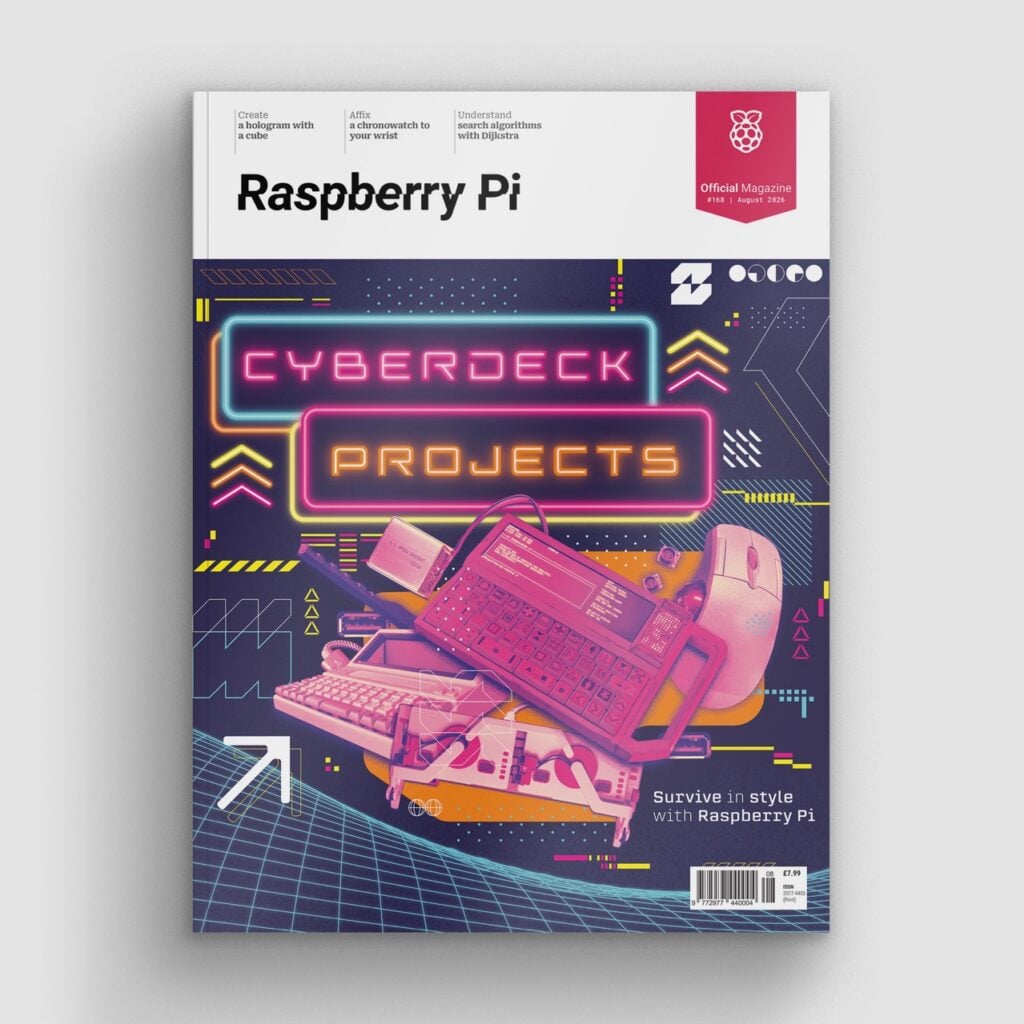
This article appeared in issue 168 of Raspberry Pi Official Magazine, which you can access online. You can also subscribe to the print version of our magazine. Not only do we deliver worldwide, but those who sign up to the six- or twelve-month print subscription will receive a FREE Raspberry Pi Pico 2 W!
You can find Raspberry Pi Official Magazine on Facebook, X, Threads, LinkedIn, and Mastodon. You can also contact the team via email: [email protected]
0 Comments
Log in to join the conversation.No comments yet. Be the first to share your thoughts.