
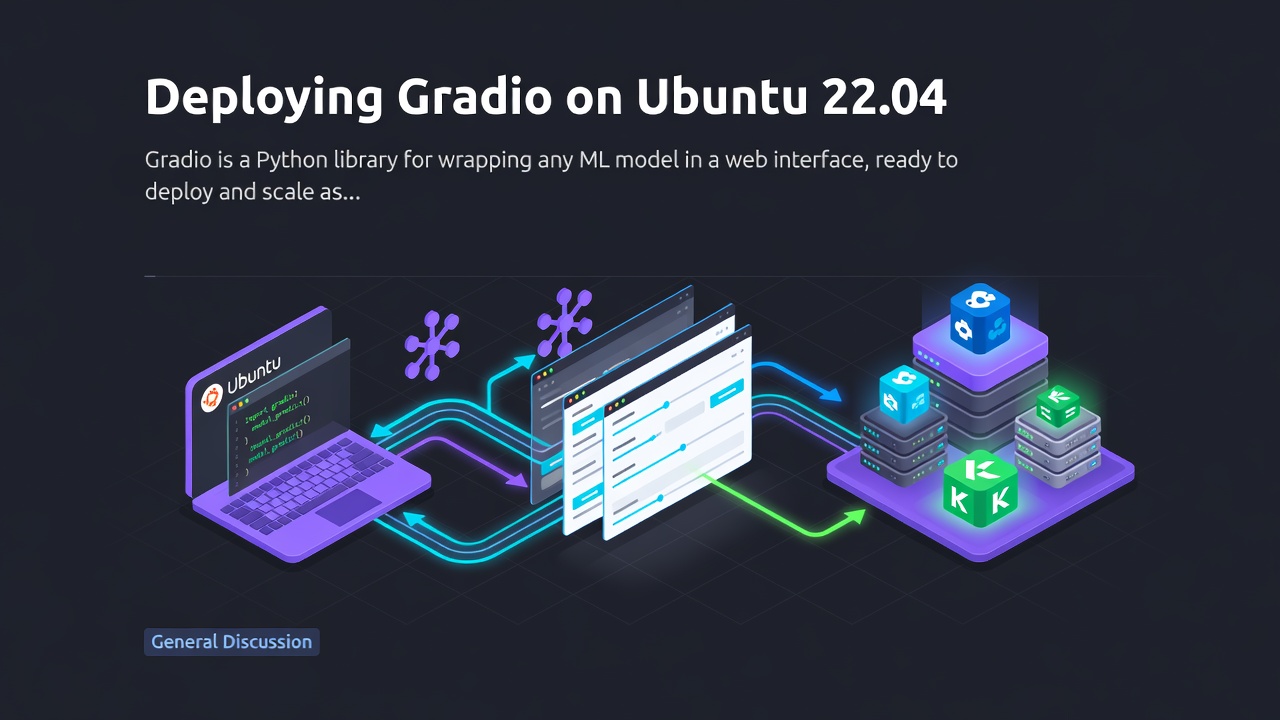


Gradio is a Python library for wrapping any ML model in a web interface, ready to deploy and scale as an app. This guide builds a GFPGAN-powered face-restoration demo with Gradio on Ubuntu 22.04, runs it as a systemd service, and exposes it through Nginx with TLS.
Prerequisites: a GPU-enabled Ubuntu 22.04 server, a domain A record (e.g.
gradio.example.com), non-root sudo access, Nginx installed.
Set Up the Server
1. Install dependencies:
$ pip3 install realesrgan gfpgan basicsr gradio
Enter fullscreen mode Exit fullscreen mode
-
realesrgan— background restoration -
gfpgan— face restoration -
basicsr— providesRRDBNet, the super-resolution architecture GFPGAN relies on -
gradio— the web interface
2. GFPGAN's pandas dependency needs jinja2 >= 3.1.2:
$ pip show jinja2
Enter fullscreen mode Exit fullscreen mode
Upgrade if it's older:
$ pip install --upgrade jinja2
Enter fullscreen mode Exit fullscreen mode
3. Create the project directory:
$ sudo mkdir -p /opt/gradio-webapp/
$ sudo chown -R :$(id -gn) /opt/gradio-webapp/
$ sudo chmod -R 775 /opt/gradio-webapp/
Enter fullscreen mode Exit fullscreen mode
Build the Gradio App
Uploads a face image and returns two enhanced outputs.
$ cd /opt/gradio-webapp/
$ nano app.py
Enter fullscreen mode Exit fullscreen mode
import gradio as gr
from gfpgan import GFPGANer
from basicsr.archs.rrdbnet_arch import RRDBNet
from realesrgan import RealESRGANer
import numpy as np
import cv2
import requests

def enhance_image(input_image):
    arch = 'clean'
    model_name = 'GFPGANv1.4'
    gfpgan_checkpoint = 'https://github.com/TencentARC/GFPGAN/releases/download/v1.3.4/GFPGANv1.4.pth'
    realersgan_checkpoint = 'https://github.com/xinntao/Real-ESRGAN/releases/download/v0.2.1/RealESRGAN_x2plus.pth'

    rrdbnet = RRDBNet(num_in_ch=3, num_out_ch=3, num_feat=64, num_block=23, num_grow_ch=32, scale=2)

    bg_upsampler = RealESRGANer(
        scale=2,
        model_path=realersgan_checkpoint,
        model=rrdbnet,
        tile=400,
        tile_pad=10,
        pre_pad=0,
        half=True
    )

    restorer = GFPGANer(
        model_path=gfpgan_checkpoint,
        upscale=2,
        arch=arch,
        channel_multiplier=2,
        bg_upsampler=bg_upsampler
    )

    input_image = input_image.astype(np.uint8)
    cropped_faces, restored_faces, restored_img = restorer.enhance(input_image)

    return restored_faces[0], restored_img

interface = gr.Interface(
    fn=enhance_image,
    inputs=gr.Image(),
    outputs=[gr.Image(), gr.Image()],
    live=True,
    title="Face Enhancement with GFPGAN",
    description="Upload an image of a face and see it enhanced using GFPGAN. Two outputs will be displayed: restored_faces and restored_img."
)

interface.launch(server_name="0.0.0.0", server_port=8080)
Enter fullscreen mode Exit fullscreen mode
enhance_image() loads the GFPGAN/Real-ESRGAN checkpoints and runs restoration; interface wires that function to a Gradio UI listening on port 8080.
Test it:
$ python3 app.py
Enter fullscreen mode Exit fullscreen mode
Running on local URL: http://0.0.0.0:8080
Enter fullscreen mode Exit fullscreen mode
Set share=True in launch() for a temporary public Gradio link. Stop it with Ctrl+C once verified.
Run It as a systemd Service
$ sudo nano /etc/systemd/system/my_gradio_app.service
Enter fullscreen mode Exit fullscreen mode
Replace example-user with your actual account:
[Unit]
Description=My Gradio Web Application

[Service]
ExecStart=/usr/bin/python3 /opt/gradio-webapp/app.py
WorkingDirectory=/opt/gradio-webapp/
Restart=always
User=example-user
Environment=PATH=/usr/bin:/usr/local/bin
Environment=PYTHONUNBUFFERED=1

[Install]
WantedBy=multi-user.target
Enter fullscreen mode Exit fullscreen mode
$ sudo systemctl daemon-reload
$ sudo systemctl enable my_gradio_app
$ sudo systemctl start my_gradio_app
$ sudo systemctl status my_gradio_app
Enter fullscreen mode Exit fullscreen mode
Expose It with Nginx
$ sudo nano /etc/nginx/sites-available/gradio.conf
Enter fullscreen mode Exit fullscreen mode
server {
    listen 80;
    listen [::]:80;
    server_name gradio.example.com;

    location / {
        proxy_pass http://127.0.0.1:8080/;
    }
}
Enter fullscreen mode Exit fullscreen mode
$ sudo ln -s /etc/nginx/sites-available/gradio.conf /etc/nginx/sites-enabled/
$ sudo nginx -t
$ sudo systemctl restart nginx
Enter fullscreen mode Exit fullscreen mode
Secure It
$ sudo ufw status
$ sudo ufw allow 80/tcp
$ sudo ufw allow 443/tcp
$ sudo ufw reload
$ sudo apt install -y certbot python3-certbot-nginx
$ sudo certbot --nginx -d gradio.example.com -m [email protected] --agree-tos
$ sudo certbot renew --dry-run
Enter fullscreen mode Exit fullscreen mode
Test It
Visit https://gradio.example.com, upload a sample face image, and confirm you get back the restored face crop and the full restored image.
Next Steps
The Gradio app is running as a managed systemd service behind Nginx with TLS. From here:
- Swap in a different model — the
interface.launch()pattern works for any function-wrapped model - Add authentication (
interface.launch(auth=...)) if the app shouldn't be fully public - Move heavier models to a GPU-backed instance if inference latency matters
For the full guide, visit the original article on Vultr Docs.
0 Comments
Log in to join the conversation.No comments yet. Be the first to share your thoughts.