
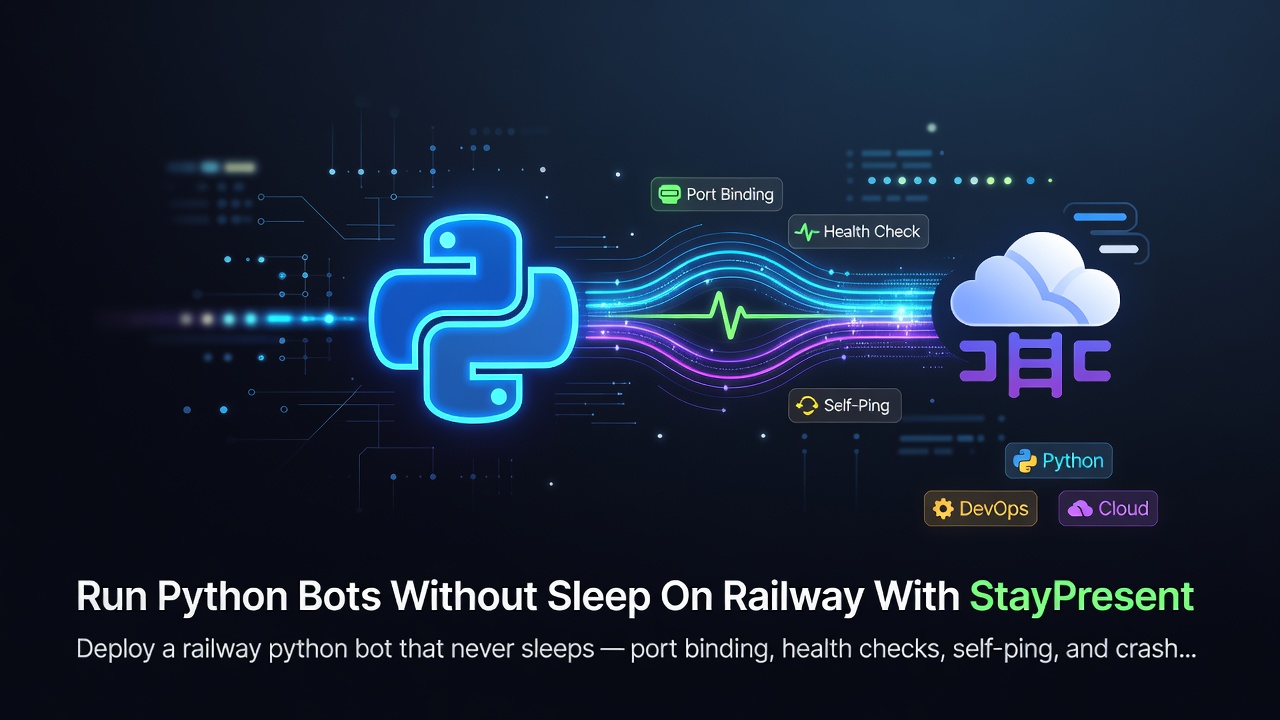

Deploy a railway python bot that never sleeps — port binding, health checks, self-ping, and crash recovery using StayPresent.
Run Python Bots Without Sleep On Railway With StayPresent
Railway auto-detects Python projects and gets you deployed in minutes, but a railway python bot — a Discord bot, Telegram bot, or scraper — still runs into the same core issue every PaaS presents: the platform expects an HTTP-facing process, and your bot's event loop or gateway connection doesn't naturally provide one. This guide covers deploying a bot to Railway that stays online, using StayPresent to fill that gap.
Table of Contents
- How Railway Detects and Runs Python Apps
- The
$PORTRequirement - Setting Up StayPresent
- Health Checks in Railway's Dashboard
- Self-Ping for Inactivity-Sensitive Plans
- Crash Recovery
- Full Working Example
- Best Practices
- Common Mistakes
- FAQs
- Conclusion
How Railway Detects and Runs Python Apps
Railway auto-detects a Python project from requirements.txt (or pyproject.toml) and builds a container for it automatically via Nixpacks, without requiring a Dockerfile. It then starts your app and expects it to bind to the port Railway assigns via the PORT environment variable, so its own routing and health checks can reach it.
The $PORT Requirement
This is the same pattern seen across virtually every modern PaaS: read PORT from the environment rather than hardcoding it.
import os
import staypresent

staypresent.run(
    "bot.py",
    port=int(os.getenv("PORT", 8080)),
)
Enter fullscreen mode Exit fullscreen mode
If your bot never binds to this port at all — which is normal, expected behavior for a Discord or Telegram bot — Railway's health checks (if enabled) will report the deployment as unhealthy, even though your bot might be functioning perfectly on its own.
Setting Up StayPresent
Install the production extra so Waitress handles serving instead of Flask's development server:
pip install staypresent[prod]
Enter fullscreen mode Exit fullscreen mode
Your main.py:
import os
import staypresent

staypresent.web.json({
    "status": "running",
    "service": "my-telegram-bot",
})

staypresent.run(
    "bot.py",
    port=int(os.getenv("PORT", 8080)),
)
Enter fullscreen mode Exit fullscreen mode
Railway's start command is simply:
python main.py
Enter fullscreen mode Exit fullscreen mode
Health Checks in Railway's Dashboard
If you've enabled Railway's health check feature for a service, you can point it specifically at StayPresent's built-in /health endpoint, which always returns {"status": "ok"} — independent of whatever you've configured at your root route:
staypresent.web.json({"status": "running"})
# /health still returns {"status": "ok"} regardless
Enter fullscreen mode Exit fullscreen mode
This separates platform-level health monitoring from any custom status payload you're serving to humans or your own tooling at /.
Self-Ping for Inactivity-Sensitive Plans
Whether inactivity-based sleeping applies depends on your specific Railway plan and configuration — always check Railway's current pricing and usage documentation before assuming behavior either way. If it does apply to your deployment, staypresent.cron() generates outbound traffic against your own public URL to keep it from being treated as idle:
import staypresent

staypresent.cron(
    "https://my-app.up.railway.app",
    interval=240,
)
Enter fullscreen mode Exit fullscreen mode
As with any platform, this must target the actual public URL — pinging 0.0.0.0 or 127.0.0.1 never leaves the machine and has no effect on inactivity detection.
Crash Recovery
Bots crash for mundane reasons, and Railway won't automatically relaunch a subprocess that dies inside your container unless the container itself exits. StayPresent handles that inner layer directly:
staypresent.run(
    "bot.py",
    port=int(os.getenv("PORT", 8080)),
    restart_on_crash=True,
    max_restarts=5,
    restart_delay=2.0,
    restart_reset_after=60.0,
)
Enter fullscreen mode Exit fullscreen mode
If restarts are ultimately exhausted, StayPresent exits the whole process with the bot's original exit code — letting Railway's own deployment restart policy act as a final backstop.
Full Working Example
import os
import staypresent

staypresent.web.json({"status": "running"})

staypresent.cron("https://my-app.up.railway.app", interval=240)

staypresent.run(
    "bot.py",
    port=int(os.getenv("PORT", 8080)),
    threads=8,
    restart_on_crash=True,
    max_restarts=5,
)
Enter fullscreen mode Exit fullscreen mode
Best Practices
- Always read
PORTdynamically — Railway assigns it per-deployment and it can differ between environments. - Point any configured health check at
/healthrather than/if your root route serves something custom. - Keep the
prodextra installed for any deployment receiving real traffic, not just keep-alive pings.
Common Mistakes
-
Hardcoding
port=8080instead of readingos.getenv("PORT", 8080)— this can work in some configurations and silently fail in others depending on how Railway is set up. - Assuming Railway's sleep behavior is identical to Render's. Policies differ between platforms and change over time — verify current behavior in Railway's own docs rather than assuming.
- Skipping crash recovery because "Railway restarts crashed deployments anyway." Railway's own restart policy operates at the container level; a bot subprocess crashing inside a still-running container is a separate failure mode StayPresent handles directly.
FAQs
Does Railway require a Dockerfile?
No — Railway can auto-detect and build Python projects via Nixpacks without one, though a Dockerfile is also supported if you prefer explicit control.
Can I reuse the same main.py from a Render deployment?
Yes — since both platforms follow the same $PORT convention, the identical entry point typically works unchanged across both.
Do I need staypresent.cron() on Railway?
Only if your specific plan/configuration is subject to inactivity-based sleeping — check Railway's current documentation for your plan before deciding.
Conclusion
A railway python bot stays online the same way a bot on any modern PaaS does: bind to the assigned port, expose a dedicated health endpoint, and let StayPresent supervise the bot process itself. The setup is close to identical across Railway, Render, Koyeb, and Heroku, which is exactly what makes StayPresent a one-time investment rather than per-platform boilerplate.
pip install staypresent[prod]
Enter fullscreen mode Exit fullscreen mode
0 Comments
Log in to join the conversation.No comments yet. Be the first to share your thoughts.