
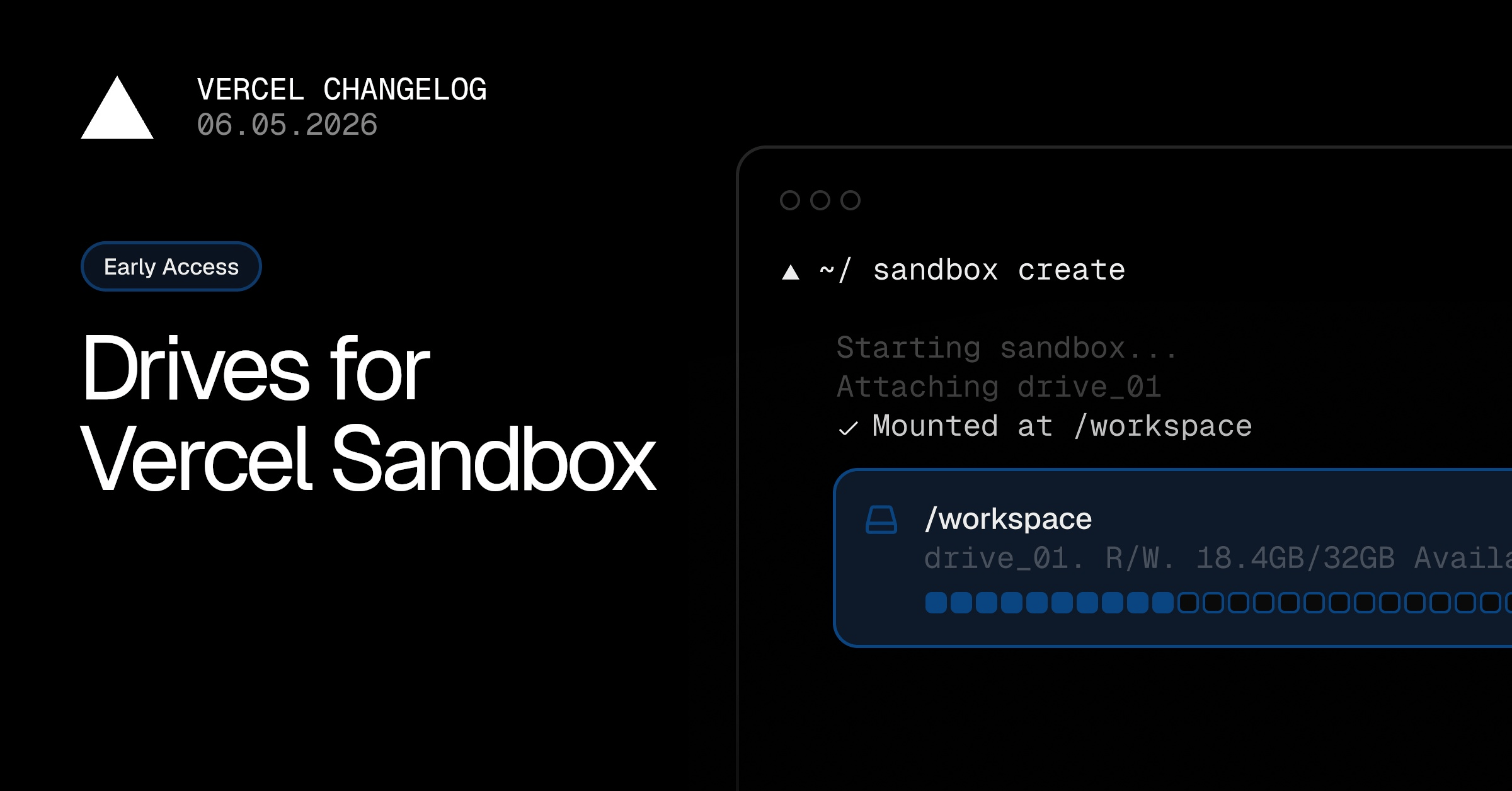
Vercel Sandbox now supports drives in private beta. Drives are persistent, attachable storage with a lifecycle independent from any sandbox.
Create a drive once, then mount it at a configurable path when starting a sandbox. When the sandbox stops, the drive remains available to attach to a later sandbox.
Install the beta SDK (@vercel/sandbox@beta) or beta CLI (sandbox@beta), then create and mount a drive:
import { Drive, Sandbox } from "@vercel/sandbox";
const drive = await Drive.getOrCreate({
name: "agent-workspace",
});
const sandbox = await Sandbox.create({
mounts: {
"/workspace": {
drive: drive.name,
mode: "read-write",
},
},
});
Sandbox Drives are useful for:
Keeping agent workspaces across disposable sandboxes
Retaining cloned repositories, dependencies, and build outputs
Managing data independently from the sandbox lifecycle
During the private beta, a drive can be mounted read-write by one sandbox at a time. Sandbox drives should not be used for production data while in private beta.
Sign up here to join the waitlist, learn more in the docs, or read the complete guide.
0 Comments
Log in to join the conversation.No comments yet. Be the first to share your thoughts.