
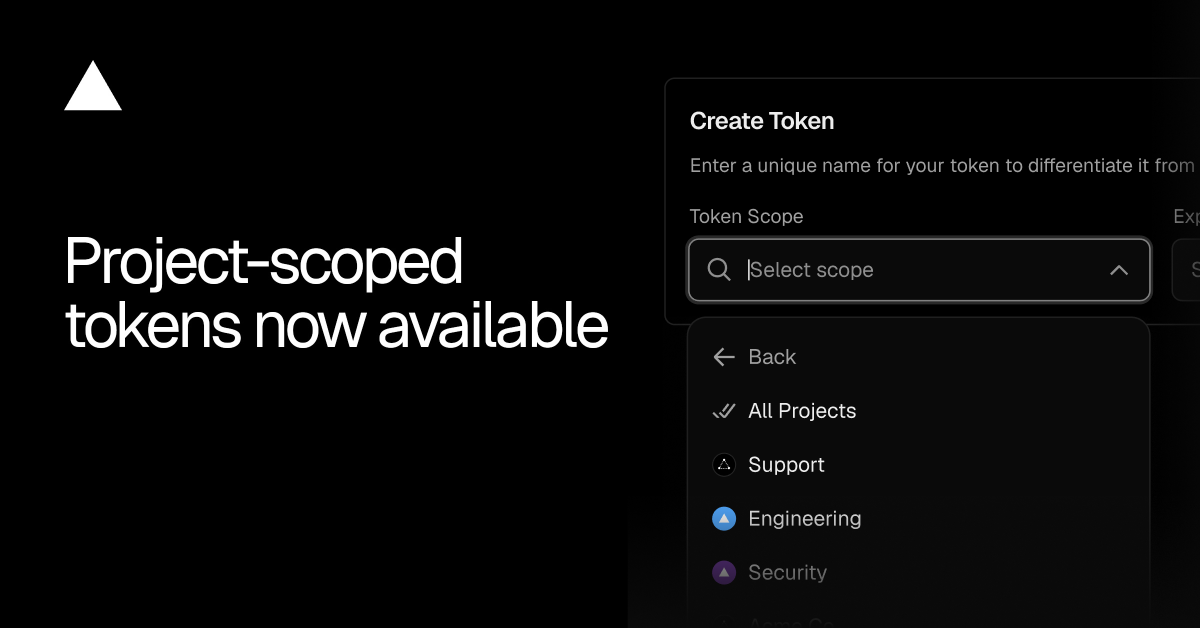
You can now create Vercel Access Tokens that are limited to a project to authenticate and use the Vercel API.
A project-scoped token can only read and write resources belonging to a project that the token is scoped to. Requests to any other project, a user-level resource, or a team-level resource will be denied. This ensures jobs, tools, or workflows only ever access the projects they are scoped to.
Copy link to headingCreating a project-scoped token
Navigate to the Account Tokens page, found under the Settings area of your Account.
Enter a descriptive token name
Open the Scope dropdown and select the team that owns the project, then click the team to drill into its list of projects
Select the project you want the token to be limited to
Choose an expiration and click Create
Make a note of the token created as it will not be shown again
0 Comments
Log in to join the conversation.No comments yet. Be the first to share your thoughts.