
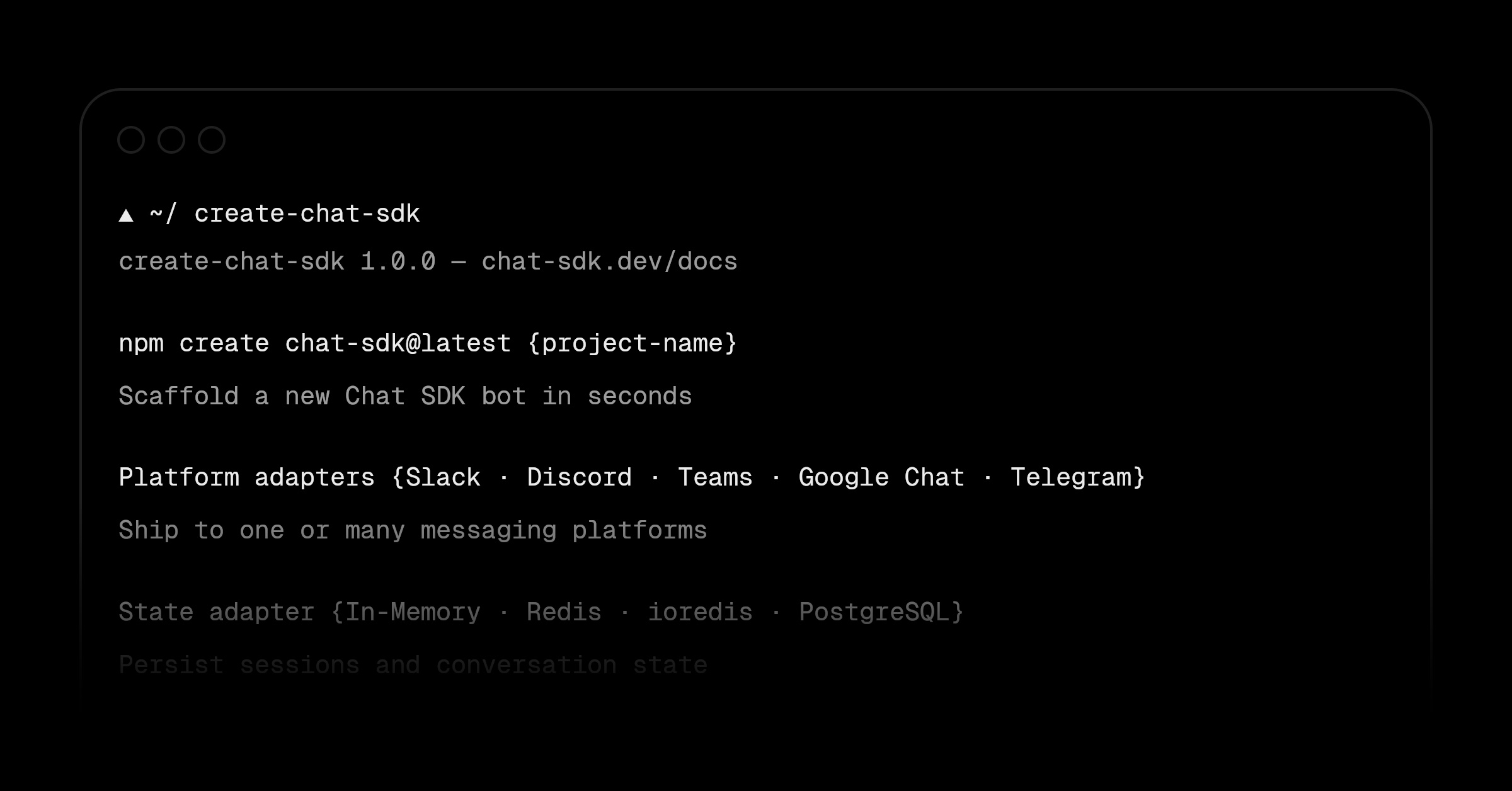
Creating a new Chat SDK bot now takes a single command.
create-chat-sdk scaffolds a complete Next.js project with your chosen platform adapters, a state adapter, environment variables, and a webhook route.
npm create chat-sdk@latest vercel-bot
The CLI walks you through selecting your platform adapters (e.g., Slack and Discord) and a state adapter (e.g., Redis), then installs the dependencies for you.
Everything wired up:
src/lib/bot.tswithonNewMentionandonSubscribedMessagehandlers, a populated.env.example, and a pre-configurednext.config.ts.Pick your stack: combine any of the official or vendor-official platform and state adapters into a single project. The CLI installs only what you select.
Fully scriptable: every prompt can be skipped with flags, so
create-chat-sdkworks with your AI agents and in CI. Coding agents are automatically detected, so the CLI runs non-interactively when they scaffold your application.
For example, scaffold a Slack and Discord bot with Redis in one command:
npm create chat-sdk@latest -- vercel-bot -d 'My Vercel bot' --adapter slack discord redis -yq
Read the documentation to get started.
The Complete Guide to Chat SDK
0 Comments
Log in to join the conversation.No comments yet. Be the first to share your thoughts.