
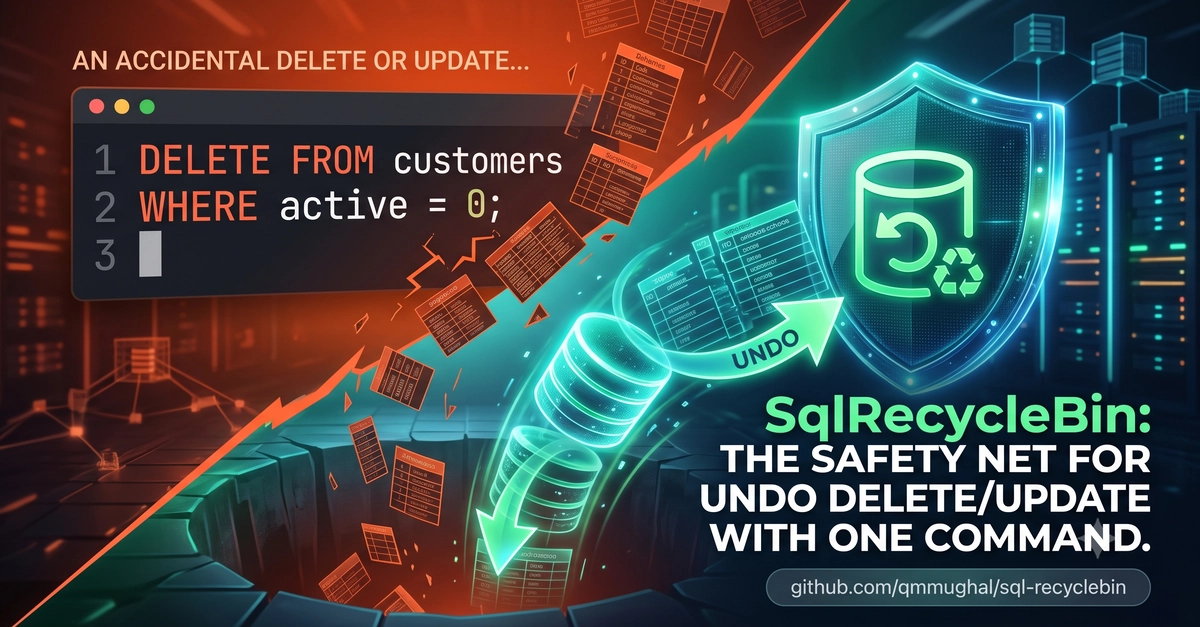


Every DBA has lived this moment: someone runs a DELETE without a WHERE clause on a production table, and the room goes quiet.
Oracle has had an answer for this for years — Flashback Query. SQL Server's answer has basically been: hope your backup chain is intact, or pay for a $2,000 transaction-log forensics tool.
So I built SQL RecycleBin.
It's exactly what it sounds like — a recycle bin for SQL Server. Enable it once per table, and every DELETE or UPDATE gets captured automatically. When something goes wrong, you don't restore a backup and lose every transaction since — you just query it back and undo it.
The core flow
-- Turn on capture for a table (one-time setup)
EXEC rb.Enable @Table = 'dbo.Orders';

-- ...someone runs DELETE without a WHERE clause...
DELETE FROM dbo.Orders;

-- See exactly what was lost, as real typed columns — not raw log bytes
EXEC rb.Deleted @Table = 'dbo.Orders';

-- Put it all back. Done.
EXEC rb.UndoLast @Table = 'dbo.Orders';
Enter fullscreen mode Exit fullscreen mode
No log readers, no downtime, no third-party agent sitting in your pipeline.
A few examples of it in practice
Recovering from a bad UPDATE, not just a DELETE:
EXEC rb.Enable @Table = 'dbo.Customers';

-- A migration script accidentally overwrites everyone's email domain
UPDATE dbo.Customers SET Email = '[email protected]';

-- Inspect before/after values for recent updates
EXEC rb.Updated @Table = 'dbo.Customers', @Top = 50;

-- Revert every captured update since it happened
EXEC rb.UndoLast @Table = 'dbo.Customers';
Enter fullscreen mode Exit fullscreen mode
Rolling back to a specific point in time, across a whole transaction:
-- Find the transaction ID responsible
EXEC rb.Status;

-- Undo everything from that specific transaction, not just the last one
EXEC rb.UndoTransaction @Table = 'dbo.Orders', @TxId = 48213;

-- Or roll a table back to how it looked at a timestamp
EXEC rb.Restore @Table = 'dbo.Orders', @Since = '2026-07-25 09:00';
Enter fullscreen mode Exit fullscreen mode
Excluding capture during bulk jobs or ETL, so you're not paying trigger overhead where you don't need it:
EXEC rb.BypassOn;

-- Nightly bulk load — none of this gets captured
INSERT INTO dbo.Orders SELECT * FROM staging.Orders;

EXEC rb.BypassOff;
Enter fullscreen mode Exit fullscreen mode
Keeping the history store lean:
-- Purge anything older than 14 days (the default retention window)
EXEC rb.Cleanup @KeepDays = 14;
Enter fullscreen mode Exit fullscreen mode
Prefer PowerShell over T-SQL? The same engine is wrapped as a module on the PowerShell Gallery:
Install-Module SqlRecycleBin
Install-SqlRecycleBin -Database "MyDb"
Enable-SqlRecycleBinCapture -Table "dbo.Orders"
Restore-SqlRecycleBinLast -Table "dbo.Orders"
Enter fullscreen mode Exit fullscreen mode
What's actually happening under the hood
-
rb.Enablegenerates a lightweightAFTER UPDATE, DELETEtrigger on the table. - Changed rows are captured as JSON into a compressed internal store (
rb.ChangeLog) — JSON means anALTER TABLEon your side never breaks the safety net. - Retrieval procs (
rb.Deleted,rb.Updated) project that JSON back into real typed columns viaOPENJSON, using the table's current schema. - Undo procs handle
IDENTITY_INSERTand skip primary key collisions automatically. - All of it is persistent on disk — it survives restarts and failovers, unlike an in-memory cache.
Honest about its limits
-
TRUNCATE TABLE,DROP TABLE, and minimally-logged bulk operations don't fire triggers, so they aren't captured. This is a safety net, not a backup replacement. - Tables need a primary key.
- Trigger capture adds write overhead — measure it on your workload, and use
rb.BypassOnaround heavy bulk jobs.
Full details are in the README.
Licensing
I'm shipping it as source-available under PolyForm Noncommercial — the complete v1 is free to read, install, and use for personal, educational, and noncommercial work. Commercial use requires a license, and that's what funds the roadmap: a CDC-based capture engine with zero trigger overhead, a Blazor dashboard with a diff viewer and one-click restore, and app-level user identity for who-did-what forensics behind connection pools.
Repo: https://github.com/qmmughal/sql-recyclebin
Live demo + docs: https://sqlrecyclebin.com
If you manage SQL Server databases — or you've ever been the person who had to explain a bad DELETE to your team — I'd love a star, a try, or just your thoughts on what a real "undo" for SQL Server should look like.
0 Comments
Log in to join the conversation.No comments yet. Be the first to share your thoughts.