
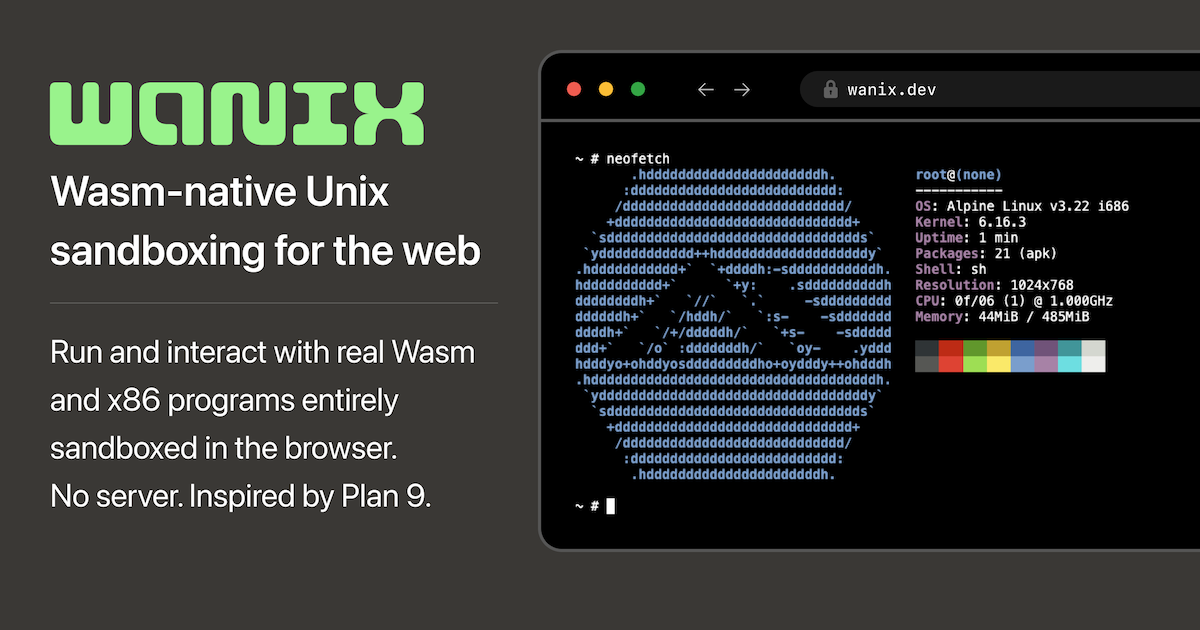
Run and interact with real Wasm and x86 programs entirely sandboxed in the browser. No server. Inspired by Plan 9.
<wanix-term>
  <wanix-bind dst="rc.wasm" type="file"
    src="https://wanix.dev/extras/0.4.0-rc2/rc.wasm">
  </wanix-bind>
  <wanix-task cmd="rc.wasm" term start></wanix-task>
</wanix-term>
rc% ls
rc.wasm
rc%
Three tags and our Plan 9 inspired shell rc gets us a tiny
embedded, Wasm-native Unix-like environment.
</> wanix recipes
Basic starting points using Wanix Elements
Allocates a new #ramfs to the namespace root,
binds in the rc shell and an inline file, then runs the shell
task with a terminal. Try running:
lscat shell.txt
</> wanix elements
Just a few tags bootstrap a Unix for the web
Core — the building blocks
orthogonal primitives
<wanix-task>
runs an executable in a namespace
docs
Bind a Wasm binary into the namespace, then start it.
cmd is the command line; start runs it
headless as soon as the system is ready.
Inline a JS file and run it as a task. Wanix supports task drivers for pluggable execution with built-in drivers for JS and Wasm.
<wanix-term>
an xterm.js terminal for a task or vm
docs
Typically tasks are started with a terminal allocation that <wanix-term> automatically wires up to.
Its common to use <wanix-term> as the top-level element for a task.
Visual elements like <wanix-term> can be used outside a namespace for styling flexibility,
they just need explicit for and path attributes to wire up to Wanix terminal.
<wanix-vm>
runs a virtual machine in a namespace, powered by v86
docs
Boot a headless Linux VM by binding in the v86 emulator assets and the Linux system image. It will detect the Linux kernel and boot to a shell.
This is more typical where you would allocate and attach a terminal,
though for VM consoles the terminal needs to be in raw mode.
If the image supports, export="ttyS0" can be used to export
the internal namespace at #vm/1/guest.
<wanix-namespace>
an explicit namespace container
docs
Use <wanix-namespace> to explicitly create a namespace.
Using any other tag as the top-level element will implicitly create a namespace.
Give the namespace an id and
allow-origins so other pages can import this
namespace using an import bind.
<wanix-bind>
bind mount files, archives, and other namespaces into the namespace
docs
Bind can link names, allocate devices, or using type="file" it can fetch
or inline files. Bind is a versatile primitive for building namespaces.
Using type="archive" you can unpack a .tar / .tgz into a
directory tree. Layer multiple archives or directory binds to the same dst to create a recursive union.
Using type="import" you can import a remote namespace using 9P over WebSocket or as an embedded iframe.
Extended — larger components
require additional assets
<wanix-workbench>
embedded VS Code workbench as editor, file explorer, full IDE, or app shell
docs
Embed a VS Code workbench backed by the Wanix namespace. The assets attribute is required. A task
with role="shell" needs to be given to enable a terminal.
Using attributes like open and sidebar you can control the initial state of the workbench.
Here we simplify IDE to effectively be a single-file editor.
In the futre, you'll be able to add custom extensions and views to workbench and even live edit them within the workbench itself.
</> script tag
Add Wanix to any page
You can grab the assets from the latest release or just use the CDN:
<script type="module"
  src="https://cdn.jsdelivr.net/npm/[email protected]/dist/wanix.min.js"></script>
the ideas behind wanix
19 min
the full story
The spirit of Plan 9, in Wasm
Per-process namespaces, everything-is-a-file, and why a research OS from the 90s turns out to be the right model for the local-first web.
0 Comments
Log in to join the conversation.No comments yet. Be the first to share your thoughts.