
Workflow Builder is an open-source Next.js template for building workflow automation platforms
Deploy your own Workflow Builder with one click.
Copy link to headingWhat's included in Workflow Builder
Workflow Builder is a production-ready Next.js application with a fully interactive workflow editor, AI-assisted workflow generation, six prebuilt integration modules, and end-to-end observability.
Copy link to headingVisual workflow editor
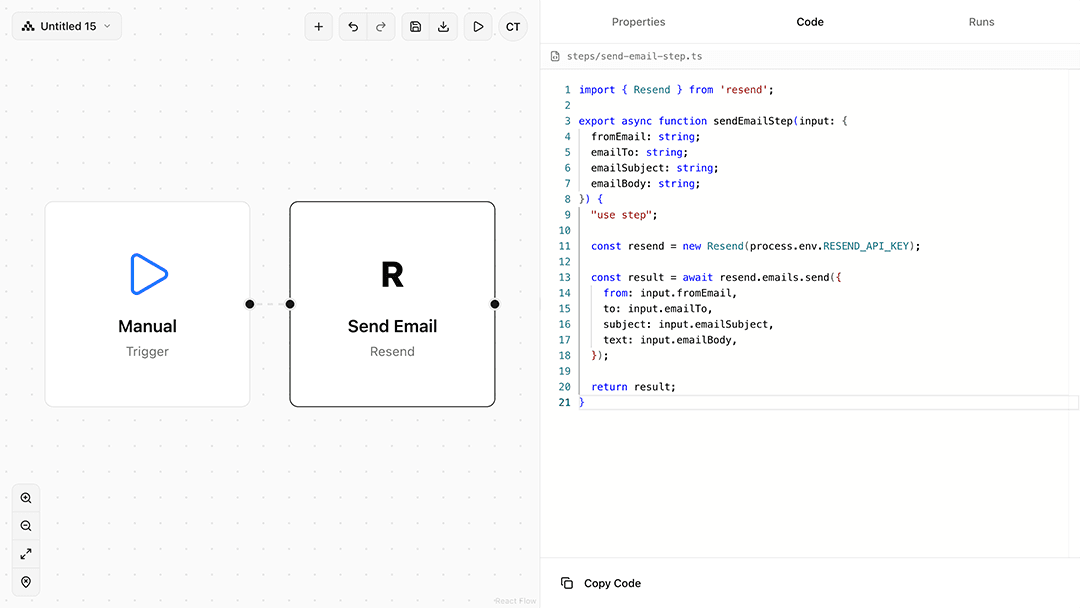
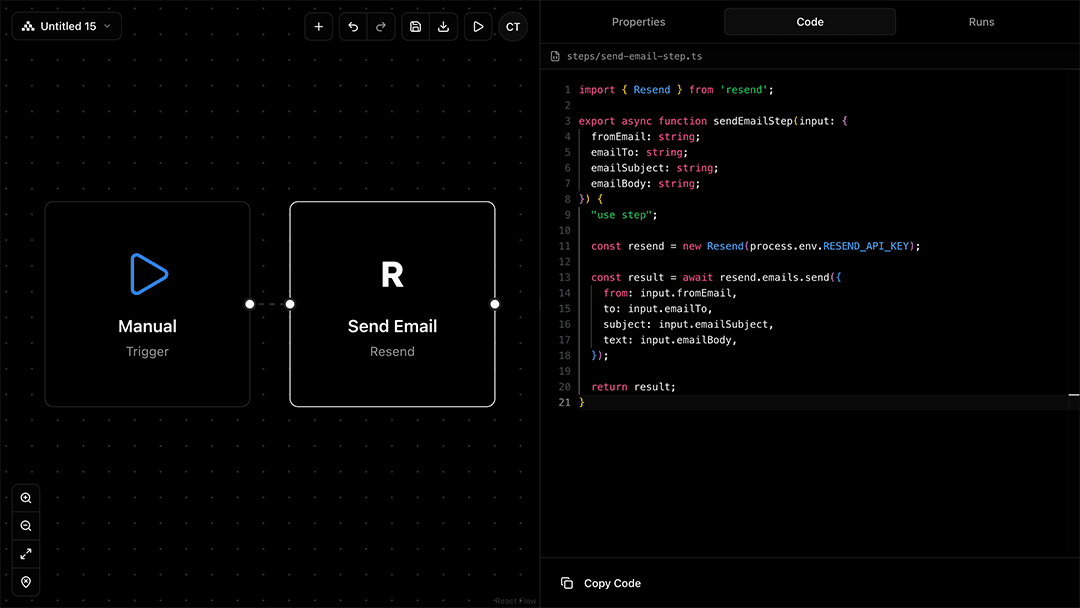
The visual workflow editor lets you build, connect, and execute workflows using drag-and-drop steps. You get real-time validation, undo/redo, auto-save, and persistent state without writing code.
Prebuilt integrations include:
Resend (emails)
Linear (issues)
Slack (notifications)
PostgreSQL (database)
HTTP requests (API calls)
Vercel AI Gateway (AI models)
Copy link to headingAI-powered text-to-workflow generation
The AI-powered text-to-workflow feature converts natural language prompts into executable workflows. Type a description of your automation, and the system generates structured step definitions and connections.
Copy link to headingWebhook triggers
Webhook triggers connect your workflows to external apps and APIs. External events, services, or data sources can trigger workflow execution in real time.
Copy link to headingReferencing outputs from previous steps
Each workflow step can access and reference outputs from previous steps. This creates dynamic, data-driven processes and enables agentic workflows where later steps depend on earlier results.
Copy link to headingWorkflow code generation
Every visual workflow compiles into executable TypeScript via the Workflow Development Kit (WDK). The "use workflow" and "use step" directives transform your functions into a runtime execution graph that handles state management, error handling, and step coordination.
Copy link to headingUse cases for Workflow Builder
With Workflow Builder, you have the foundation to build your own workflow automation platform for internal tools or customer-facing products:
Agents: Execute multi-step, cross-system workflows powered by AI
Internal tools: Custom automation systems tailored to your organization’s processes and systems
Customer-facing workflow tools: Offer domain-specific workflow builders like Zapier or n8n
Integration platforms: Add drag-and-drop workflow capabilities to your product
Data pipelines: Design ETL or data processing pipelines with visual monitoring and execution tracking
0 Comments
Log in to join the conversation.No comments yet. Be the first to share your thoughts.