
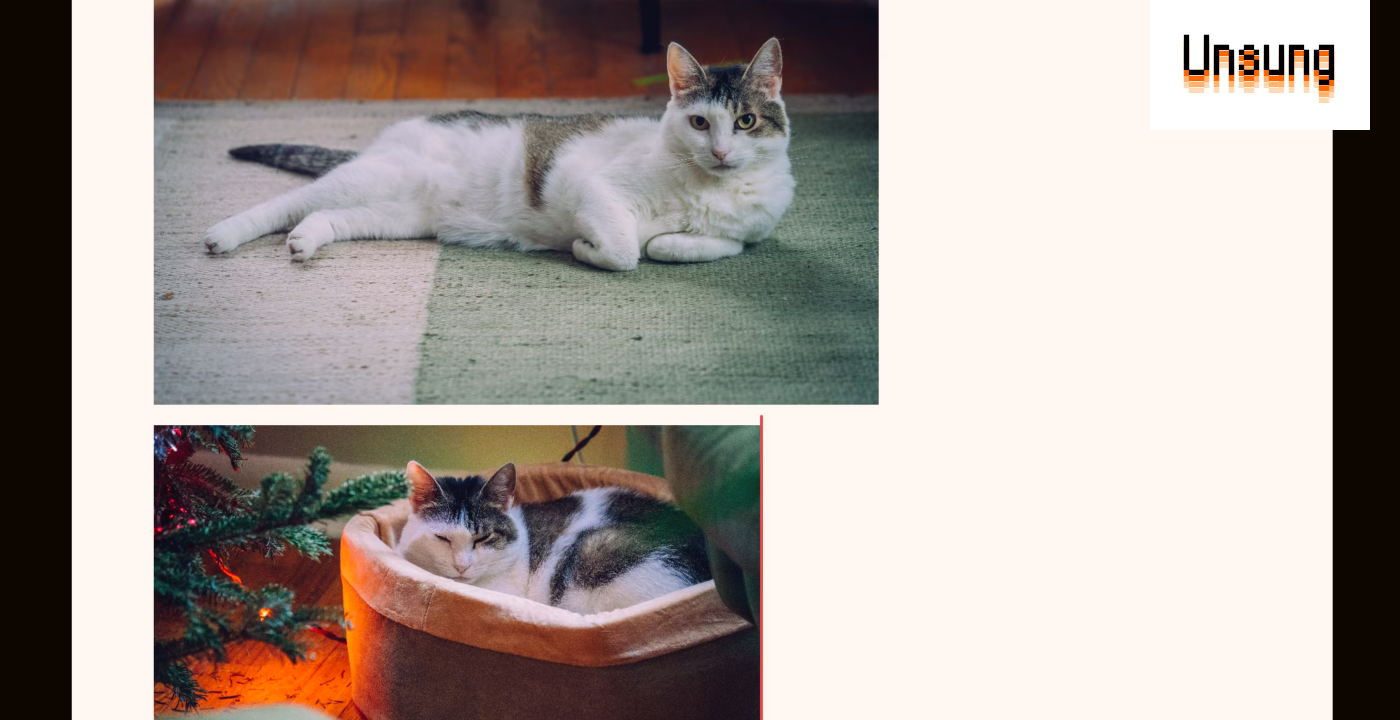
Bear (a notetaking tool) has simple image resizing, with one extra nicety – if your images are near each other, resizing one will snap to the width of the other:
In the Finder, columns snap to the width necessary to keep all the names untruncated – and not one pixel more:
(Sidebar: This is also the only place I’m mentioning today that nicely uses the trackpad’s haptic feedback at the snap moment. I tried to indicate it in the video; this is not the final visual treatment I’m thinking of, but let me know if this kind of visualization of haptics feels useful to you!)
macOS does something really interesting when you get its windows close to each other. Instead of typical snapping – pulling the thing you hold toward the other item like a magnet – it instead prevents you from going further for a while, in either direction. Perhaps the right analog here would be glue:
If initially feels a bit funny, but I think I like it. It’s less aggressive and avoids needing some sort of cancellation (an option or a modifier key) if you don’t want it, because it never feels in a way.
It also works for matching heights, like in Bear:
In Figma, building atop regular snapping, we introduced something I awkwardly called “self-snapping”: if your objects are inside a container, the container will snap its padding to whatever it sees on the other side, without any explicit auto layout/flexbox:
I am sharing these five examples (and one from before) because I think they exemplify a nice thing: precision without bureaucracy. In each case you could imagine an explicit heavy option somewhere in the menu…
- Bear: Set Image Width…
- macOS: Match Window Heights
- Finder: Restore Column Width
- Figma: Unify Padding
…that would feel slow and cumbersome.
Instead, these take the freedom of direct manipulation and sprinkle just enough almost-invisible structure in a moment where that structure is undeniably useful. (Of course, you still might want explicit options somewhere in the menu or your command palette, if only for accessibility reasons.)
I like that these quiet features have your back and make you look good, and that their creators understand that something almost aligned can feel worse than something completely misaligned.
0 Comments
Log in to join the conversation.No comments yet. Be the first to share your thoughts.