
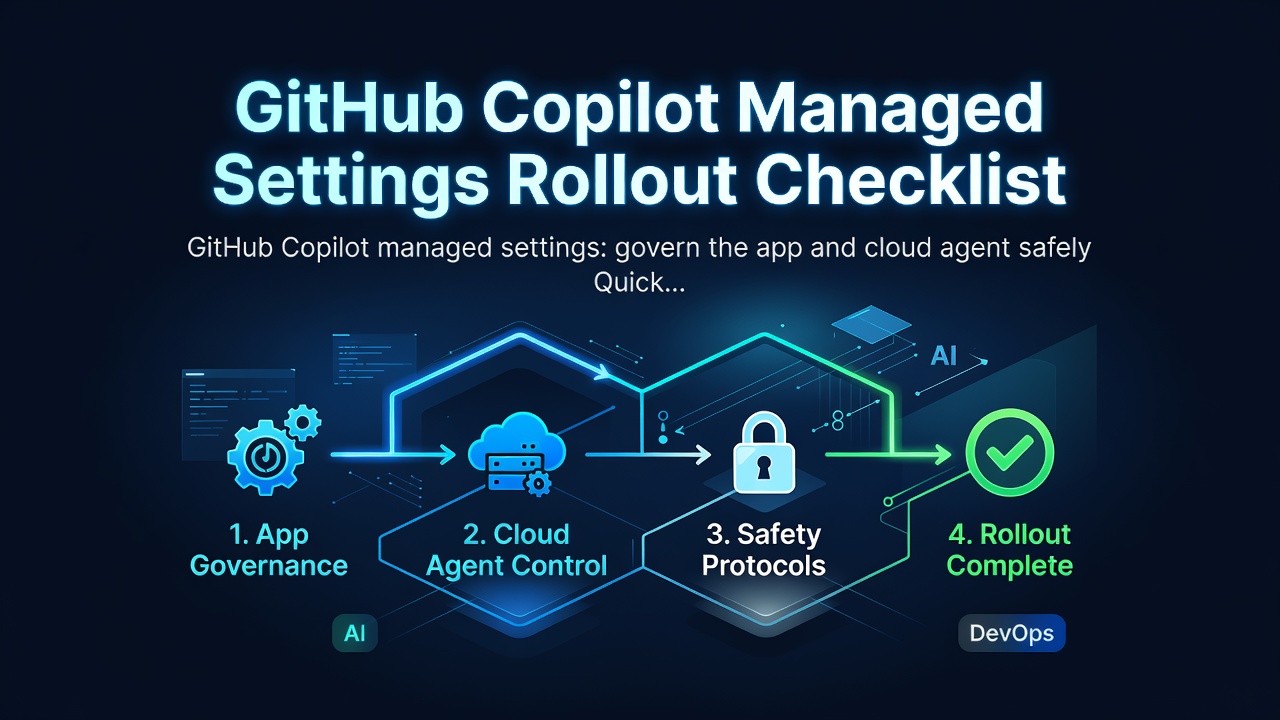

GitHub Copilot managed settings: govern the app and cloud agent safely
Quick answer
On July 27, 2026, GitHub expanded enterprise managed settings to the GitHub Copilot app and the Copilot cloud agent. The change closes an important governance gap: plugin and marketplace rules can now follow developers from Copilot CLI and VS Code into the app and cloud tasks. GitHub also separated access to the Copilot app from the Copilot CLI policy, so administrators can decide whether the app is available without coupling that decision to CLI access.
Do not treat this as “one JSON file controls every client identically.” Start with a client-by-key matrix, keep app access separate from runtime guardrails, deploy the smallest policy through a pull request, and prove six negative and recovery cases before broad rollout. In particular, bypass-prompt controls apply to interactive clients, not the cloud agent, and OpenTelemetry settings currently apply only to Copilot CLI and VS Code.
Who this is for
This guide is for GitHub Copilot Enterprise owners, security or platform leads, and small teams that need consistent controls across local and cloud coding agents. It is about policy rollout, not task design. For the task handoff itself, use the Linear-to-draft-PR checklist; for repository-level operating rules, keep the Copilot workflow control checklist.
What changed, and what did not
GitHub's July 27 release says the Copilot app now reads the same managed-settings.json used by supported Copilot clients. The cloud agent reads the settings that apply to it, including approved plugins and marketplaces. Existing server-managed policies are picked up by the app after restart or sign-in and by the cloud agent on the next task assignment.
A second July 27 release gives the Copilot app its own access policy. It is enabled everywhere by default and can be set to Enabled everywhere, Disabled everywhere, or Let organizations decide. This is the coarse availability switch. managed-settings.json is the finer behavior policy. Review both; disabling a risky setting does not answer whether the app itself should be available.
The key boundary is client coverage:
| Control | Copilot app | Cloud agent | Important boundary |
|---|---|---|---|
| Approved plugins and marketplaces | Applies | Applicable settings apply | A private plugin still requires users or agents to have repository access |
| Disable bypass / allow-all mode | Applies | Not an interactive cloud-agent control | Does not block every individual allow flag in Copilot CLI |
| Default new conversations to Auto model | Applies where supported | Do not assume cloud-task routing changes | A user can still choose another model per conversation |
| OpenTelemetry export | Not listed as supported | Not listed as supported | GitHub documents telemetry for CLI and VS Code only |
| Copilot app access policy | Controls app availability | Separate from cloud-agent policy | Enabled everywhere by default |
Never infer coverage from a setting name. Recheck GitHub's managed-settings reference when adding a key because the supported-client matrix can change independently of the JSON schema.
Choose the deployment path
Use the narrowest deployment method that gives you review, coverage, and rollback.
| Situation | Preferred path | Trade-off |
|---|---|---|
Enterprise already has a .github-private repository |
Server-managed | Best pull-request audit trail; applies enterprise-wide with no organization override |
| IT needs staged device groups on macOS or Windows | MDM-managed | Highest precedence and targeted rollout; depends on device management |
| Containers, Codespaces, or no server/MDM path | File-based | Works broadly, but only machines that receive the file are governed |
GitHub's precedence order is MDM, server-managed, file-based, then user settings. A successful file-based test does not prove what will happen on a device that already receives an MDM payload. Inventory every active source before rollout.
Start with a minimal, reviewable policy
The following canary policy uses documented keys. An empty strictKnownMarketplaces array is a complete marketplace lockdown, so test it with a small group before adoption.
{
  "permissions": {
    "disableBypassPermissionsMode": "disable",
    "model": "auto"
  },
  "enabledPlugins": {},
  "strictKnownMarketplaces": []
}
Enter fullscreen mode Exit fullscreen mode
For server-managed deployment, store the file at copilot/managed-settings.json in the enterprise .github-private repository, commit it to a short-lived branch, and require review. If you enable a plugin from a private repository, verify authorization separately; distributing the policy does not grant access to the plugin source.
Add marketplaces and plugins only after recording owner, source, pinned ref where supported, required permissions, data boundary, update method, and rollback contact. This is the same trust problem as allowing a tool into an untrusted-repository agent sandbox, not a convenience setting.
Run a six-case rollout canary
Use a small pilot group and preserve screenshots or logs for each result.
- Policy-source test. Confirm which source wins on the pilot device. A local user setting must not override MDM or server-managed values.
- App bypass test. Restart or sign in to the Copilot app and confirm that Allow all for tool permissions cannot be enabled when bypass mode is disabled.
- Marketplace deny test. Attempt to install from an unlisted marketplace. The request must fail without silently falling back to another source.
- Approved-plugin test. Add one reviewed plugin, verify its exact source and access, then run one harmless read-only task. A missing private-repository entitlement should fail closed.
- Cloud-agent boundary test. Assign a non-production task and confirm only approved plugin and marketplace settings are observed. Do not use the app's bypass result as evidence for cloud-agent isolation; keep normal repository, branch, and review controls.
- Refresh and rollback test. Remove the canary plugin or revert the policy PR. GitHub says server-managed changes normally arrive within about an hour, immediately after restart/sign-in for clients, or on the next cloud task. Record the actual convergence time.
Promote only if all six cases pass. A JSON parse success proves syntax, not distribution, precedence, client coverage, plugin authorization, or enforcement.
Common mistakes
Combining access and behavior into one decision. The dedicated Copilot app policy decides whether the app is available. Managed settings decide how supported behavior is constrained. Review and test both.
Assuming cloud tasks inherit every local guardrail. GitHub explicitly limits bypass-prompt controls to interactive clients. Cloud-agent safety still depends on repository opt-in, task scope, credentials, branch rules, CI, and human review.
Adding secrets directly to the policy. GitHub's reference shows that telemetry headers can contain authorization material, but telemetry is not an app or cloud-agent setting. Keep secrets in the approved device or telemetry deployment path and never commit a live token to the governance repository.
Rolling out an empty marketplace allowlist globally. An empty strictKnownMarketplaces list means complete lockdown. That can be a valid destination, but only after discovering required plugins and proving the rollback path.
FAQ
Do existing managed settings apply automatically to the Copilot app?
GitHub says the app picks up an existing server-managed configuration after the developer restarts the app or signs in again. Still run the enforcement canary; configuration delivery and behavior enforcement are separate claims.
Can an organization override server-managed enterprise settings?
No. GitHub documents enterprise managed settings as enterprise-wide with no organization-level override. The separate Copilot app access policy can allow the enterprise to let organizations decide app availability, but that does not make the managed JSON organization-overridable.
Does disabling bypass mode make every Copilot surface safe?
No. It blocks the documented allow-all behavior in supported interactive clients. It does not replace plugin review, marketplace restriction, repository permissions, sandboxing, branch protection, deterministic tests, or human merge authority.
0 Comments
Log in to join the conversation.No comments yet. Be the first to share your thoughts.