
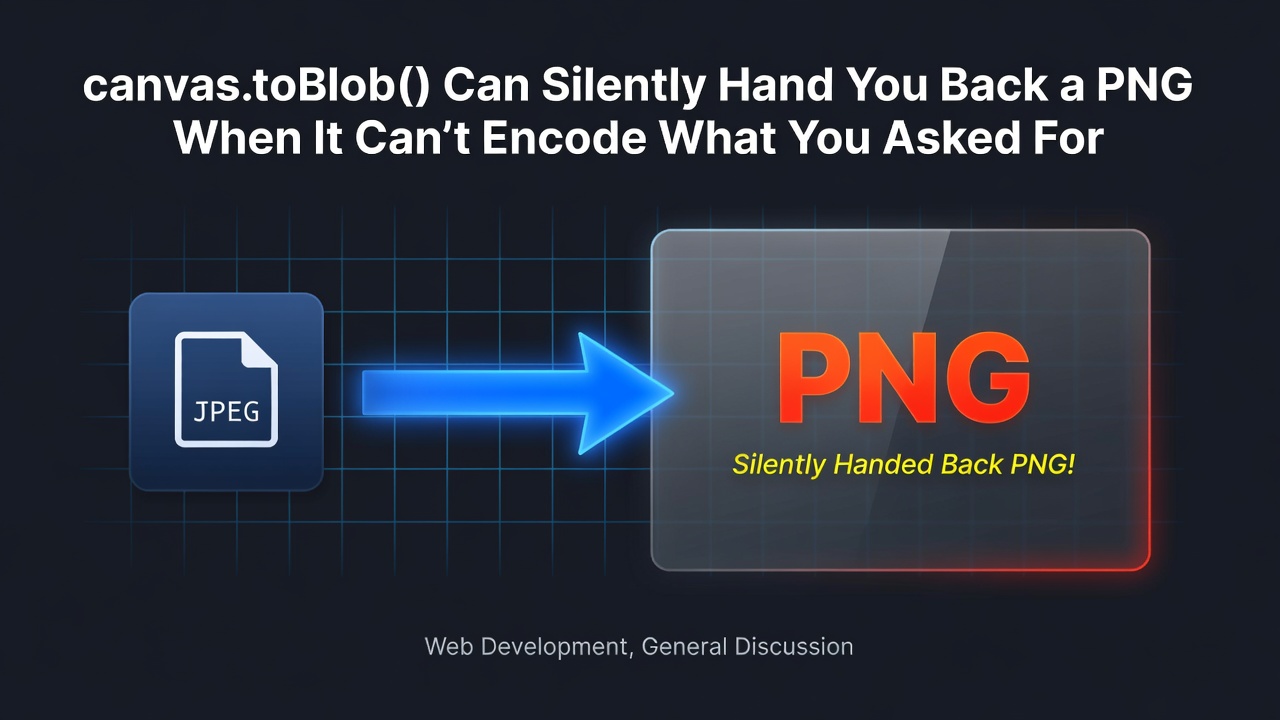
I was building a small in-browser image converter — drop in a PNG or JPEG, get back a WebP or AVIF, no server involved — and ran into a failure mode that doesn't look like a failure at all. The conversion "succeeds." The download works. The file just isn't the format you asked for, and unless you check for it, you'll never know.
The shape of the problem
The whole point of doing this client-side is that the image never leaves the browser. No upload, no server round trip, no queue. The pipeline is short:
const loadBitmap = async (file: File) => {
  if ('createImageBitmap' in window) return createImageBitmap(file);
  return new Promise<HTMLImageElement>((resolve, reject) => {
    const image = new Image();
    image.onload = () => resolve(image);
    image.onerror = reject;
    image.src = URL.createObjectURL(file);
  });
};
Enter fullscreen mode Exit fullscreen mode
createImageBitmap(file) is the fast path — it decodes the file off the main thread without you needing to wire up an <img> element first. Not every environment has it, though, so there's a fallback to the classic new Image() plus URL.createObjectURL, which works everywhere but ties up the main thread during decode.
Once you have a bitmap, you draw it into a canvas — optionally downscaled — and ask the canvas for a blob in the target format:
const canvas = document.createElement('canvas');
canvas.width = width;
canvas.height = height;
const context = canvas.getContext('2d');
context.drawImage(bitmap, 0, 0, width, height);
if ('close' in bitmap && typeof bitmap.close === 'function') bitmap.close();

const mimeType = `image/${targetFormat}`;
const blob = await new Promise<Blob | null>((resolve) =>
  canvas.toBlob(resolve, mimeType, quality)
);
Enter fullscreen mode Exit fullscreen mode
Calling bitmap.close() matters more than it looks — ImageBitmap objects hold decoded pixel data, and if you're running this over a batch of files, forgetting to release each one adds up fast in a single tab.
That code above is basically the whole feature. It's short enough that it's tempting to ship it as-is. Don't.
Where it quietly goes wrong
canvas.toBlob(callback, mimeType, quality) does not throw or reject when it can't produce the format you asked for. If the browser doesn't support encoding to that mimeType, it just falls back to PNG and calls your callback like nothing happened. No exception, no rejected promise, nothing in the console. This isn't a browser bug either — it's the specified behaviour, spelled out in MDN's toBlob() reference: an unsupported type falls back to image/png. The blob you get back is a real, valid, decodable image — it's just not the one you requested.
For a converter whose entire premise is "give me a smaller file in a modern format," this is close to the worst possible failure mode. AVIF and WebP exist specifically to be smaller than PNG for photographic content. If the encode silently downgrades to PNG, the user downloads a file that's often larger than what they started with, believing they got the compression they asked for. There's no error to catch, because nothing threw.
The only signal you have is the blob itself:
if (!blob || (blob.type && blob.type !== mimeType)) throw new Error('unsupported');
Enter fullscreen mode Exit fullscreen mode
That one line is doing the actual work of catching the failure. It compares the type the browser reports on the resulting blob against the mimeType you requested. If they don't match, that's the silent-PNG-fallback case, and only then do we turn it into a real Error the rest of the app can react to — surfaced in the UI as an explicit "your browser couldn't encode this format" message instead of a mysteriously oversized download.
Encode support for something like AVIF isn't uniform across browsers and platforms the way JPEG decoding is — it depends on the underlying codec libraries a given browser ships with. Rather than trying to maintain a browser/version support matrix and hope it stays accurate, checking blob.type after the fact is the one method that's actually correct by construction: it asks the browser what it did, instead of guessing what it should be able to do.
The rest of the machinery
A few other details worth knowing if you're building something similar:
Downscaling is optional and cheap. A maxWidth setting only kicks in if it's set and the source is actually wider than it; otherwise the canvas is sized to the original dimensions and nothing is resized. It's a plain ratio calculation before drawImage, not a separate resize pass.
Quality defaults differ per format — 0.82 for WebP, 0.72 for AVIF. The quality argument is just a number between 0 and 1 handed to whichever encoder the browser uses, and the two codecs don't treat the same number the same way, so a single shared default doesn't make much sense. Whatever you pick, pick it per format.
Accepted inputs and batch size are both bounded. The converter accepts PNG, JPEG, GIF, WebP, and AVIF as input, and caps a batch at 50 files. That's a deliberate ceiling, not a technical one — decoding and holding dozens of full-resolution bitmaps in memory at once is exactly the kind of thing that degrades gracefully until it very suddenly doesn't.
Object URLs get cleaned up. Every file gets a URL.createObjectURL() preview, and every converted result gets another one for the download link. Both get explicitly revoked when a batch is cleared or re-converted. Blob URLs aren't garbage collected just because nothing references them anymore in your JS — leave enough of them alive in a long session and you'll leak memory for no visible reason.
What this approach doesn't give you
Worth being upfront about the tradeoffs of doing this in a canvas rather than server-side:
-
EXIF and orientation metadata are gone.
drawImagefollowed bytoBlobrasterizes pixels onto a canvas and re-encodes from there — none of the original file's metadata survives that trip. If you need to preserve camera info, GPS tags, or orientation flags, canvas-based conversion isn't the tool for it. - Everything lives in the tab's memory. There's no streaming, no chunking — the whole bitmap gets decoded and drawn in memory. A handful of large source images can push a browser tab further than you'd expect, especially on lower-memory devices.
-
Encode support isn't guaranteed, which is the whole reason the
blob.typecheck exists in the first place, rather than being an edge case you can ignore.
None of this makes client-side conversion a bad idea — it's exactly why doing the work in the browser is appealing: no server storage, no upload wait, and the failure mode above is fully fixable in one line once you know to look for it. I ended up wrapping this into a small image-to-WebP tool I maintain, and if you're deciding between AVIF and WebP as your target format, I wrote up the actual tradeoffs in more detail here.
If you're building anything with canvas.toBlob(), the takeaway is narrow but worth remembering: a successful callback is not proof you got the format you asked for. Check blob.type.
0 Comments
Log in to join the conversation.No comments yet. Be the first to share your thoughts.