
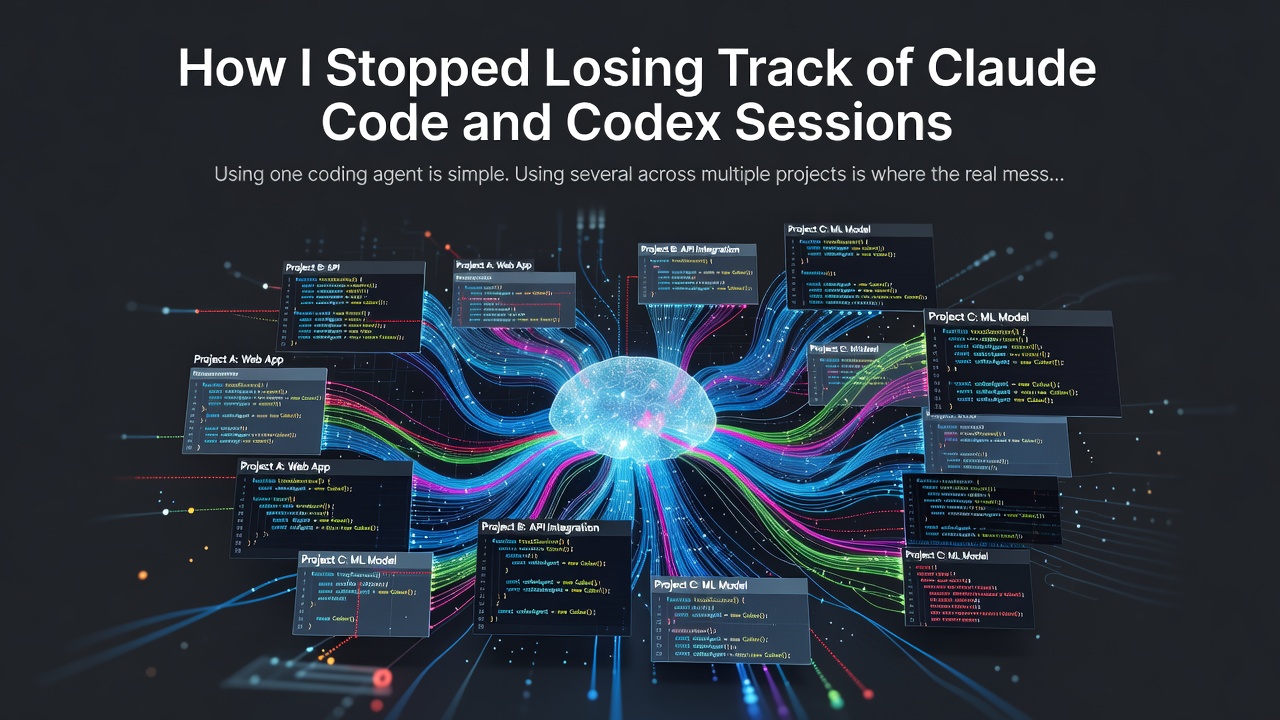


Using one coding agent is simple. Using several across multiple projects is where the real mess begins.
I often had Claude Code and Codex running side by side. One agent was working, another was waiting for approval, and yesterday’s useful session was buried under a different path, branch, or terminal window.
The agents were capable. My workspace was not.
That frustration led me to build Termexo, a local-first Windows workbench for coding agents.
The problem was not the model
The hardest part was no longer generating code. It was keeping track of context:
- Which agent is still working?
- Which one needs my approval?
- Where did I leave yesterday’s session?
- Which project, path, and branch did that terminal belong to?
- Which model profile was active?
A pile of terminal windows can answer all of those questions—but only if you remember everything yourself.
What I wanted instead
I wanted one recoverable workspace where I could:
- run Claude Code and Codex in real PTY terminals;
- arrange terminals in custom grids;
- see when an agent needs attention;
- search and resume native sessions;
- restore a workspace after restarting the app;
- switch Claude-compatible model profiles without rebuilding environment variables;
- keep API keys in Windows Credential Manager.
That became Termexo.
Why keep the native CLI?
Termexo does not replace Claude Code or Codex with a custom chat interface. The real CLI remains visible and usable.
That matters because the terminal is still the source of truth. Existing commands, hooks, approvals, keyboard shortcuts, and session behavior continue to work. Termexo focuses on the coordination layer around those tools.
A workspace should be recoverable
A useful coding-agent session should not disappear just because the app restarted or a terminal was closed.
Termexo treats terminals, layouts, projects, and native agent sessions as parts of the same workspace. The goal is simple: when you return, you should be able to understand what was happening and continue without rebuilding the entire setup from memory.
Attention should be visible
When several agents are active, I do not want to stare at every terminal. Termexo can surface approval requests and completion events through system notifications and taskbar attention indicators.
This sounds small, but it changes the workflow. You can focus on one task while another agent works, then switch only when the second task actually needs you.
Local-first by default
Termexo does not require a Termexo account. Workspaces and settings stay on the machine, and credentials are stored through Windows Credential Manager.
The project is Windows-only today. It is still evolving, but it already solves the problem that originally pushed me to build it: losing track of several useful coding-agent sessions at once.
If you regularly run multiple coding agents, I would love to know which part of that workflow wastes the most time for you.
- Website: termexo.com
- GitHub: gemron/Termexo
- Product Hunt: Termexo
— 爱玩科技
0 Comments
Log in to join the conversation.No comments yet. Be the first to share your thoughts.