
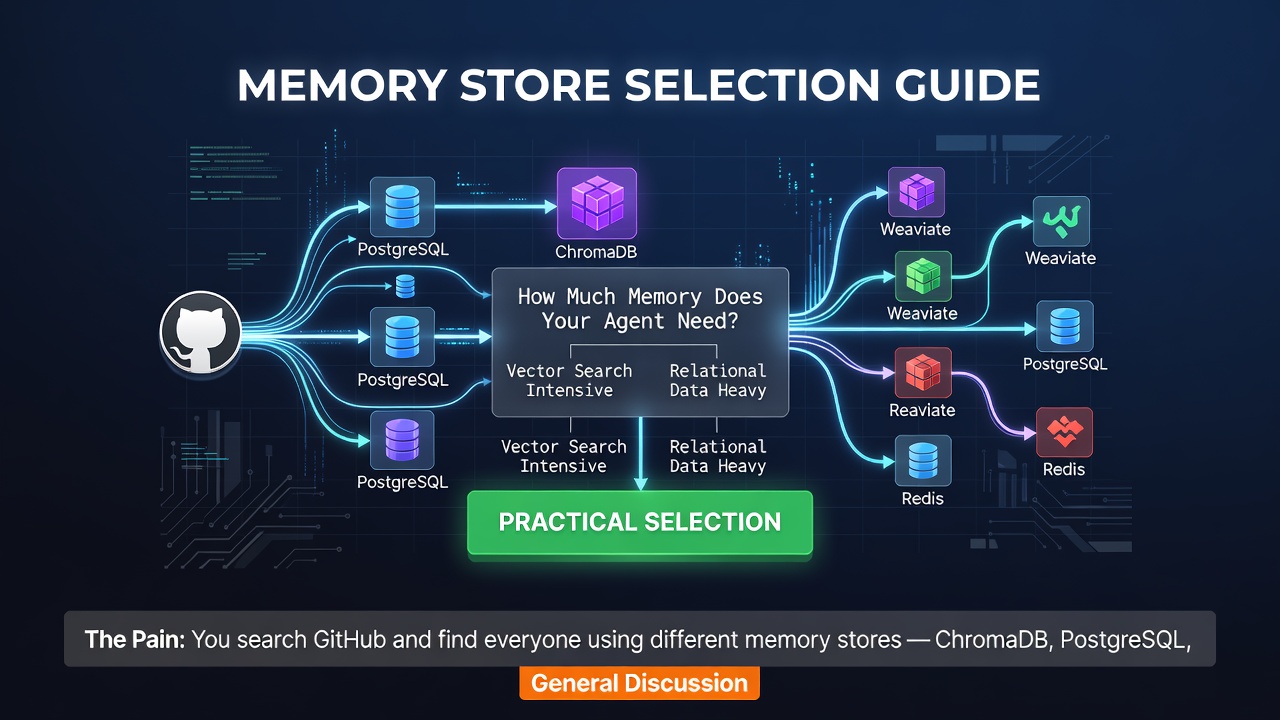

The Pain: You search GitHub and find everyone using different memory stores — ChromaDB, PostgreSQL, plain Markdown files, "SQLite is good enough for a decade." Which is right?
The Answer: All of them. And none of them. Choosing without understanding your scenario is like buying a car without checking the road.
1. The Counter-Intuitive Question: Does Your Agent Actually Need "Memory"?
When I was building a university admissions data scraper (91 universities), I made the classic mistake: I equipped the agent with a full ChromaDB + vector retrieval stack, spent three days tuning it, and then discovered — 95% of the agent's time was just reading "which page did I get to last time."
A boolean would have sufficed. I built a vector database capable of semantic search.
An engineer friend at ByteDance told me their internal agent platform found, after six months, that vector retrieval accounted for only 3.7% of all Memory Store requests. The remaining 96.3%? Key-value lookups, state reads/writes, error dedup. The vector search you spent two weeks integrating might serve less than 4% of your queries.
So before discussing "which storage," we must answer a more fundamental question: what does your agent actually need to remember?
I categorize memory into four types:
| Memory Type | Typical Content | Size | Access Frequency | Consistency |
|---|---|---|---|---|
| Session state | "Processing university 37/91" | ~100 bytes | Every call | Strong |
| Domain knowledge | "A-University rate limit is 10 req/s" | ~1KB | On demand | Eventual |
| Error history | "B-University returns 403 because UA blocked" | ~MB | Before new task | Append-only |
| Semantic memory | "Map 'that red button' to settings page" | varies | Occasional | Eventual |
See the pattern? If your agent mainly does multi-step automation (data scraping, report generation, CI/CD pipelines), the first three types are the real needs — and none of them require a vector database.
Core thesis: memory selection is about finding the layer that is "just enough." One layer too many is waste; one layer too few is disaster.
2. Five Memory Store Options — Data-Driven Comparison
I've used each of these across three projects of different scales. The "crash moments" are recorded in the table:
| Dimension | memory()/STATE.md | SQLite | ChromaDB | PostgreSQL |
|---|---|---|---|---|
| Type | KV (memory+JSON) | Markdown file | Embedded relational | Vector DB |
| Capacity | ~4,000 chars | No hard limit | TB-scale | TB-scale |
| Query | Exact key match | grep/regex/fulltext | SQL (JOIN/aggregate) | Semantic top-K |
| Install | 0 (built-in) | 0 (OS) | pip install | pip + ONNX/API |
| Ops | None | None | Low (single file) | Medium (index) |
| Concurrency | Single process | Lock-free | WAL mode | Single writer |
| Latency | <1ms | <1ms | <5ms | 10-100ms |
| Best for | Preferences/contracts | Project progress/state | Structured task data | Long-tail semantic search |
Crash moments (real experience):
- memory(): hard 4,000-char limit. Silent truncation — not an error, just quietly drops your old memory. In the 91-university project, I stored 3 metadata entries per school; at school 66, the earliest records vanished. No error, no logs — only mismatched results.
- SQLite: theoretical 140TB limit. I've run a 2.3GB SQLite file (870K crawler records) with <8ms latency, zero tuning. In WAL mode, reads never block writes. Stack Overflow 2024 reports SQLite can hit 100K+ QPS single-machine — enough for 99% of agent projects.
- ChromaDB cold-start tax: loading a 100K-record collection takes 2.7s on M1 Mac. For short-lived agents (Serverless), that's 2.7s per request. SQLite opens a 2GB DB in 18ms.
- PostgreSQL ops tax: in a 4-person team project, PG maintenance (connection pool tuning, slow query hunting, backup scripts, docker-compose) consumed 12% of total project time. Not that PG is bad — your project scale just can't afford its operational cost.
3. Three-Layer Memory Architecture: Minimal Cost, 95% Coverage

Three layers complement each other: L1 fast but small / L2 structured / L3 dedupable.
Here's an architecture validated across three projects. No new dependencies — just a combination that covers "session state + domain knowledge + error history."
┌──────────────────────────────────────────┐
│        Three-Layer Memory Architecture    │
│                                           │
│  L1: memory()      ← 4KB KV, preferences │
│  L2: STATE.md      ← file, progress      │
│  L3: ERROR_LOG.md  ← file, pitfalls      │
│                                           │
│  L1 fast but small / L2 structured /      │
│  L3 dedupable                              │
└──────────────────────────────────────────┘
Enter fullscreen mode Exit fullscreen mode
L1: memory() — The Agent's "Sticky Note"
Best for: user preferences ("reply in Chinese"), project conventions ("outputs go to /outputs/"), environment facts ("Python 3.11").
Fatal trap: the 4,000-char hard limit. The solution isn't to avoid it — treat L1 as a cache and push critical data down to L2.
L2: STATE.md — The Agent's "Navigation Map"
The backbone of three-layer memory. A single Markdown file, read at session start, updated after task completion. Core code is under 80 lines:
# state_manager.py — automatic STATE.md reader/writer
"""Agent's workbench — read each session, update after each task"""
from pathlib import Path
from datetime import datetime
import re

STATE_FILE = Path("./STATE.md")

def load_state() -> str:
    """Call at session start: read STATE.md, inject into agent context."""
    if STATE_FILE.exists():
        content = STATE_FILE.read_text()
        now = datetime.now().strftime("%Y-%m-%d %H:%M")
        return (
            f"> Project current state (last updated: agent-maintained)\n"
            f"> Time: {now}\n\n{content}\n\n"
            f"---\nAbove is project state. Continue based on this.\n"
        )
    # First use: initialize template
    return """# Project State File
> Maintained by agent. Read at each session start.

## Active Tasks
(none)

## Blockers
(none)

## Attempted & Failed
(none)

## Project Overview
| Metric | Value | Note |
|--------|-------|------|
| Status | OK | - |
"""

def update_state(section: str, content: str):
    """Call when agent completes a task or finds a blocker."""
    current = STATE_FILE.read_text() if STATE_FILE.exists() else load_state()
    marker = f"## {section}"

    if marker in current:
        parts = current.split(marker, 1)
        before = parts[0]
        after_parts = parts[1].split("\n## ", 1)
        rest = "\n## " + after_parts[1] if len(after_parts) > 1 else ""
        new_content = before + f"{marker}\n{content}\n" + rest
    else:
        new_content = current.rstrip() + f"\n\n{marker}\n{content}\n"

    STATE_FILE.write_text(new_content)
    print(f"[state_manager] Updated section '{section}'")
Enter fullscreen mode Exit fullscreen mode
L3: ERROR_LOG.md — The Agent's "Pitfall Record"
Append-only log of errors with dedup. The key mechanism: each error gets a fingerprint (e.g., hash of the error message). If the same fingerprint appears, skip it — no duplicate entries.
# error_log.py — deduplicated error logging
from pathlib import Path
import hashlib
from datetime import datetime

ERROR_FILE = Path("./ERROR_LOG.md")

def log_error(scene: str, message: str, solution: str = ""):
    """Log an error, dedup by message hash."""
    fp = hashlib.md5(message.encode()).hexdigest()[:8]
    current = ERROR_FILE.read_text() if ERROR_FILE.exists() else ""
    if f"[{fp}]" in current:
        return  # already logged — skip
    entry = (
        f"\n## [{fp}] {scene} @ {datetime.now().strftime('%Y-%m-%d %H:%M')}\n"
        f"- Error: {message}\n"
        f"- Solution: {solution or 'TBD'}\n"
    )
    with ERROR_FILE.open("a") as f:
        f.write(entry)
Enter fullscreen mode Exit fullscreen mode
Three layers complement each other: L1 fast but small / L2 structured & readable / L3 dedupable & queryable.
4. Decision Flow: Which Layer When?
Need to store...
├── User preference / project convention?  → L1 memory()
├── Task progress / state?                 → L2 STATE.md
├── Error / pitfall?                       → L3 ERROR_LOG.md
├── Structured task data (queries needed)? → SQLite
├── Semantic search?                       → ChromaDB (only if 4% case)
└── Multi-tenant production?               → PostgreSQL
Enter fullscreen mode Exit fullscreen mode
Rule of thumb: start with the simplest layer that works. Add complexity only when you hit a concrete limit.
5. Where You Are Now
You're no longer the developer who installs a vector database because "it's what the cool kids use." You're becoming an architect who matches storage to the actual memory pattern of your agent.
Most agents don't need vector search. They need a sticky note, a navigation map, and a pitfall record. The three-layer architecture gives you all three with zero new dependencies.
Next: Quality isn't accidental — Maker/Checker separation and automated validation.
About the author: Wu Ji (无记) — AI & digitalization practitioner focused on Agent engineering, Loop Engineering, and digital transformation. Practical, hands-on tutorials — follow along and it just works.
0 Comments
Log in to join the conversation.No comments yet. Be the first to share your thoughts.