
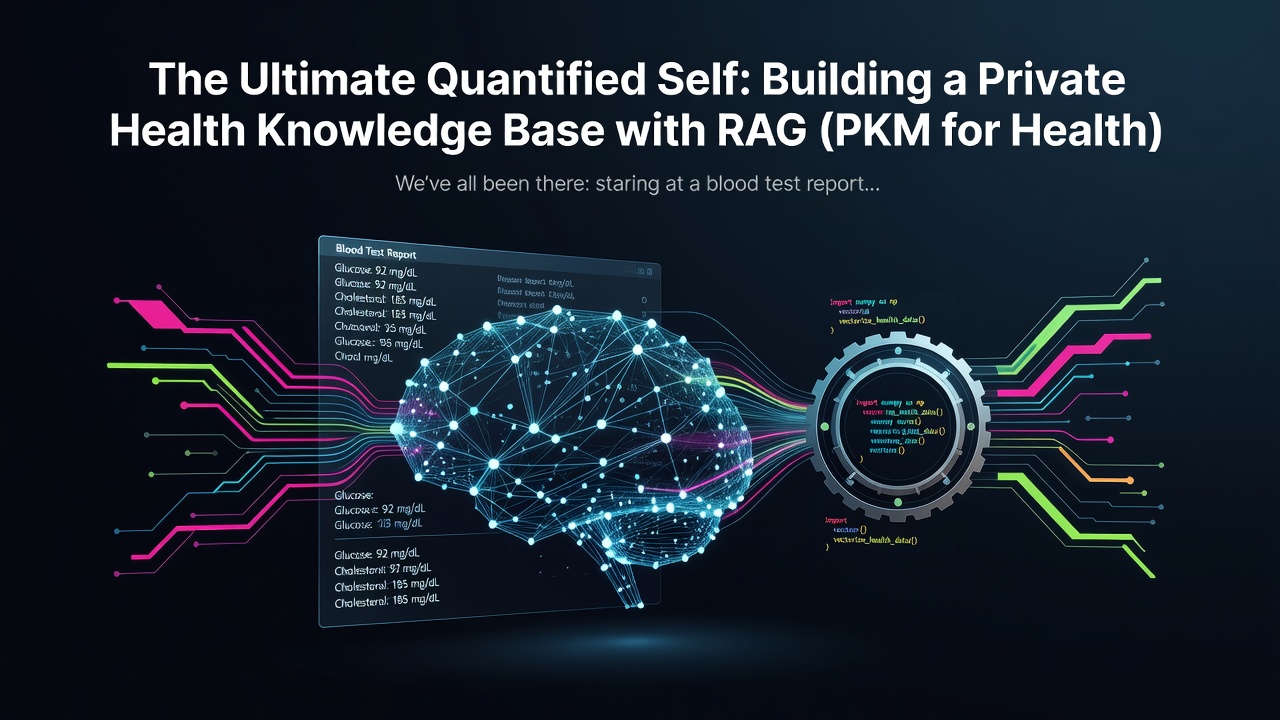
We've all been there: staring at a blood test report from three years ago, trying to remember if that "slightly elevated" glucose level was a one-time thing or a trend. Our health data is scattered across messy PDFs, fitness tracker exports, and physical medical folders.
In the era of AI, why are we still manually digging through folders? 📂
Today, we are building the Ultimate Personal Health Knowledge Base. By leveraging Retrieval-Augmented Generation (RAG), we will transform fragmented medical reports and logs into a searchable, private, and intelligent second brain. We’ll be using LlamaIndex for orchestration, Unstructured.io for parsing those pesky PDFs, and ChromaDB for local vector storage.
If you're looking for advanced architectural patterns or production-grade data engineering strategies beyond this tutorial, I highly recommend checking out the deep dives over at WellAlly Tech Blog, which served as a major inspiration for this build. 🚀
The Architecture 🏗️
The goal is to create a pipeline that ingests raw data, vectorizes it, and allows for Hybrid Search—combining semantic meaning with keyword precision (crucial for medical terms!).
graph TD
    A[Raw Health Data: PDFs, CSVs, MD] --> B(Unstructured.io Parser)
    B --> C{Chunking & Cleaning}
    C --> D[Sentence-Transformers]
    D --> E[(ChromaDB Vector Store)]
    F[User Query: Is my cholesterol improving?] --> G[LlamaIndex Query Engine]
    E <--> G
    G --> H[LLM: Local or OpenAI]
    H --> I[Actionable Health Insight]
Enter fullscreen mode Exit fullscreen mode
Prerequisites 🛠️
To follow along, you’ll need a Python environment with the following stack:
- Unstructured.io: To handle "dirty" PDF and image-based reports.
- ChromaDB: Our lightweight, open-source vector database.
- Sentence-Transformers: To generate local embeddings without sending data to the cloud.
- LlamaIndex: The glue that connects our data to the LLM.
pip install llama-index chromadb unstructured sentence-transformers llama-index-vector-stores-chroma
Enter fullscreen mode Exit fullscreen mode
Step 1: Ingesting Messy Medical Reports 📄
Medical reports are rarely "clean" text. They contain tables, headers, and footers. Unstructured.io is a lifesaver here as it can partition these elements effectively.
from unstructured.partition.auto import partition

# Extracting elements from a local PDF medical report
elements = partition(filename="annual_checkup_2023.pdf")

# Combine elements into a clean text format
clean_text = "\n\n".join([str(el) for el in elements])
print(f"Extracted {len(elements)} chunks from the report.")
Enter fullscreen mode Exit fullscreen mode
Step 2: Setting Up the Vector Store with ChromaDB 🗄️
We want our health data to stay private. By using ChromaDB locally, we ensure that our sensitive medical history doesn't live on a third-party server.
import chromadb
from llama_index.core import StorageContext, VectorStoreIndex
from llama_index.vector_stores.chroma import ChromaVectorStore

# Initialize the Chroma client
db = chromadb.PersistentClient(path="./health_db")

# Create a collection for our health records
chroma_collection = db.get_or_create_collection("personal_health_pkm")

# Set up the VectorStore
vector_store = ChromaVectorStore(chroma_collection=chroma_collection)
storage_context = StorageContext.from_defaults(vector_store=vector_store)
Enter fullscreen mode Exit fullscreen mode
Step 3: Embedding and Indexing 🧠
Instead of expensive API calls, we use Sentence-Transformers (e.g., all-MiniLM-L6-v2) to turn our text into vectors. This happens entirely on your machine.
from llama_index.embeddings.huggingface import HuggingFaceEmbedding
from llama_index.core import Settings

# Set the local embedding model
Settings.embed_model = HuggingFaceEmbedding(
    model_name="sentence-transformers/all-MiniLM-L6-v2"
)

# Build the index from our documents
from llama_index.core import Document

doc = Document(text=clean_text, metadata={"source": "2023_checkup", "date": "2023-05-12"})
index = VectorStoreIndex.from_documents(
    [doc], storage_context=storage_context
)
Enter fullscreen mode Exit fullscreen mode
Step 4: Hybrid Search & Querying 🔍
Medical queries often require specific terminology (Keyword) and context (Semantic). LlamaIndex handles this beautifully.
query_engine = index.as_query_engine(similarity_top_k=3)

response = query_engine.query(
    "Compare my Vitamin D levels from my 2022 and 2023 reports. Am I still deficient?"
)

print(f"🥑 Health Assistant: {response}")
Enter fullscreen mode Exit fullscreen mode
Going Pro with your PKM 🏆
Building a basic RAG is easy, but making it robust for health data is where the real engineering happens. You need to consider:
- OCR for Scanned Images: Integrating Tesseract or PaddleOCR within Unstructured.
- Temporal Metadata: Ensuring the LLM knows when a report was generated to track trends.
- Privacy Guardrails: Using local LLMs like Llama 3 via Ollama.
For more production-ready patterns, especially regarding data privacy and advanced chunking strategies for technical documentation, check out the detailed guides at WellAlly Tech. They have some fantastic insights on scaling RAG systems that I've found incredibly useful for my own projects. 📖
Conclusion 🏁
Congratulations! You’ve just built the foundation of a Personal Health Knowledge Base. No more scrolling through emails to find your last tetanus shot or cholesterol reading. By combining RAG with local vector stores, you've regained ownership of your health data.
What's next?
- Try adding a fitness log (CSV) to the index.
- Connect it to a local LLM to keep the entire pipeline offline.
Are you building a Quantified Self tool? Let me know in the comments below! 👇
0 Comments
Log in to join the conversation.No comments yet. Be the first to share your thoughts.