
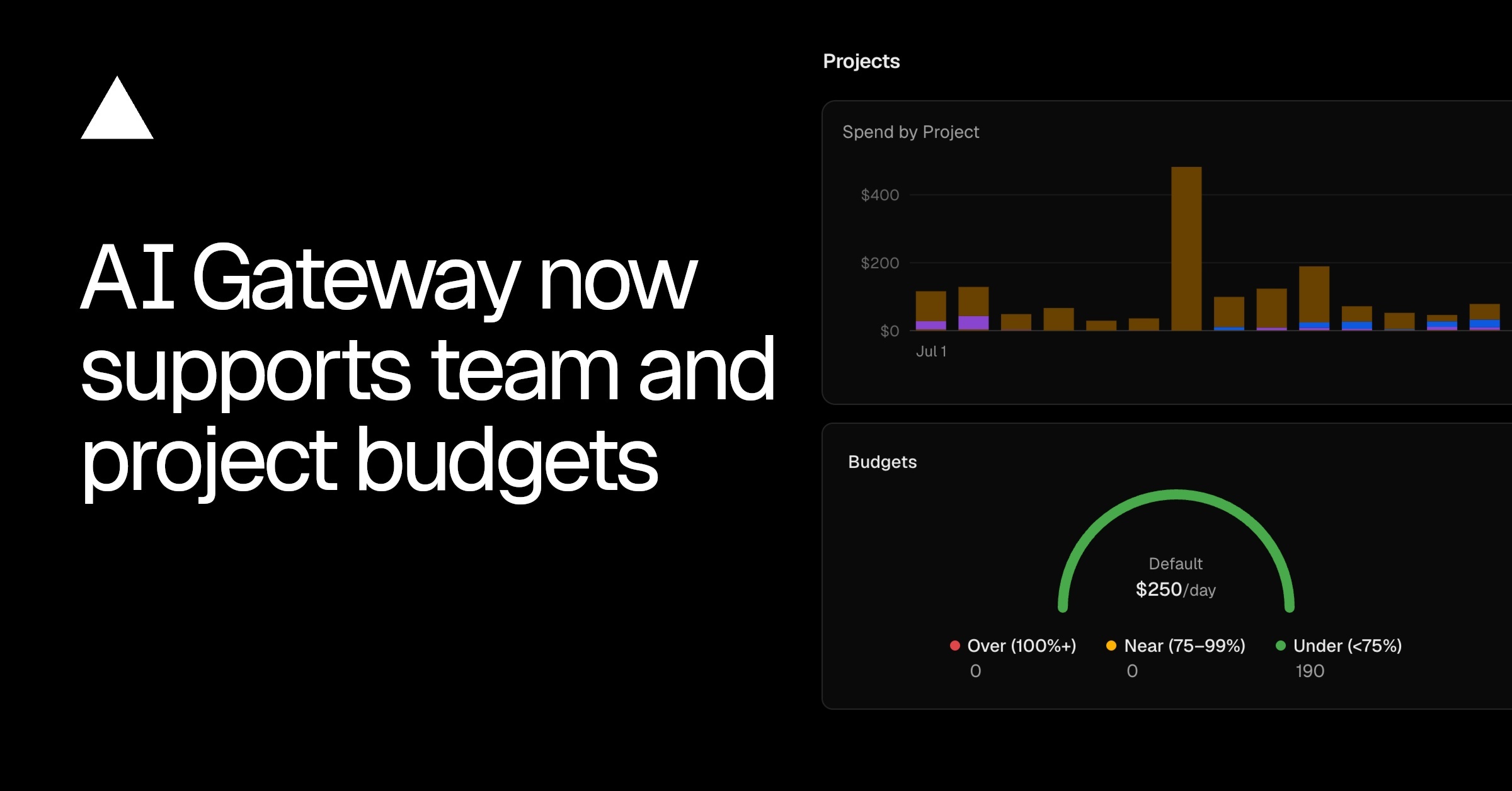
AI Gateway spend budgets can now be scoped to a team or a project, in addition to individual API keys. Set a dollar limit on a scope, and the gateway meters spend against it and stops further requests once the limit is reached, until the budget resets or you raise it.
Copy link to headingScopes
A budget attaches to one of three scopes. A request can fall under multiple budgets and has to pass all of them: if any one is over its limit, the request is rejected, even when the others have room left.
BYOK spend is not counted against budgets by default.
Copy link to headingManage budgets in the dashboard
Set and track budgets from the AI Gateway Budgets tab. The Overview breaks spend down across every scope against its limit, so you can see what is near or over before it starts rejecting requests.
Turn on email spend alerts to notify your team's usage notification recipients when usage crosses 50%, 75%, or 100% of a limit within a refresh period. Alerts are off by default and informational: they never block requests, only the budget limit does.
Set a default budget for projects or API keys, and every one without an explicit budget inherits it automatically. An explicit budget always overrides the default.
Copy link to headingManage budgets from the CLI
Set, inspect, and remove team and project budgets from the CLI. The refresh period is daily, weekly, monthly (default), or none for a cumulative cap.
# Set a team budget
vercel ai-gateway budgets set team --limit 500 --refresh-period monthly
# Scope a budget to a single project
vercel ai-gateway budgets set project my-project --limit 200 --refresh-period monthly
# Set a default for projects or keys without their own budget
vercel ai-gateway budgets defaults set project --limit 200 --refresh-period monthly
# List every budget
vercel ai-gateway budgets list
# Remove a budget
vercel ai-gateway budgets remove team
For more information, read the budgets documentation.
0 Comments
Log in to join the conversation.No comments yet. Be the first to share your thoughts.