
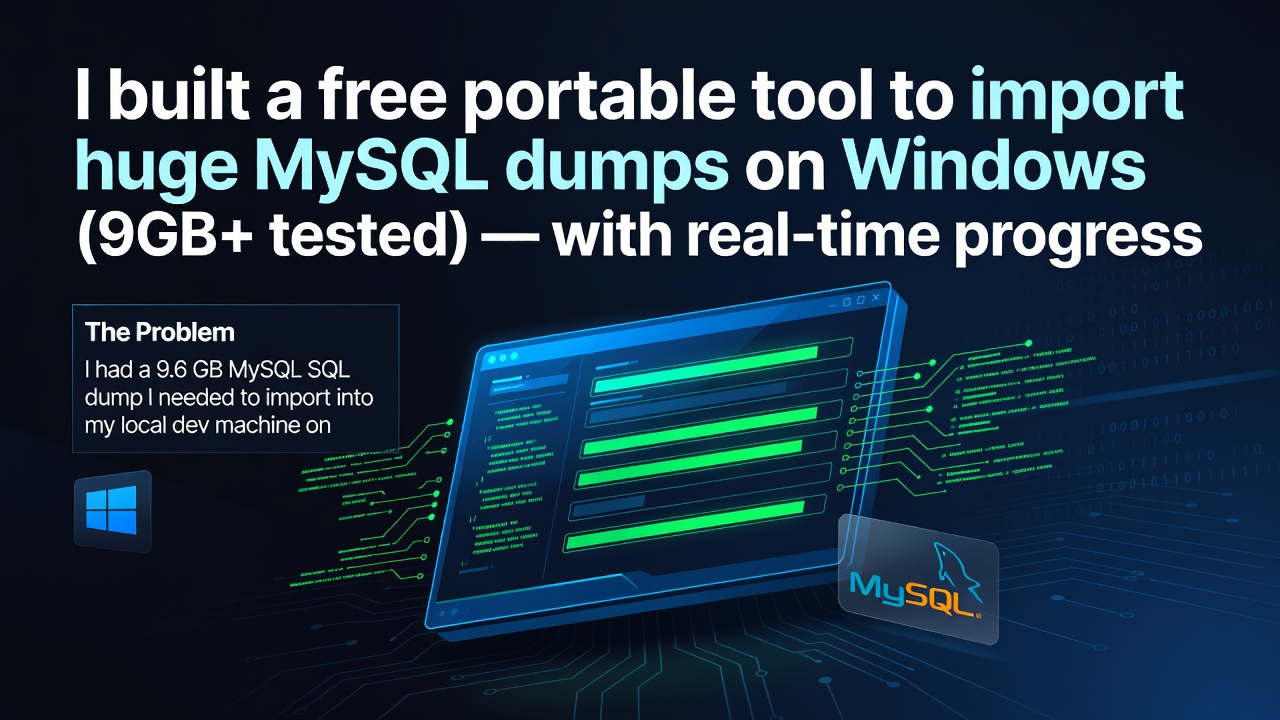

The Problem
I had a 9.6 GB MySQL SQL dump I needed to import into my local dev machine on Windows.
- phpMyAdmin → timed out immediately
- mysql CLI → no progress, no idea if it's working
- Online solutions → all suggest
mysql < dump.sqlwith no visibility
What I Built
Database Import Studio — a portable Windows EXE + web UI that:
- Streams the SQL file in chunks (never loads it into RAM)
- Shows live MB progress, percent, and ETA
- Auto-fixes MySQL 8.0 compatibility errors (like
NO_AUTO_CREATE_USER) - Lets you navigate your file system from the browser (no typing paths)
- Supports CLI mode for Linux/Mac/automated scripts
How to use (Windows)
- Download
DatabaseImportStudio.exefrom GitHub - Double-click it (no Python, no install needed)
- Browser opens at
http://localhost:7321 - Fill in your MySQL credentials → Select your
.sqlfile → Start!
GitHub
👉 https://github.com/suleman09522/DB-Import-In-Big-File
Would love feedback and contributions!
0 Comments
Log in to join the conversation.No comments yet. Be the first to share your thoughts.