
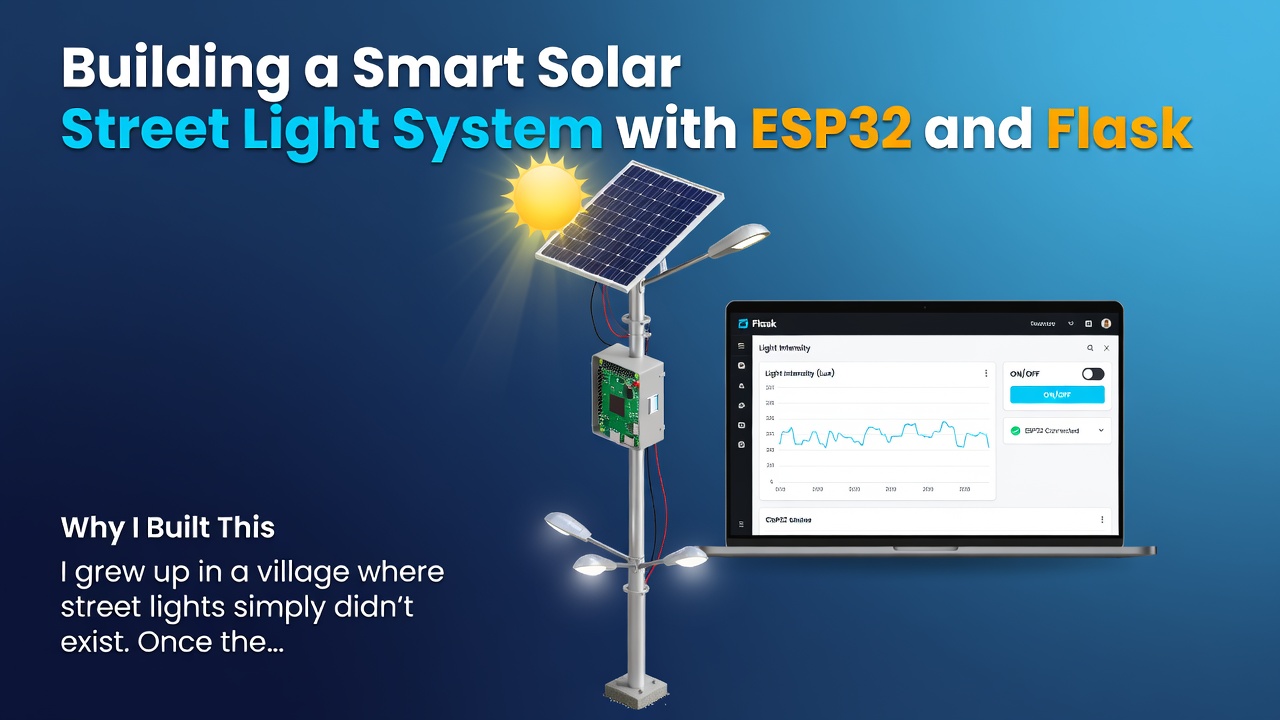

Why I Built This
I grew up in a village where street lights simply didn't exist. Once the sun went down, the roads turned pitch black — and that wasn't just inconvenient, it was genuinely unsafe. People struggled to move around at night, and I personally ran into this problem more than once myself.
That frustration is what pushed me to build this project. I wanted a low-cost, automated street light system that could turn on when it got dark and turn off when there was enough natural light — without anyone having to manually flip a switch every evening.
Tech Stack
- ESP32 – microcontroller handling sensor readings and light control
- LDR (Light Dependent Resistor) – detects ambient light levels
- Flask (Python) – backend for logging and monitoring the system remotely
How It Works
The system follows a simple but effective logic loop:
- Sensing — The LDR continuously measures ambient light intensity and sends analog readings to the ESP32.
- Decision Making — The ESP32 compares the reading against a set threshold. If light levels drop below that threshold (i.e., it's getting dark), it triggers the relay/LED to turn ON. When ambient light rises back above the threshold, it turns OFF.
- Data Reporting — The ESP32 sends the current light reading and light status (ON/OFF) to a Flask server over Wi-Fi using HTTP requests.
- Monitoring — The Flask backend receives this data and logs it, allowing the system's status to be tracked remotely instead of only relying on physically checking the light.
Code Snippets
ESP32 side — reading the LDR and controlling the light:
#define LDR_PIN 34
#define LIGHT_PIN 25
const int THRESHOLD = 800; // adjust based on your LDR/environment

void loop() {
  int lightLevel = analogRead(LDR_PIN);

  if (lightLevel > THRESHOLD) {
    digitalWrite(LIGHT_PIN, HIGH); // dark outside -> turn light ON
  } else {
    digitalWrite(LIGHT_PIN, LOW);  // enough daylight -> turn light OFF
  }

  sendDataToServer(lightLevel, digitalRead(LIGHT_PIN));
  delay(2000);
}
Enter fullscreen mode Exit fullscreen mode
Flask side — receiving and logging the data:
from flask import Flask, request, jsonify

app = Flask(__name__)

@app.route('/log', methods=['POST'])
def log_data():
    data = request.json
    light_level = data.get('light_level')
    status = data.get('status')

    print(f"Light Level: {light_level} | Status: {status}")
    # In a real deployment, this would be saved to a database
    return jsonify({"message": "Logged successfully"}), 200

if __name__ == '__main__':
    app.run(host='0.0.0.0', port=5000)
Enter fullscreen mode Exit fullscreen mode
Result and What I Learned
Honestly, this project wasn't too difficult for me to build. As a CSE student who works in an embedded research lab, I already had a decent grasp of microcontrollers and sensor interfacing, so the technical side came fairly naturally. The real value for me was turning a real problem I'd personally experienced into a working solution — and getting hands-on practice connecting hardware (ESP32) with a software backend (Flask) to make the system remotely monitorable.
This project also became the basis for an IEEE-style article I contributed to my university's IEEE magazine.
I'm a CSE undergraduate with hands-on experience in embedded systems, IoT, and backend integration. If you're looking for someone to write clear, practical technical tutorials like this one, feel free to reach out.
0 Comments
Log in to join the conversation.No comments yet. Be the first to share your thoughts.