
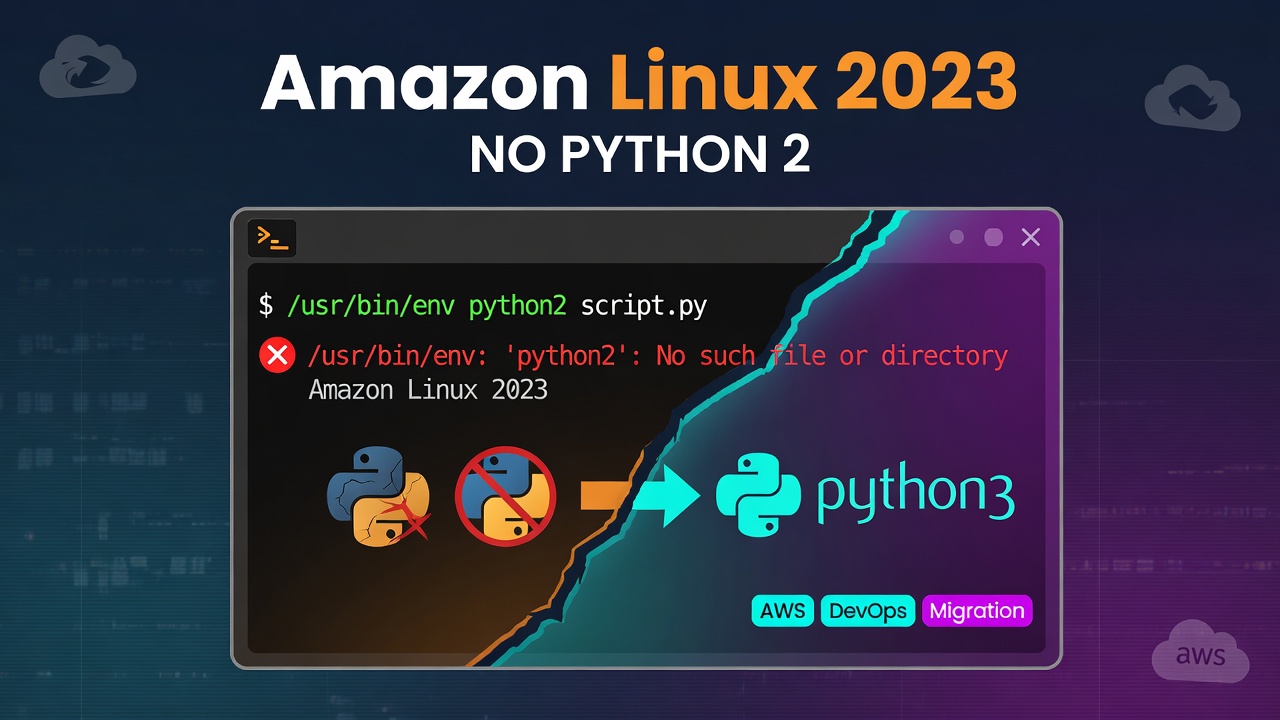

You moved an instance, AMI, or launch template from Amazon Linux 2 to Amazon Linux 2023, and something that used to run cleanly now fails on first boot:
/usr/bin/env: 'python2': No such file or directory
Enter fullscreen mode Exit fullscreen mode
Or, if the script called the interpreter directly:
-bash: /usr/bin/python2: No such file or directory
Enter fullscreen mode Exit fullscreen mode
dnf works, the instance is healthy, but any script with a #!/usr/bin/python2 shebang, a python2 script.py invocation, or a tool that shells out to python2/pip2 under the hood has nothing to run against.
Why this happens
Amazon Linux 2 shipped Python 2.7 as part of the base image, because plenty of legacy system tooling and older cloud-init modules still expected it. Amazon Linux 2023 made a clean break: there is no Python 2 package at all — not python2, not python27, nothing installable via dnf. AL2023 ships Python 3 (currently 3.9 as the default python3, with versioned packages like python3.11/python3.12 available) and nothing older.
This isn't a deprecation warning you can silence — the interpreter binary simply isn't in the AL2023 package repos. Anything that assumes it exists breaks the moment you provision on the new AMI:
- A user-data script with a
#!/usr/bin/env python2shebang - A legacy cron job or systemd unit calling
python2 /opt/app/run.py - Config management (Ansible, Chef, Puppet) with a module that shells out to
python2/pip2internally - A vendored tool or SDK that was never ported off Python 2
The fix
There is no supported way to install Python 2 on Amazon Linux 2023 — the only real path is porting the code to Python 3.
Step 1 — point the shebang/interpreter at Python 3:
# before
#!/usr/bin/python2

# after
#!/usr/bin/env python3
Enter fullscreen mode Exit fullscreen mode
Step 2 — install a specific Python 3 minor version if your code depends on one:
sudo dnf install -y python3.11
# or: python3.12, depending on what you've tested against
Enter fullscreen mode Exit fullscreen mode
Step 3 — update anything that invokes python2/pip2 explicitly:
grep -rl "python2\|pip2" user-data/ cron.d/ ansible/ systemd/
Enter fullscreen mode Exit fullscreen mode
Replace each hit with python3/pip3 (or the versioned binary from step 2), and re-test — Python 2→3 porting issues (print statements, unicode vs str, dict.iteritems(), integer division) are a separate, well-documented migration, not an AL2023-specific one; the Python 3 porting guide covers the language-level changes.
Step 4 — check for silent failures, not just missing-binary errors:
If the Python-2-dependent step is wrapped in a script that swallows its exit code (|| true, a bare except:), you may not see the "No such file" error at all — just a feature that quietly stopped working. Grep first, don't wait for a support ticket.
This is one piece of the broader Amazon Linux 2 → 2023 migration (package manager, firewall, time sync, and Python version all shift at once) — the full checklist is at eolkits.com/fix/amazon-linux-2-eol. If you want to know which instances in your account are still on AL2 before support ends, the free EOLkits scanner checks in about 30 seconds — nothing uploaded, and I maintain it.
0 Comments
Log in to join the conversation.No comments yet. Be the first to share your thoughts.