
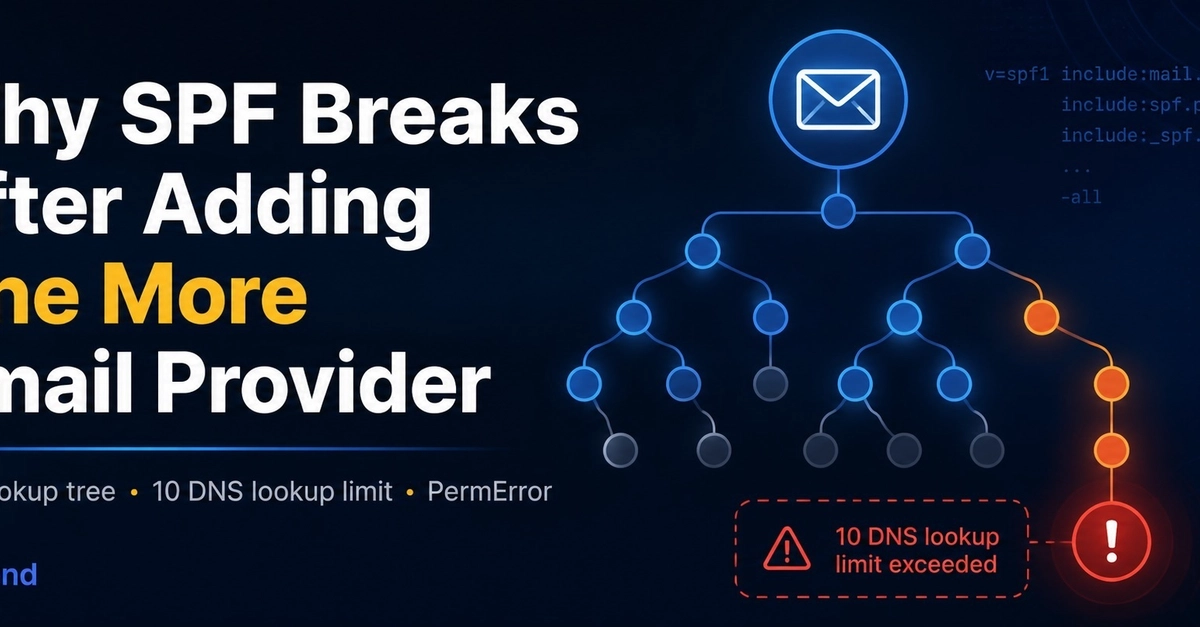


Why SPF Breaks After Adding One More Email Provider
Your SPF record may look valid and still produce a PermError.
This often happens after connecting one more service:
- Google Workspace
- Microsoft 365
- Mailchimp
- Zendesk
- a CRM
- a support platform
Each include: can trigger additional DNS lookups. SPF allows no more than 10 DNS-triggering mechanisms during one evaluation.
A simple-looking record
v=spf1 include:_spf.google.com include:servers.mcsv.net include:mail.zendesk.com -all
Enter fullscreen mode Exit fullscreen mode
The record contains only three include: mechanisms, but each included record may contain more:
includeredirectamxexists
The limit applies to the complete evaluation tree, not only to the mechanisms visible in the root record.
What happens after the limit is exceeded
The receiving mail server may return an SPF PermError.
That does not necessarily mean every message will be rejected. The final outcome depends on:
- the receiving provider,
- whether DKIM passes,
- whether SPF or DKIM aligns with DMARC,
- the receiver's local spam-filtering rules.
This is why the problem can appear inconsistent:
- one provider accepts the message,
- another sends it to spam,
- another reports an authentication failure.
How to diagnose it
- Expand every
include:recursively. - Count all DNS-triggering mechanisms in the full tree.
- Identify senders and providers that are no longer used.
- Check whether multiple services authorize the same infrastructure.
- Look for nested includes that consume more lookups than expected.
- Avoid blindly flattening records without understanding how the provider updates its IP ranges.
Common mistakes
Counting only visible includes
Three visible include: mechanisms do not necessarily mean three DNS lookups.
An included record may trigger several additional lookups of its own.
Adding a second SPF record
A domain should publish a single SPF policy.
Adding another TXT record beginning with v=spf1 does not extend the existing policy. Multiple SPF records can instead cause a PermError.
Flattening and forgetting
Flattening can reduce DNS lookups by replacing includes with IP addresses, but it also creates a maintenance obligation.
If the provider changes its sending infrastructure and the flattened record is not updated, legitimate mail may stop passing SPF.
A safer way to fix it
Start by mapping the complete lookup tree.
Then:
- remove obsolete providers,
- remove duplicate authorization paths,
- simplify unnecessary mechanisms,
- confirm which systems still send mail for the domain,
- flatten only where you understand the update and monitoring strategy.
The goal is not only to get below 10 lookups today. The SPF policy should remain correct when providers change their infrastructure.
Test the full lookup tree
I built a free SPF lookup visualizer for this type of diagnosis:
Open the MXFend SPF Lookup Visualizer
It expands the recursive lookup tree and helps show where the SPF lookup budget is being consumed.
You can also browse more SPF guides in the
MXFend SPF knowledge base.
Disclosure: I built MXFend. The visualizer is free to use and does not require an account.
0 Comments
Log in to join the conversation.No comments yet. Be the first to share your thoughts.