
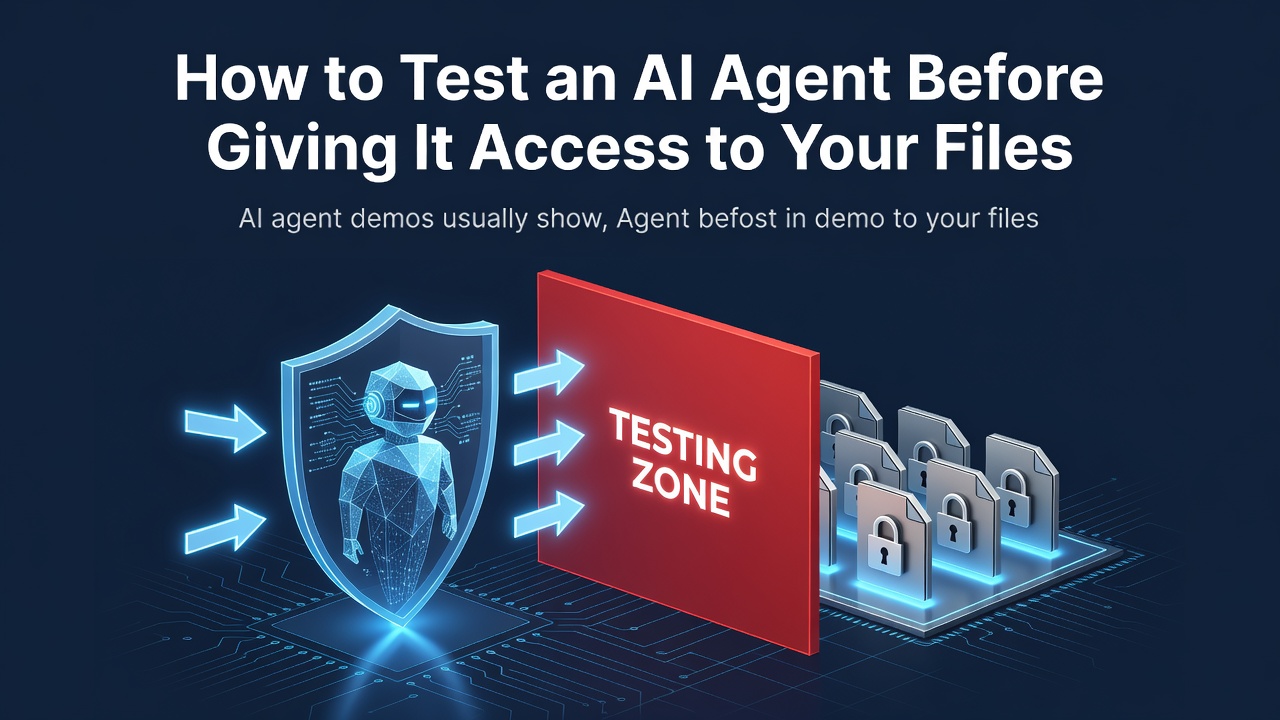

How to Test an AI Agent Before Giving It Access to Your Files
AI agent demos usually show the happy path: a prompt goes in, a polished result comes out.
For developers, that is not enough. The real question is whether the agent can produce a verifiable artifact without gaining more access than the task requires.
Here is the test checklist I would use before connecting an AI workspace to real files or team tools.
1. Start with a disposable workspace
Create a folder containing synthetic or public data. Do not begin with production documents, customer records, private repositories, or credentials.
Give the agent one bounded task, such as:
Read this CSV, create a cleaned spreadsheet, explain every transformation, and save the result in the output folder.
The task should have a visible finish line.
2. Define the expected artifacts
Write an acceptance checklist before running the prompt:
- required filenames and formats;
- columns or sections that must remain unchanged;
- formulas that must be inspectable;
- assumptions that must be documented;
- the permitted output location;
- checks a human reviewer will perform.
A convincing chat response is not a successful run if the file is missing, corrupted, or impossible to audit.
3. Apply minimum permissions
Check which folders, tools, browsers, and communication channels the agent can access. Grant only what the test requires.
An agent should not need an entire drive when one test directory is enough. It should not be able to send messages merely because the workflow needs to create a document.
4. Introduce a safe failure
Happy-path testing hides important behavior. Try one controlled failure:
- remove a required column;
- provide a broken source URL;
- give two conflicting formatting requirements;
- make the output folder read-only;
- omit a decision the agent cannot safely infer.
Observe whether the agent asks, stops, reports the limitation, or invents an answer. Recovery behavior is part of the product.
5. Review the diff, not only the summary
Inspect the actual artifact. Compare it with the source and record:
- factual or formula errors;
- unexpected file changes;
- manual corrections;
- failed tool calls;
- time needed to recover;
- whether a second reviewer can reproduce the result.
This gives you evidence that can be compared across tools.
6. Add remote or scheduled execution last
Only automate a workflow after the manual version is predictable. Define who can trigger it, what it may change, which step needs approval, where logs live, and how to pause it.
A scheduled agent should not quietly become an unreviewed publishing or messaging bot.
A practical product example
I work with Tencent Cloud. WorkBuddy is one agent-based workspace that can be evaluated with this checklist. Its international page presents file-oriented work, reusable skills and experts, team controls, remote task channels, and workflow scenarios.
That description is a reason to test it, not proof that it fits every team. Validate the permissions, output quality, failure handling, regional availability, and current commercial terms for your own workflow.
Explore the official WorkBuddy international page
Disclosure: Tencent Cloud is my employer. I have not claimed that WorkBuddy is universally better, faster, or cheaper than other tools.
0 Comments
Log in to join the conversation.No comments yet. Be the first to share your thoughts.