
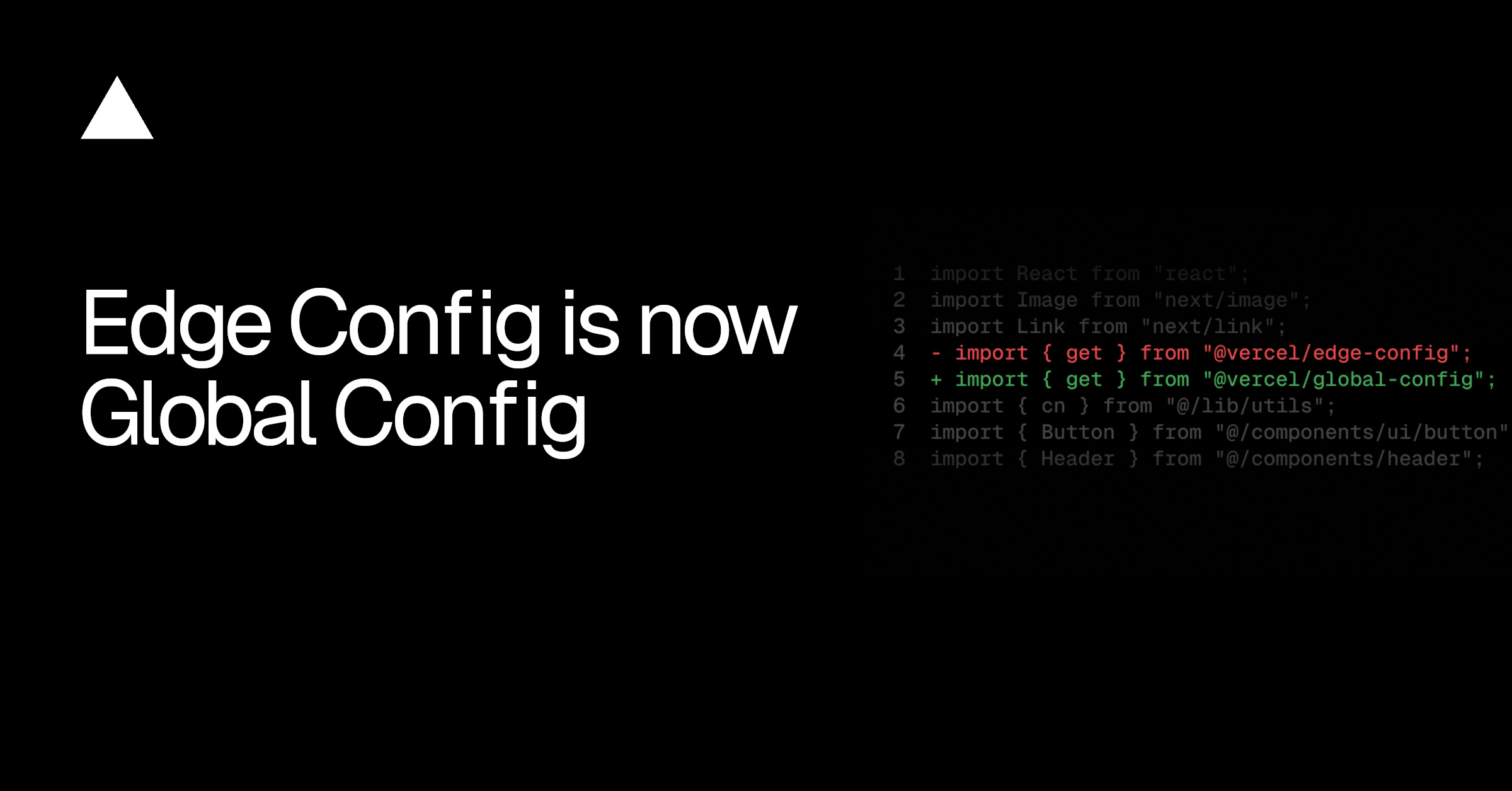
Edge Config is now Global Config. This rename better reflects that it is a globally replicated data store with ~1ms reads in every region, built for the configuration that applications read at runtime, such as feature flags, redirects, and experimentation settings.
Global Config stores can now hold up to 1 MB on every plan, and Pro and Enterprise teams can create unlimited stores with more writes per day. The rename also ships with a new server-side SDK, @vercel/global-config, and a new environment variable.
Copy link to headingWhat changed
Name: Global Config is the new name for Edge Config. The store itself is unchanged.
Package:
@vercel/global-configreplaces@vercel/edge-configas a drop-in replacement.Environment variable: Connecting a Global Config store to a project creates a
GLOBAL_CONFIGenvironment variable instead ofEDGE_CONFIG.Limits: Raised on every plan. Pricing is unchanged.
Copy link to headingWhat you need to do
Existing projects: no action required. Deployments, connected stores, and the
EDGE_CONFIGenvironment variable continue to work.Upgrading proactively is safe. The new SDK reads
GLOBAL_CONFIGby default and falls back toEDGE_CONFIG, so it works with stores connected before and after the rename. You can switch packages today without touching your stores.Creating stores and pushing new config values work without upgrading. Neither depends on which SDK version your project uses.
Upgrade before connecting new stores to a project. Connecting a store now creates a
GLOBAL_CONFIGenvironment variable, and the legacy SDK only readsEDGE_CONFIGby default. A project still on@vercel/edge-configcannot read a newly connected store.
To upgrade, install the new package and update imports:
pnpm add @vercel/global-config
Installing the drop-in replacement package
- import { get } from '@vercel/edge-config'
+ import { get } from '@vercel/global-config'
Updating imports to the new package
Copy link to headingNew limits
Pricing is unchanged at $3 per 1,000,000 reads and $1 per 100 writes.
See the Global Config migration guide for custom setups and the full list of changes.
0 Comments
Log in to join the conversation.No comments yet. Be the first to share your thoughts.