
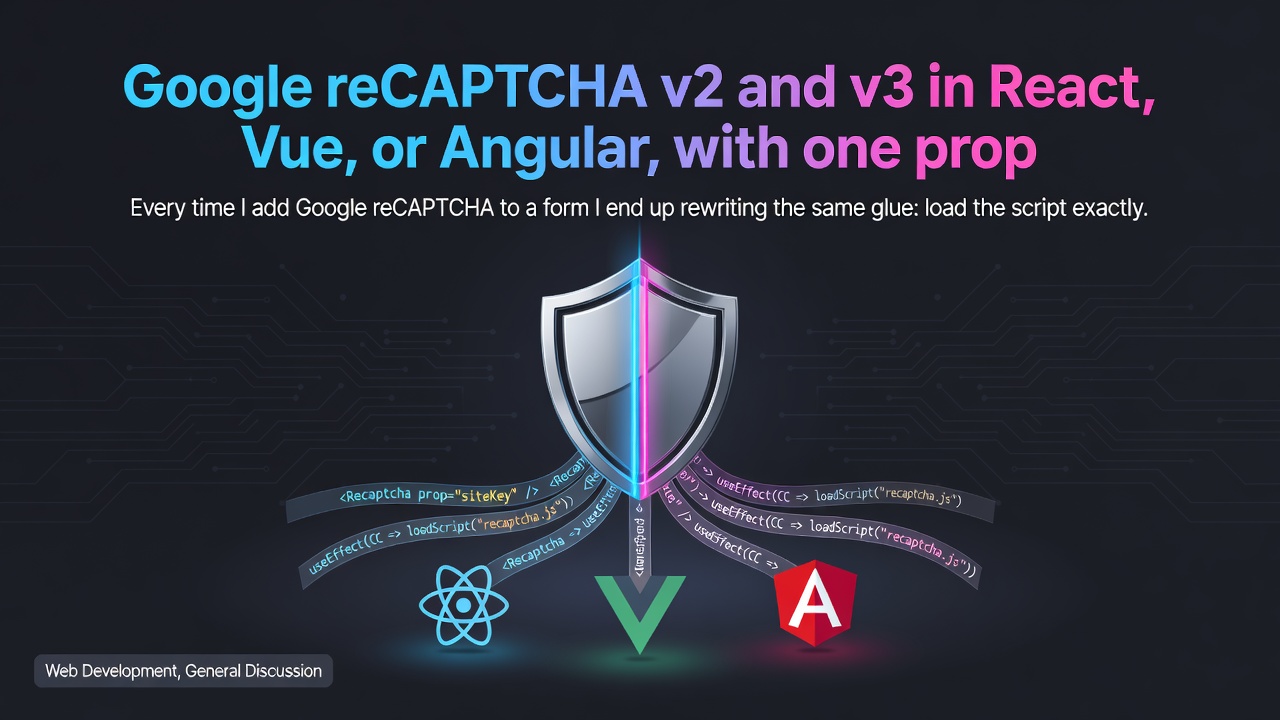

Every time I add Google reCAPTCHA to a form I end up rewriting the same glue: load the script exactly once, register and clean up global callbacks, handle the token expiring, and remember that v2 and v3 work nothing alike. So I packaged it into three tiny libraries, one per framework, with the same API:
They are zero-dependency, fully typed, tested, and MIT. The part I am happiest with: you switch between v2 and v3 with a single version prop.
Install
npm install recaptcha-react
# or: npm install recaptcha-vue
# or: npm install recaptcha-angular
Enter fullscreen mode Exit fullscreen mode
The framework itself is a peer dependency, so nothing else is added to your bundle.
Why v2 and v3 usually need two different libraries
reCAPTCHA v2 (the "I'm not a robot" checkbox) and reCAPTCHA v3 (invisible, score-based) share a name and almost nothing else:
| v2 checkbox | v3 score-based | |
|---|---|---|
| UI | a visible widget | no widget, just a floating badge |
| Token | arrives when the user clicks | you call execute(action) in code |
| Model | wait for an event | get a promise, usually at submit time |
Most wrappers pick one. These handle both behind one component, and keep the rest of the surface identical: the same verify callback fires in both cases, so your form logic does not change when you switch.
v2: the checkbox
React
import { ReactRecaptcha, useRecaptcha } from 'recaptcha-react'

function Form() {
  const { isVerified, onVerify, onExpire, onError } = useRecaptcha()
  return (
    <form>
      <ReactRecaptcha sitekey="SITE_KEY" onVerify={onVerify} onExpire={onExpire} onError={onError} />
      <button disabled={!isVerified}>Submit</button>
    </form>
  )
}
Enter fullscreen mode Exit fullscreen mode
Vue
<VueRecaptcha sitekey="SITE_KEY" @verify="onVerify" @expire="onExpire" @error="onError" />
Enter fullscreen mode Exit fullscreen mode
Angular (standalone, works with ngModel and reactive forms because it implements ControlValueAccessor)
<recaptcha-v2 sitekey="SITE_KEY" (verify)="captcha.onVerify($event)"></recaptcha-v2>
Enter fullscreen mode Exit fullscreen mode
v3: flip the prop
v3 renders no widget, so instead of waiting for a click you ask for a token when you are about to submit:
const captcha = useRef<RecaptchaHandle>(null)

async function handleSubmit(e) {
  e.preventDefault()
  const token = await captcha.current!.execute('login')
  await fetch('/api/login', {
    method: 'POST',
    headers: { 'Content-Type': 'application/json' },
    body: JSON.stringify({ 'g-recaptcha-response': token }),
  })
}

return <ReactRecaptcha ref={captcha} sitekey="V3_SITE_KEY" version="v3" />
Enter fullscreen mode Exit fullscreen mode
Same idea in Vue (await recaptchaRef.value.execute('login')) and Angular (await this.captcha.execute('login')). Because execute() also fires verify, the useRecaptcha hook / composable / service you already wired up keeps working.
The things that actually bite people, handled
- Single script load. The Google script is injected once per page even with multiple widgets, each instance uses its own callback names so they never collide.
-
Token expiry. v2 and v3 tokens are single-use and expire in about 2 minutes. This is the number one production bug with any wrapper: a form that works once in testing, then quietly submits a dead token. The
expireevent (v2) and areset()you call after every submit keep the state honest. For v3 you just callexecute()again at the next submit. -
Load timeout. If the script never loads, you get an
errorinstead of a form that silently never works.
Do not forget the server
Client state is never proof of anything. Always verify the token on your backend against https://www.google.com/recaptcha/api/siteverify with your secret key. For v3 the response also includes a score (0.0 to 1.0) and the action, so reject low scores and confirm the action matches what you expected.
Links
Feedback and issues welcome, especially on the API shape and anything I missed for the invisible / compact flows.
0 Comments
Log in to join the conversation.No comments yet. Be the first to share your thoughts.