

Introduction
Small teams don't need GitFlow or other complex branching models. They need a workflow that's easy to understand, quick to execute, and minimizes merge headaches. Here's a practical workflow I've used with teams of 2-8 developers.
The Core Idea: Main and Short-Lived Feature Branches
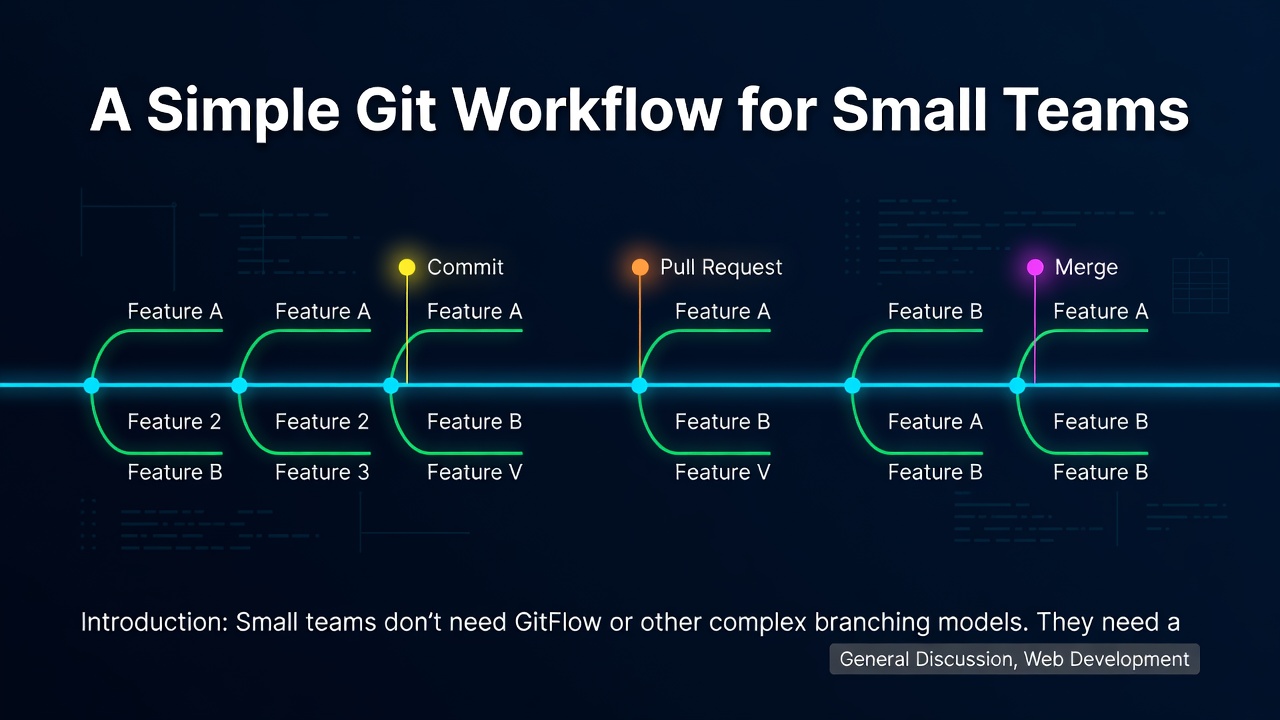
We keep it simple with one long-lived branch (main) and short-lived feature branches. Every change starts from main and is merged back as soon as it's ready.
git checkout main
git pull
git checkout -b feature/my-feature
Enter fullscreen mode Exit fullscreen mode
Branch Naming Convention
Use a consistent prefix to keep branches organized:
-
feature/for new features -
fix/for bug fixes -
chore/for maintenance tasks
Example: feature/user-authentication, fix/login-error
The Workflow Step by Step
1. Start from an Up-to-Date Main
Before creating a branch, make sure your local main is up to date:
git checkout main
git pull --rebase
Enter fullscreen mode Exit fullscreen mode
2. Create a Feature Branch
git checkout -b feature/awesome-feature
Enter fullscreen mode Exit fullscreen mode
3. Make Small, Frequent Commits
Commit early and often. Each commit should represent a logical unit of work.
git add .
git commit -m "Add user model with email validation"
Enter fullscreen mode Exit fullscreen mode
4. Push and Open a Pull Request
Even if the branch isn't finished, pushing early allows others to see your progress.
git push -u origin feature/awesome-feature
Enter fullscreen mode Exit fullscreen mode
Then open a PR against main. Keep PRs small (under 400 lines if possible).
5. Keep Your Branch Updated
If main moves forward, rebase your branch to avoid conflicts later:
git checkout feature/awesome-feature
git rebase main
# resolve conflicts if any
git push --force-with-lease
Enter fullscreen mode Exit fullscreen mode
--force-with-lease is safer than --force because it prevents overwriting others' work.
6. Code Review
At least one other team member reviews the PR. Look for logic errors, readability, and test coverage.
7. Merge via Squash Merge
When the PR is approved, use squash merge to keep main history clean:
git checkout main
git pull
git merge --squash feature/awesome-feature
git commit -m "Add awesome feature"
Enter fullscreen mode Exit fullscreen mode
Or use the GitHub/GitLab squash merge button. This collapses all your feature branch commits into one commit on main.
8. Delete the Feature Branch
After merging, delete the branch both locally and remotely:
git branch -d feature/awesome-feature
git push origin --delete feature/awesome-feature
Enter fullscreen mode Exit fullscreen mode
Handling Hotfixes
For urgent fixes, create a branch directly from main:
git checkout main
git pull
git checkout -b fix/critical-bug
# fix, commit, push, PR, squash merge
Enter fullscreen mode Exit fullscreen mode
No need for separate release branches unless you're maintaining multiple versions.
Why This Works for Small Teams
- Simplicity: Only two types of branches (main and feature).
- Speed: No long-lived release branches. Features go out as soon as they're ready.
- Minimal Conflicts: Frequent rebasing and small PRs reduce merge conflicts.
- Clean History: Squash merging keeps main linear and readable.
Common Pitfalls
- Long-lived branches: If a branch lives more than a day or two, rebase often.
- Large PRs: Break them down. A 1000-line PR is harder to review and more likely to have conflicts.
-
Force pushing: Use
--force-with-leaseand communicate with your team before force pushing shared branches.
Conclusion
This workflow is battle-tested for small teams. It's not fancy, but it's effective. Start with this, and only add complexity when you genuinely need it. Your team will thank you for keeping things simple.
0 Comments
Log in to join the conversation.No comments yet. Be the first to share your thoughts.