
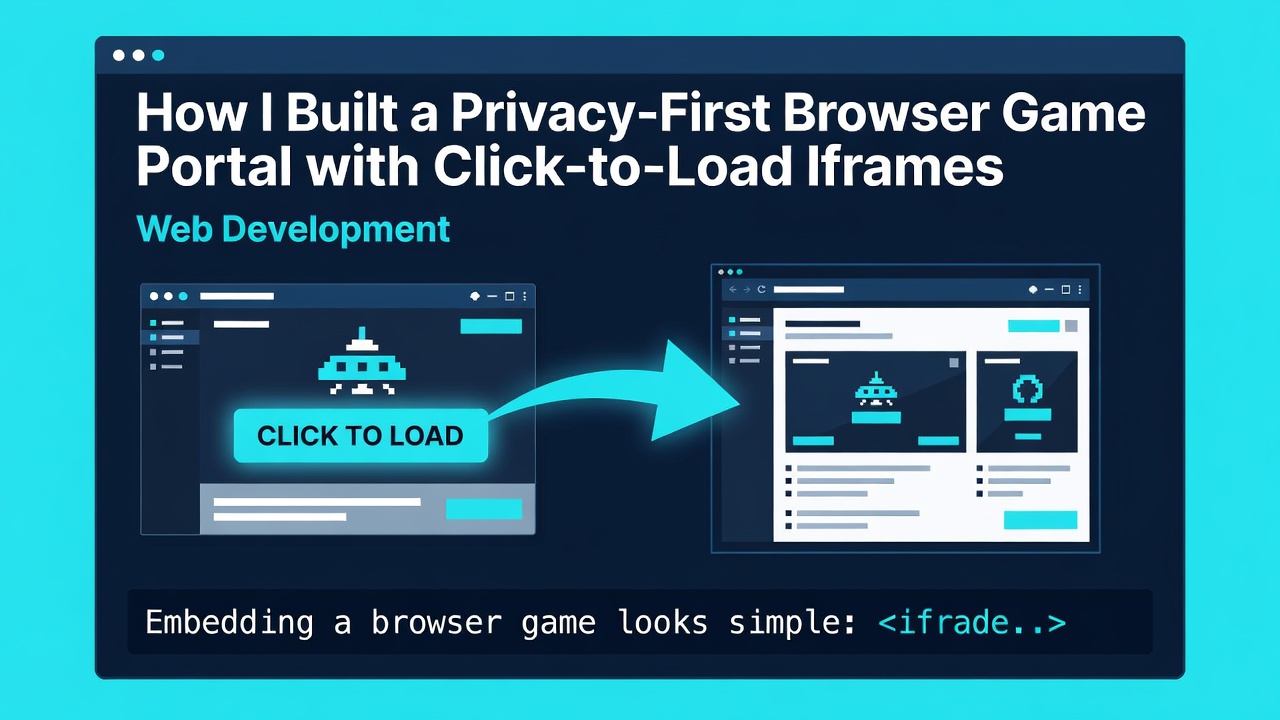
Embedding a browser game looks simple:
<iframe src="https://games.example.net/my-game"></iframe>
Enter fullscreen mode Exit fullscreen mode
That line lets a third party join the page lifecycle immediately. It can download a large bundle, establish connections, run scripts, request storage, display advertising, or fail before the visitor decides to play.
AI-assistance disclosure: I used AI to help draft and edit this article, then reviewed its architecture, code, claims, and limitations before publication.
For a game directory, that default is both expensive and surprising. A visitor may have opened the page to read the controls, compare games, or check whether the game works on a phone. Loading the player before that intent is known wastes bandwidth and collapses two separate decisions—visiting the guide and opening the third-party game—into one.
While working on a browser-game portal, I treated the site and the embedded player as two different trust and performance boundaries. The page renders first-party information immediately. The third-party frame is created only after an explicit Play action.
This article explains that pattern and the engineering details that made it useful rather than merely decorative.
Start with a two-layer model
The outer page should be a complete page without the game:
- A descriptive heading and summary
- Controls and gameplay tips
- Developer and platform information
- Related games and category navigation
- A poster or cover image
- A real button that starts the player
The inner layer is a small launcher responsible for the game lifecycle:
- Validate the requested game.
- Wait for an intentional Play action.
- Create the provider iframe.
- Report loading state.
- Offer recovery when loading is slow or blocked.
- Remove the frame when the player resets it.
Do not put the remote URL in the initial markup
Native iframe lazy loading is helpful below the fold, but it is not an intent gate. Browsers decide when a loading="lazy" frame is close enough to fetch. If the goal is “no third-party game request before Play,” the iframe must not exist yet, or it must not have a remote src.
The initial markup can be ordinary, semantic HTML:
<section class="game-launcher" aria-labelledby="launcher-title">
  <img
    src="/covers/sky-hoops.webp"
    width="960"
    height="540"
    alt=""
  />

  <div class="launcher-copy">
    <p id="launcher-status" aria-live="polite">Ready to play</p>
    <h2 id="launcher-title">Sky Hoops</h2>
    <button id="play-game" type="button">Play now</button>
  </div>

  <div id="game-mount"></div>
</section>
Enter fullscreen mode Exit fullscreen mode
The empty mount is intentional. It prevents speculative loading, makes the initial DOM inexpensive, and gives JavaScript one controlled place to attach and remove the player.
Resolve games through an allowlist
Never copy a URL from a query parameter directly into iframe.src. A route such as /play?url=... becomes an open embed proxy and can make a trusted-looking domain display an attacker-controlled page.
Resolve a stable slug against server-owned configuration instead:
type Game = {
  slug: string;
  title: string;
  embedUrl: string;
};

const catalog: Record<string, Game> = {
  "sky-hoops": {
    slug: "sky-hoops",
    title: "Sky Hoops",
    embedUrl: "https://games.example.net/embed/sky-hoops",
  },
};

function getAllowedGame(slug: string): Game | null {
  const game = catalog[slug];
  if (!game) return null;

  const url = new URL(game.embedUrl);
  const allowed =
    url.protocol === "https:" &&
    url.hostname === "games.example.net" &&
    url.pathname === `/embed/${game.slug}`;

  return allowed ? game : null;
}
Enter fullscreen mode Exit fullscreen mode
Validate protocol, hostname, and path—not just whether a string starts with an expected domain. A prefix test can be fooled by values such as trusted.example.attacker.test.
I also keep the source page URL separate from the embed URL. The former is useful for attribution and a fallback link; the latter is an implementation detail and should be narrowly allowlisted.
Create the iframe only in the click handler
The launcher can now transition from ready to loading to playing:
const mount = document.querySelector<HTMLDivElement>("#game-mount")!;
const button = document.querySelector<HTMLButtonElement>("#play-game")!;
const status = document.querySelector<HTMLElement>("#launcher-status")!;

function createGameFrame(game: Game): HTMLIFrameElement {
  const frame = document.createElement("iframe");
  frame.title = `${game.title} game`;
  frame.src = game.embedUrl;
  frame.allow = "autoplay; fullscreen; gamepad";
  frame.allowFullscreen = true;
  frame.referrerPolicy = "strict-origin-when-cross-origin";
  frame.sandbox =
    "allow-scripts allow-same-origin allow-forms allow-pointer-lock allow-fullscreen";
  frame.tabIndex = 0;
  return frame;
}

button.addEventListener("click", () => {
  const game = getAllowedGame("sky-hoops");
  if (!game) {
    status.textContent = "This game is currently unavailable.";
    return;
  }

  button.disabled = true;
  status.textContent = `Loading ${game.title}…`;

  const frame = createGameFrame(game);
  frame.addEventListener(
    "load",
    () => {
      status.textContent = `${game.title} is ready.`;
      frame.focus();
    },
    { once: true },
  );

  mount.replaceChildren(frame);
});
Enter fullscreen mode Exit fullscreen mode
In production, keep launcher state in one place rather than inferring it from scattered CSS classes and flags. A small reducer makes repeated starts, resets, timeouts, and fullscreen transitions easier to reason about.
Treat load as a transport signal, not proof of playability
An iframe load event means the browser completed a navigation. It does not prove that the game rendered successfully. A provider may return an error page, a regional block, an authentication prompt, or a page that refuses to work inside a frame. Cross-origin isolation prevents the parent from reading the frame body to distinguish those cases.
Build the recovery UI around that limitation:
- Show progress immediately after Play.
- If no
loadevent arrives after a reasonable timeout, reveal help. - Keep a link to open the provider’s source page in a new tab.
- Offer Retry, which removes the old frame before creating a new one.
- Let the user return to the launcher without reloading the entire page.
- Record coarse start, load, timeout, and reset events only when analytics consent permits it.
A timeout should not claim that the provider is down. “Still connecting” is accurate; “server offline” is usually not.
If a provider documents a postMessage ready event, verify event.origin and the message schema. Never accept a generic { type: "ready" } from any origin.
Use sandboxing as one layer, not a magic shield
The sandbox attribute is powerful, but game compatibility often requires a considered set of capabilities. Canvas games may need scripts, pointer lock, fullscreen, forms, audio, or a same-origin context inside the provider’s own origin.
Grant only what a tested game needs. Be especially deliberate about combining allow-scripts and allow-same-origin. The risk depends on frame origin and control: a cross-origin provider is different from untrusted content served on your own origin.
Then add surrounding controls:
- A Content Security Policy with a narrow
frame-srcallowlist - A restrictive Permissions Policy
- HTTPS-only embed URLs
-
referrerPolicy="strict-origin-when-cross-origin"or a stricter policy when compatible -
rel="noopener noreferrer"on new-tab fallback links - No secrets, user tokens, or sensitive data in frame URLs
Sandboxing does not make an unreviewed provider trustworthy. Confirm that you are allowed to embed the game, test the provider’s behavior, and keep a kill switch in the catalog.
Accessibility belongs in the launcher state machine
The iframe boundary makes keyboard and screen-reader behavior easy to overlook:
- Use a native
<button>, not a clickable<div>. - Give every iframe a specific
title. - Announce loading and failure status through an
aria-liveregion. - Move focus into the frame only after the user initiated the action.
- Return focus to the Play button after Reset.
- Keep focus indicators visible and do not make fullscreen the only playable mode.
- Respect reduced-motion preferences in loading animation.
Cross-origin games may have accessibility limitations the host cannot repair. The host can still provide clear controls, honest status, keyboard-reachable recovery actions, and text instructions outside the frame.
Performance: optimize the page you control
Click-to-load removes the largest third-party cost from the initial path, but the outer page still needs discipline.
Reserve poster dimensions to prevent layout shift. Serve responsive, compressed covers. Avoid preconnecting to every provider in a large catalog; a preconnect is itself a network and privacy-relevant action. If you use one, add it only when the user is likely to start that specific game—or after pointer intent—after evaluating the tradeoff.
Code-split the launcher if it is not needed above the fold. Keep the game catalog small or load only the selected entry. Do not run a carousel, several animated covers, and a video background while claiming the frame is the performance problem.
Measure page readiness separately from game readiness (the time from Play to the best available ready signal). One combined “load time” hides whether the host or provider needs work.
SEO: index the guide, not the empty shell
A remote game frame is not a substitute for first-party content. Give each game a stable, canonical URL with a unique title, description, heading, and useful guide. Add breadcrumbs and relevant internal links. Where accurate, structured data can describe the page and game, but it should match visible content.
The launcher document itself is plumbing. If it has its own route, keep it out of the sitemap and prevent it from competing with the game detail page. The public detail page should be the canonical result.
This also improves resilience: if an embed is temporarily unavailable, the page remains a useful guide rather than a blank rectangle.
Test privacy and failure behavior, not only the happy path
My minimum test matrix includes:
- Load a game page and verify that no provider frame exists before Play.
- Inspect the network log and confirm that no game host request occurs before Play.
- Start the game using keyboard only.
- Simulate a slow connection and check that recovery help appears.
- Block the provider with CSP and verify the fallback remains usable.
- Click Play, Reset, and Play again; confirm only one iframe exists.
- Test a modified slug, narrow viewport, rejected fullscreen request, and denied analytics.
The important architectural choice is not the button color or the loading animation. It is preserving a meaningful boundary between “I opened this page” and “I chose to run this third-party game.”
That boundary gives visitors more control and gives developers cleaner performance metrics, smaller failure domains, and a page that remains useful even when the embedded service does not.
Disclosure: I help maintain Play Basketball Bros, the independent browser-game guide used as the implementation case study in this article. Third-party games remain controlled by their respective providers; this article does not claim ownership of them.
0 Comments
Log in to join the conversation.No comments yet. Be the first to share your thoughts.