
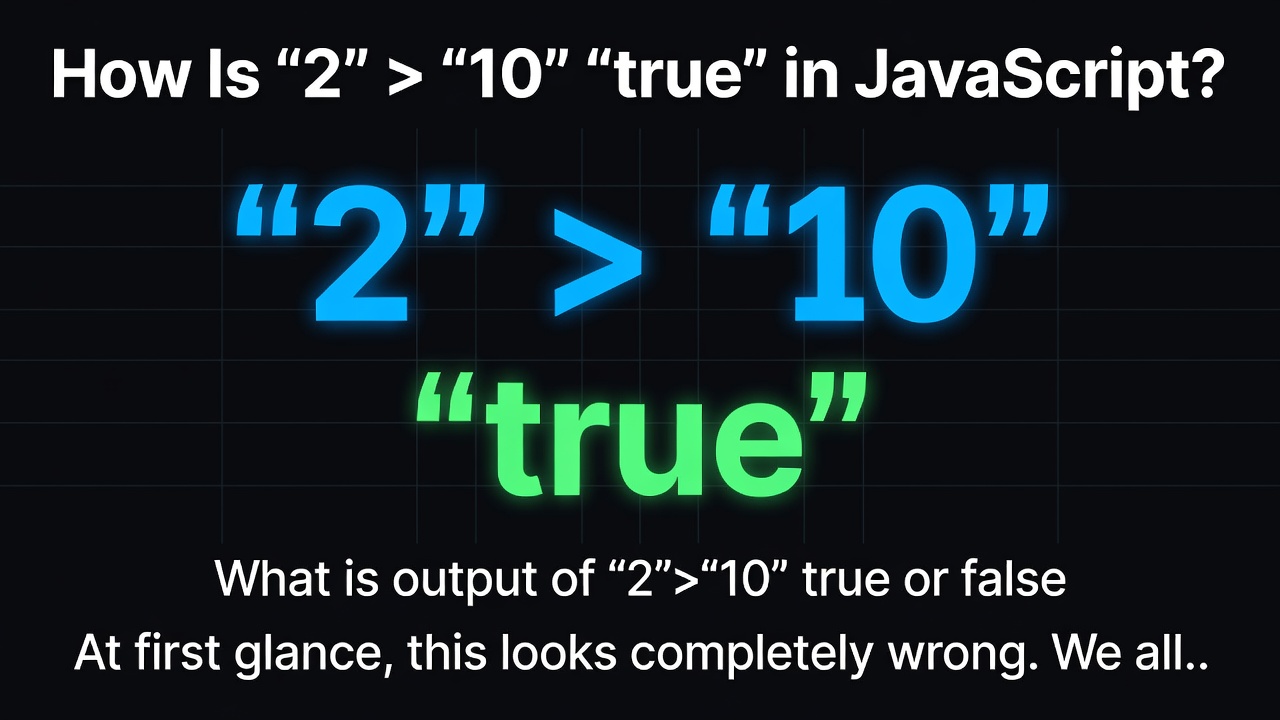

What is output of ""2">"10""
true or false
At first glance, this looks completely wrong.
We all know that:
2 > 10
is obviously:
false
Because 2 is smaller than 10.
But what happens when we add quotation marks?
"2" > "10"
The result is:
true
😱 Wait… how can 2 be greater than 10?
The answer is simple: ""2"" and ""10"" are not numbers. They are strings.
🔢 Numbers vs. Strings
In JavaScript, these two values are different:
2
This is a number.
While:
"2"
This is a string.
The quotation marks tell JavaScript that the value should be treated as text.
So:
2 > 10
compares two numbers:
2 > 10 → false
But:
"2" > "10"
compares two strings.
And that's where things get interesting!
🔤 How Does JavaScript Compare Strings?
When JavaScript compares two strings, it uses lexicographical comparison.
You can think of this as comparing text in a dictionary-like order, based on the character values.
Let's compare:
"2"
"10"
JavaScript looks at the first character of each string:
"2" → first character is 2
"10" → first character is 1
Since the character ""2"" comes after ""1"" in the ordering used for the comparison, JavaScript determines:
"2" > "10"
as:
true
So:
console.log("2" > "10");
outputs:
true
🧪 Let's Compare Both Cases
Case 1: Numbers
console.log(2 > 10);
Output:
false
Because JavaScript compares the actual numerical values:
2 is less than 10
Case 2: Strings
console.log("2" > "10");
Output:
true
Because JavaScript performs a string comparison.
The important thing is:
2 → Number
"2" → String
The quotation marks can completely change how JavaScript interprets the value.
⚠️ What About Mixed Types?
Now look at this:
console.log("2" > 10);
Here, one value is a string and the other is a number.
JavaScript handles this differently. In this case, it converts the string ""2"" into a number for the comparison.
So the comparison effectively becomes:
2 > 10
The result is:
false
This is why understanding data types is extremely important when programming.
💡 The Big Lesson
These three comparisons may look similar:
2 > 10
"2" > "10"
"2" > 10
But JavaScript can handle each one differently because the data types are different.
Comparison| Type| Result
"2 > 10"| Number vs Number| "false"
""2" > "10""| String vs String| "true"
""2" > 10"| String vs Number| "false"
🚀 Final Takeaway
The computer isn't "wrong" when it says:
"2" > "10"
It's simply following the rules of string comparison instead of mathematical comparison.
So always remember:
«🔢 "2" is a number.
📝 ""2"" is a string.»
And when you're debugging a strange comparison in JavaScript, check the data types first!
That's one of the many reasons why understanding how programming languages handle types and comparisons is so important. 👨💻
Have you ever encountered a programming result that looked completely wrong at first? 🤔
Share it in the comments! 👇
0 Comments
Log in to join the conversation.No comments yet. Be the first to share your thoughts.