
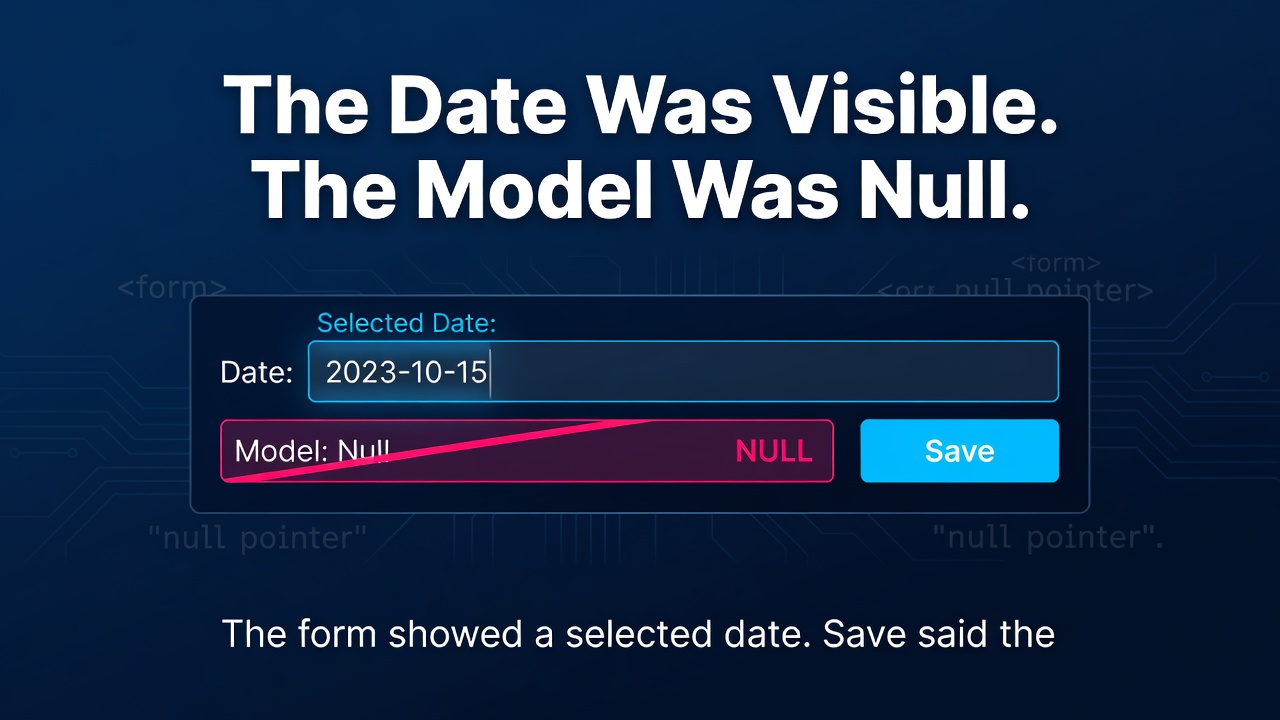
The Date Was Visible. The Model Was Null.
The form showed a selected date. Save said the date was required.
That sounds like a validation bug, but the validator was reporting the truth: the nullable .NET property was still null. The browser and the application had quietly diverged.
A recent committed fix made the underlying lesson unusually clear. A native HTML date input and a component converter were both doing reasonable things, but they did not share the same formatting contract. The control displayed state that the model had never accepted.
The lesson is broader than one component: visible UI state is not proof of bound application state.
One field can have three representations
A date field often crosses three different representations:
- The human-facing value rendered by the browser.
- The wire value exchanged by the native input.
- The typed value stored in the .NET model.
For <input type="date">, the browser may display a familiar local format, but its value contract is an ISO-shaped calendar date such as 2026-08-01. The display can vary; the wire shape does not.
A surrounding Blazor component may have a different default. Its converter can format and parse DateTime? using the current culture's short-date pattern. Depending on culture, that pattern may use slashes, a different field order, or another separator.
Both behaviours are defensible in isolation. Combining them without an explicit adapter creates an accidental protocol.
The failure works in both directions
Consider the browser-to-model direction first.
The user selects a date. The native control emits an ISO value. A culture-aware converter expects the current short-date format instead. Conversion fails, so the nullable property is not updated. The browser can still display the selection it owns, making the next validation message look absurd.
Now reverse the flow.
An edit form loads an existing date from the model. The converter produces a culture-formatted string. The native date input accepts only its ISO value shape, rejects the text, and renders an empty control. Saving from that state can turn a display problem into lost data if the application treats the empty field as an intentional clear.
This is why testing only the validator, mapper, or service misses the defect. Those layers never exercise the disagreement between the browser contract and the component converter.
Give the boundary one owner
The reviewed fix chose a date-picker component that owns both its picker UI and its typed binding contract. That was also the established convention in the surrounding application, which reduced novelty and made the correction smaller.
That is one valid answer, not the only one. If a native date input is important, make the bridge explicit. A custom InputBase<DateOnly?>, an explicit get/set binding adapter, or a converter that deliberately uses the native ISO shape can all work.
The important design question is ownership:
- Who formats model state for the control?
- Who parses the control value back into the model?
- Is the same contract used in both directions?
- Where does a conversion failure become visible?
For date-only business concepts, DateOnly can also express intent more accurately than a midnight DateTime. It does not remove the wire-format problem, but it prevents time zones and time-of-day semantics from entering a calendar-only workflow unnecessarily.
Test the binding, not just the strings
A useful regression suite exercises the complete field boundary under representative cultures.
Start with these cases:
- A user selection updates the typed model property.
- An existing model value renders back into the control.
- Clearing an optional date produces
null. - A required date cannot look accepted while the model remains empty.
- Re-rendering preserves a valid value.
Run both directions under several cultures, including one whose short-date format differs from the native ISO shape. A converter unit test is helpful, but a rendered component test is stronger because it includes binding events and component state. A small browser test is stronger again for behaviour owned by the native control.
The invariant is simple:
displayed date = wire date = model date
Enter fullscreen mode Exit fullscreen mode
The strings do not need to look identical to a human. They do need a deliberate, reversible mapping.
The trade-off is worth naming
Native controls are lightweight, familiar, accessible, and supported by the browser. A component-owned picker adds JavaScript, styling, dependency weight, and another UI abstraction.
The answer is not to avoid native inputs. It is to price the conversion boundary honestly. If the surrounding component cannot speak the native control's value protocol reliably, the apparent simplicity is borrowed from future debugging time.
Similarly, a culture matrix and rendered component tests cost more than a single unit test. Keep them focused on the boundary rather than duplicating every form scenario. A handful of bidirectional contract tests usually provides more confidence than many service tests that never touch the UI protocol.
A practical review checklist
When reviewing a typed form control, ask:
- What does the browser display?
- What exact value does the control exchange?
- What type and null semantics does the model require?
- Which component owns conversion in each direction?
- Which cultures are exercised?
- Can failed conversion leave convincing stale UI behind?
Dates make this boundary easy to see, but the same pattern appears with decimal separators, percentages, currencies, enums, and time zones.
The screen is evidence of what the browser rendered. The model is evidence of what the application accepted. Good binding code—and good tests—prove that the two remain connected.
Where in your UI could a value look valid without ever reaching the model?
0 Comments
Log in to join the conversation.No comments yet. Be the first to share your thoughts.