
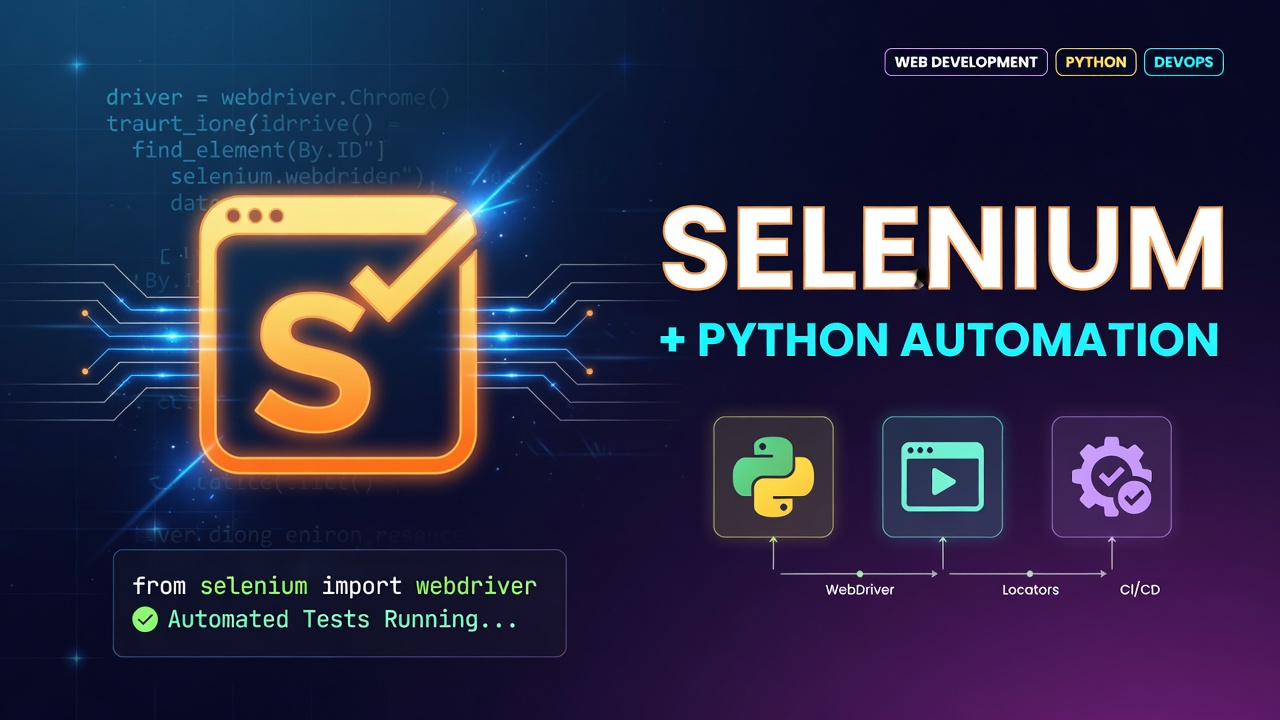

What is Selenium?
Selenium is an open-source tool that lets you automate pretty much anything a real person would do in a web browser. Instead of just looking at web pages as static files, Selenium actually drives a real browser—Chrome, Firefox, Safari, Edge—and clicks, fills out forms, scrolls, and checks content just like you would.
Highlights:
Selenium WebDriver: This is the heart of Selenium. It talks directly to the browser through drivers like ChromeDriver or GeckoDriver and controls everything.
Selenium Grid: With Grid, you can run tests simultaneously across different machines, operating systems, and browsers. It’s perfect if you need to test a lot, fast.
Selenium IDE: This is a browser extension that makes things easy. You can record your actions and play them back—no heavy coding needed.
Why do we use Selenium for Automation?
Manual web testing gets old fast. Logging into the same app, clicking through endless menus, checking outputs after every little code change—it all eats up time, costs money, and mistakes creep in easily. That’s where Selenium steps in. It takes care of those tedious, repetitive actions automatically.
First, it’s open-source and free. You won’t deal with hefty licensing costs like you do with some big-name QA tools. Plus, you write a test script once and use it everywhere—Windows, Mac, Linux, any major browser like Chrome, Firefox, Edge, or Safari. You aren’t boxed into a single programming language, either. Selenium works comfortably with Python, Java, C#, JavaScript, Ruby, and more.
Selenium slides right into modern workflows, too. It connects smoothly with CI/CD tools like Jenkins, GitHub Actions, and Docker, so your automated tests run every time you push new code. That means faster feedback, fewer bugs, and way less hassle.
*What is the relevance of Selenium in automation testing using Python?
*
Selenium works with a bunch of programming languages, but pairing it with Python has really taken off in the QA and SDET worlds.
Here’s how it all fits together: You write your test script in Python (using something like pytest or unittest), hand it off to Selenium WebDriver, and that controls whichever browser you’re testing—Chrome, Firefox, you name it.
First off, Python’s syntax is clean and straightforward. You don’t get bogged down in extra code like you do with Java or C#. It’s a lot faster to write tests, and just as easy to keep them organized as your project grows.
Then there’s pytest. The whole testing ecosystem in Python is strong, but pytest makes things like test discovery, assertions, and running the same test with dozens of data sets incredibly simple. Need a nice HTML report? That’s covered too.
Python is more useful when we need to work with data. We can use it to read mock data from a CSV Or maybe pull info from a database or check JSON responses. Tools like pandas and requests handle all the above actions smoothly.
Python + Selenium isn’t just for testing. Teams often use it to scrape dynamic web pages—stuff that regular HTTP libraries can’t handle because of all the JavaScript. So you get both automation and the ability to grab hard-to-reach web content in one shot.
0 Comments
Log in to join the conversation.No comments yet. Be the first to share your thoughts.