
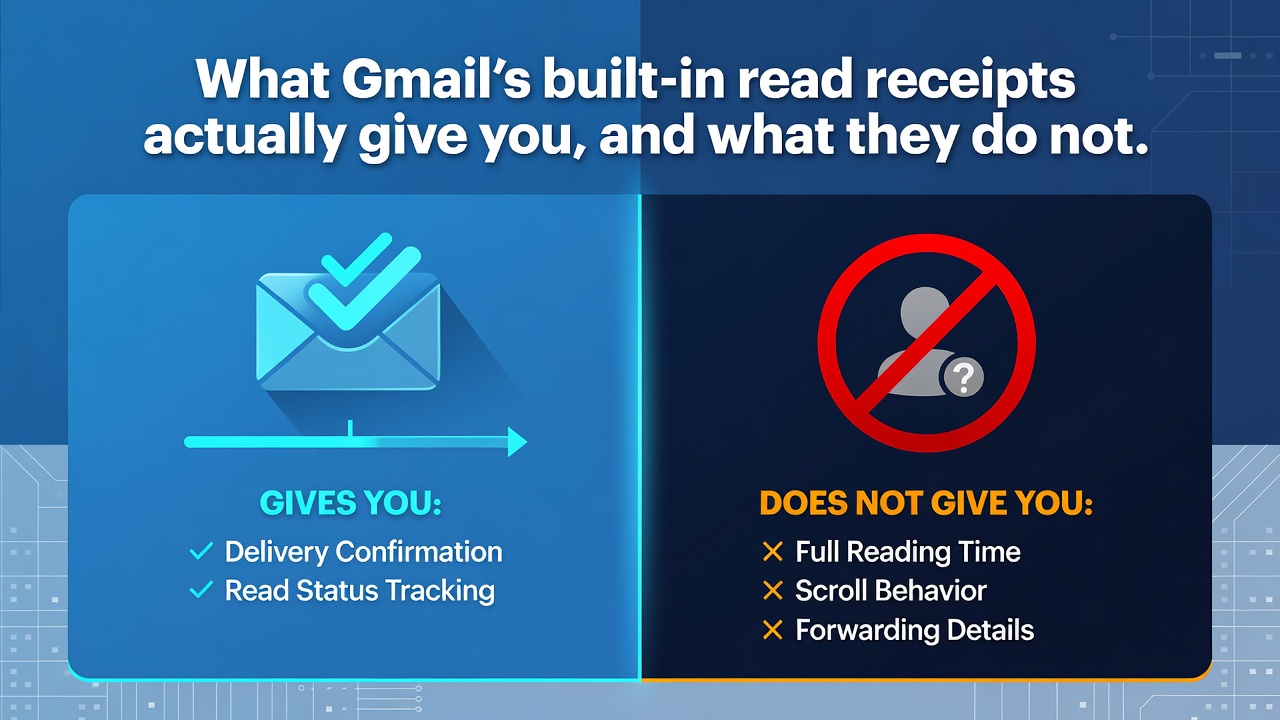
What Gmail's built-in read receipts actually give you, and what they do not
If you have ever searched for how to tell whether someone read your email, you have probably landed on a page that answers a different question. Most of them mention Gmail's native feature in two sentences, then spend the rest of the article selling you an extension.
So here is the feature itself, in full, with the limits stated by Google rather than by anyone selling an alternative. Whether you end up needing a third party tool is a decision you can make afterwards, with the facts in hand.
Disclosure: I build BlueTicks for Gmail, one of those third party tools. That is exactly why the first half of this article is about the thing that competes with me, described accurately.
The short version
Gmail has a real read receipt feature. It is not available on personal accounts, the recipient can decline it, and Google says in its own documentation that a receipt does not prove your message was read.
Who can use it
Read receipts are only available on work or school accounts, meaning Google Workspace. They do not work with personal addresses ending in gmail.com.
This single fact resolves most of the confusion online. If you are writing from a personal address and cannot find the option, you are not missing a setting. It is not there.
There is a second gate above that one. On Workspace, the feature is controlled by an administrator. Depending on how your organisation has configured it, requesting a receipt may be unavailable, available to everyone, or restricted to a list of approved recipient addresses. If your admin has not enabled it, no amount of looking in your own settings will produce the option.
How to request one
In the compose window, open the additional options menu and choose to request a read receipt, before sending. It is a per message choice, not a global setting, so you decide message by message.
What can stop a receipt from ever arriving
This is the part that usually goes unmentioned, and it is where the feature stops resembling the certainty people imagine.
The recipient may have to approve it. To get a receipt in your inbox, the recipient may need to approve it first. They see a prompt and can send it, or defer, or simply never respond to it. A person who does not want to tell you they read your message does not have to.
Group addresses and aliases produce nothing. Send to a mailing list or an alias and there is no receipt, regardless of how many people read it.
Some mail clients cannot answer. If your recipient reads mail through a client that does not sync in real time, such as a POP client or a synchronisation tool, no receipt comes back. On IMAP clients, receipts are only returned if that client is set to send them automatically, which is often not the default.
Notice the shape of all three: the outcome depends on the recipient's software and the recipient's choice. You control the request. You control nothing after that.
The sentence Google itself writes
The most useful line in the official documentation is the one nobody quotes:
Getting a read receipt doesn't always mean the recipient read your message. How a receipt works depends on which email system your recipient uses.
That is the vendor of the feature telling you the feature is not proof. It is worth holding onto, because it is also true of every third party alternative, including mine, for a different technical reason.
So what does a native receipt actually tell you
It tells you that a recipient, on a compatible system, chose to acknowledge receipt, or that their system acknowledged it on their behalf. That is a real signal and it is stronger than nothing. It is also a signal with a consent step built into it, which is either its main virtue or its main weakness depending on what you wanted it for.
If you wanted to know whether it is worth following up, it is useful. If you wanted certainty about a specific person on a specific message, it does not provide that, and neither does anything else.
Where the alternatives differ, honestly
Extensions that add read receipts to Gmail work on a completely different principle. They do not ask the recipient's mail system anything. They embed a remote image and record the moment it is requested. That removes the approval step and works on personal accounts, which is why they exist.
It also introduces a different set of errors. Image preloading by privacy features and by corporate scanners produces opens that never happened. Recipients who block remote images produce reads that leave no trace. The consent step disappears, and so does the recipient's ability to decline.
Neither approach gives you truth. The native feature is honest about needing permission and silent about nothing else. The pixel approach is silent about permission and noisy in both directions. Choose according to which failure you can live with.
A short checklist
If you are on a personal account, the native feature is not an option, and the only paths are a third party tool or asking for a reply.
If you are on Workspace, check with your administrator before concluding the feature is missing.
If your message goes to a list or an alias, expect nothing back whatever you do.
And in every case, treat a receipt as a signal that shifts a probability, not as a fact about a person. That is not cynicism, it is what the documentation says.
I build BlueTicks for Gmail, a Chrome and Firefox extension that shows WhatsApp-style ticks in your Gmail Sent list, without asking for access to your Google account. It costs 4 dollars a year and there is a free tier. Everything written above about the limits of pixel based tracking applies to it as much as to any other. Site: blueticks.io. Chrome Web Store. Firefox Add-ons.
0 Comments
Log in to join the conversation.No comments yet. Be the first to share your thoughts.