
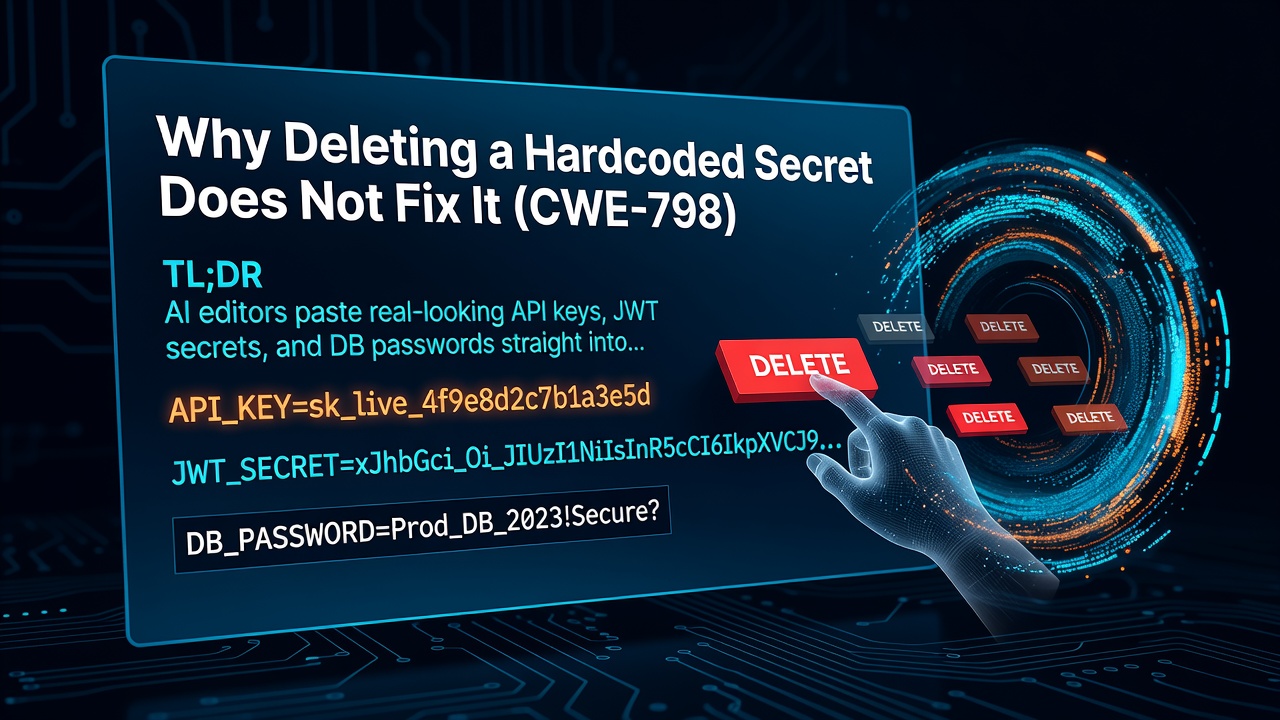


TL;DR
- AI editors paste real-looking API keys, JWT secrets, and DB passwords straight into your source code because their training data is full of tutorials that do exactly that.
- A hardcoded secret in a committed file is a live credential the moment it hits your git history, and rotating it later doesn't undo the exposure.
- The fix is to read every secret from an environment variable and run a secrets scanner before each commit, so the key never lands in a tracked file.
I asked Cursor to wire up Stripe in a side project last week. It gave me working checkout code in about ten seconds. It also gave me this on line 3:
const stripe = require('stripe')('sk_live_51H8xY2eZvKYlo2CaBq...');
Enter fullscreen mode Exit fullscreen mode
That is a live secret key, sitting in a file I was about to commit. Not a placeholder, not a TODO, an actual formatted key. The AI didn't flag it. It read like a normal line of setup code, which is exactly why it's dangerous.
This is the most common thing I catch in AI-generated code, and it's almost never the developer being careless. It's the tool doing what its training taught it to do.
The Vulnerable Code
A hardcoded secret is any credential written directly into source instead of loaded from the environment at runtime. AI editors produce them constantly:
// What Cursor generated
const stripe = require('stripe')('sk_live_51H8xY2eZvKYlo2C...'); // CWE-798
const JWT_SECRET = 'my-super-secret-key-123';
const db = mysql.createConnection({
  host: 'prod-db.internal',
  user: 'admin',
  password: 'Sup3rSecret!2024'
});
Enter fullscreen mode Exit fullscreen mode
# Same pattern in Python
API_KEY = "sk-proj-abc123def456..."  # CWE-798
DATABASE_URL = "postgres://admin:hunter2@prod-db:5432/app"
Enter fullscreen mode Exit fullscreen mode
Every one of these is a working credential. The problem isn't just that it's visible. It's that once you git commit, the secret is in your history permanently, even if you delete the line in the next commit. Anyone who ever clones the repo, or reads a leaked mirror of it, gets the key.
Why This Keeps Happening
AI editors hardcode secrets because the code they trained on is overwhelmingly example code, and example code inlines fake secrets to stay self-contained. Every Stripe quickstart, every JWT tutorial, every "connect to your database in 5 minutes" blog post drops a literal string in for the key so the snippet runs as-is. The model learned that "set up an API client" means "put a key-shaped string right here."
The model has no concept of which strings are safe to show and which ones guard money or data. To the generator, sk_live_... and "hello world" are just tokens that fit the slot. It also can't see your .env file or know your deployment setup, so inlining is the path of least resistance that always produces runnable code.
That's the trap: the output runs perfectly. Nothing errors. The vulnerability is invisible until the repo leaks, and by then the key has been in your history for months.
The Fix
Load every secret from an environment variable, and never let a raw credential enter a tracked file. Two lines change:
// Fixed
const stripe = require('stripe')(process.env.STRIPE_SECRET_KEY);
const JWT_SECRET = process.env.JWT_SECRET;
const db = mysql.createConnection({
  host: process.env.DB_HOST,
  user: process.env.DB_USER,
  password: process.env.DB_PASSWORD
});
Enter fullscreen mode Exit fullscreen mode
# Fixed
import os
API_KEY = os.environ["OPENAI_API_KEY"]
DATABASE_URL = os.environ["DATABASE_URL"]
Enter fullscreen mode Exit fullscreen mode
Then three things make it stick. Add .env to your .gitignore before you write a single secret. Run gitleaks as a pre-commit hook so a stray key blocks the commit instead of sailing into history. And if a real key ever did get committed, rotate it, don't just delete the line. Deleting a secret from the current file leaves it fully intact in every prior commit, so the only safe move after exposure is to revoke the old key and issue a new one.
FAQ
Q: Is a hardcoded secret still a problem if my repo is private?
A: Yes. Private repos get cloned to laptops, mirrored to CI systems, forked, and occasionally made public by mistake. Treat any secret in git history as compromised the moment it's committed, regardless of repo visibility.
Q: If I delete the hardcoded key in a later commit, am I safe?
A: No. Git keeps full history, so the secret is still readable in the earlier commit. The only safe response to a committed secret is to rotate it, revoke the old value, and issue a new one.
Q: How do I catch this before it gets committed?
A: Run a secrets scanner like gitleaks as a pre-commit hook, and keep a .env file in .gitignore. That combination stops a key from ever reaching a tracked file, which is far easier than cleaning it out of history later.
I've been running SafeWeave for this. It hooks into Cursor and Claude Code as an MCP server and flags hardcoded secrets before I move on, using a gitleaks-based scanner that runs the moment code is generated. Even a basic pre-commit hook with semgrep and gitleaks will catch most of what's in this post. The important thing is catching it early, whatever tool you use.
Read the full original on the SafeWeave blog: https://safeweave.dev/blog/why-deleting-a-hardcoded-secret-does-not-fix-it-cwe-798
0 Comments
Log in to join the conversation.No comments yet. Be the first to share your thoughts.